





A projector that throws a 100-inch 4K image is an easy sell to anyone who has ever played a game on a 55-inch TV and wanted more. The harder question is whether it can keep up. Fast shooters, racing sims and anything you play online all punish a screen that lags or smears motion, and for years that was the honest reason to skip a projector and buy a big TV instead.
That tradeoff has changed. 4K projectors that run a 120Hz refresh rate are now real, and the latest ones are built around the same HDMI 2.1 features your console uses. Before you spend, it helps to separate the spec that gets advertised from the ones that decide whether a game feels good to play.
What 4K and 120Hz Each Do for a Projector
Resolution and refresh rate solve two different problems, and a projector can be strong at one and weak at the other.
4K means about 8.3 million pixels, four times a 1080p image. On a large projected screen that extra detail is what keeps text, HUD elements and fine textures from turning into mush when you sit close or push the image past 100 inches. A lot of cheaper "4K" projectors reach that label by shifting pixels from a 1080p panel. That is fine for movies. For games, where you notice edges and small UI, a native or near-native 4K panel looks cleaner.
120Hz is about motion, not sharpness. A 120Hz signal refreshes the picture twice as often as the standard 60Hz, so fast camera pans and split-second reactions read as smoother and more connected to your inputs. On a PS5 or Xbox Series X you usually get 120 frames per second in a specific 120Hz performance mode, and only at certain resolutions. On PC the ceiling is higher, which is why a projector that accepts 4K at 120Hz over HDMI 2.1 is the one to look for if you game across both.
- Further Reading: Differences Between Projector Frame Rate and Refresh Rate
Beyond 4K and 120Hz: The Specs That Also Matter for a Gaming Projector
4K and 120Hz are the specs worth wanting, and they are what make a big-screen game feel sharp and smooth. A few other numbers round out the picture and decide whether those two actually pay off in your room.
1. Input Lag
This is the delay between pressing a button and seeing it happen, and it matters more than refresh rate for aiming and reaction. Look for a dedicated game mode and a quoted input lag in the low teens of milliseconds or under at 1080p or 120Hz. A gaming projector can list 120Hz and still feel sluggish if its game mode is not tuned. If you can only check one number on a spec sheet, check this one.
2. HDMI 2.1 and VRR
HDMI 2.1 is the port standard that carries 4K at 120Hz without dropping to a lower resolution. Variable refresh rate (VRR), sometimes listed as ALLM for automatic low-latency mode, keeps the picture from tearing when your frame rate moves around. A console can output 120Hz, but you need matching HDMI 2.1 input and VRR support on the projector to use it cleanly.
3. Brightness
Games are full of bright HUDs(Heads-Up Display), menus and daylight scenes, and a projector in a normal living room needs more light than one in a dark home theater. Judge brightness by a measured standard rather than a marketing number, and make sure you are comparing like for like.
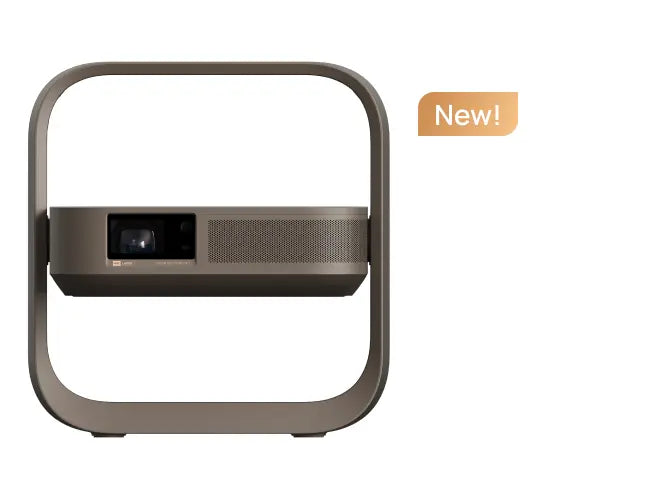
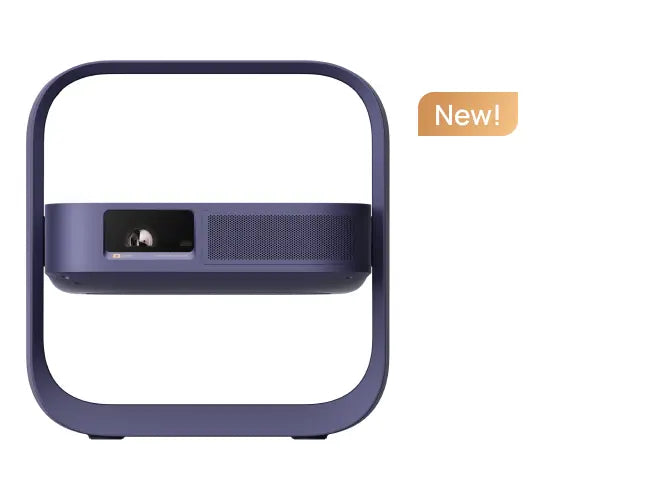
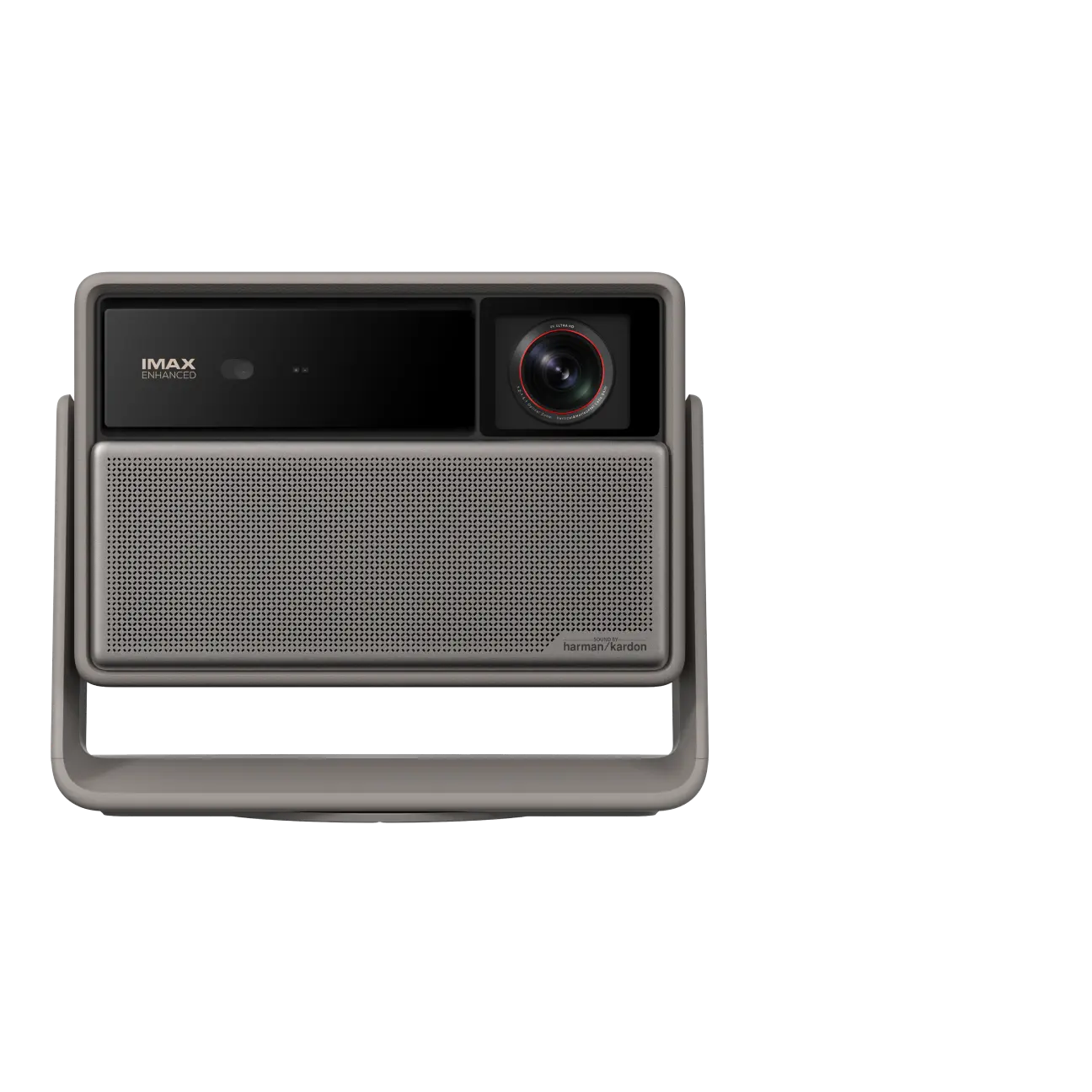
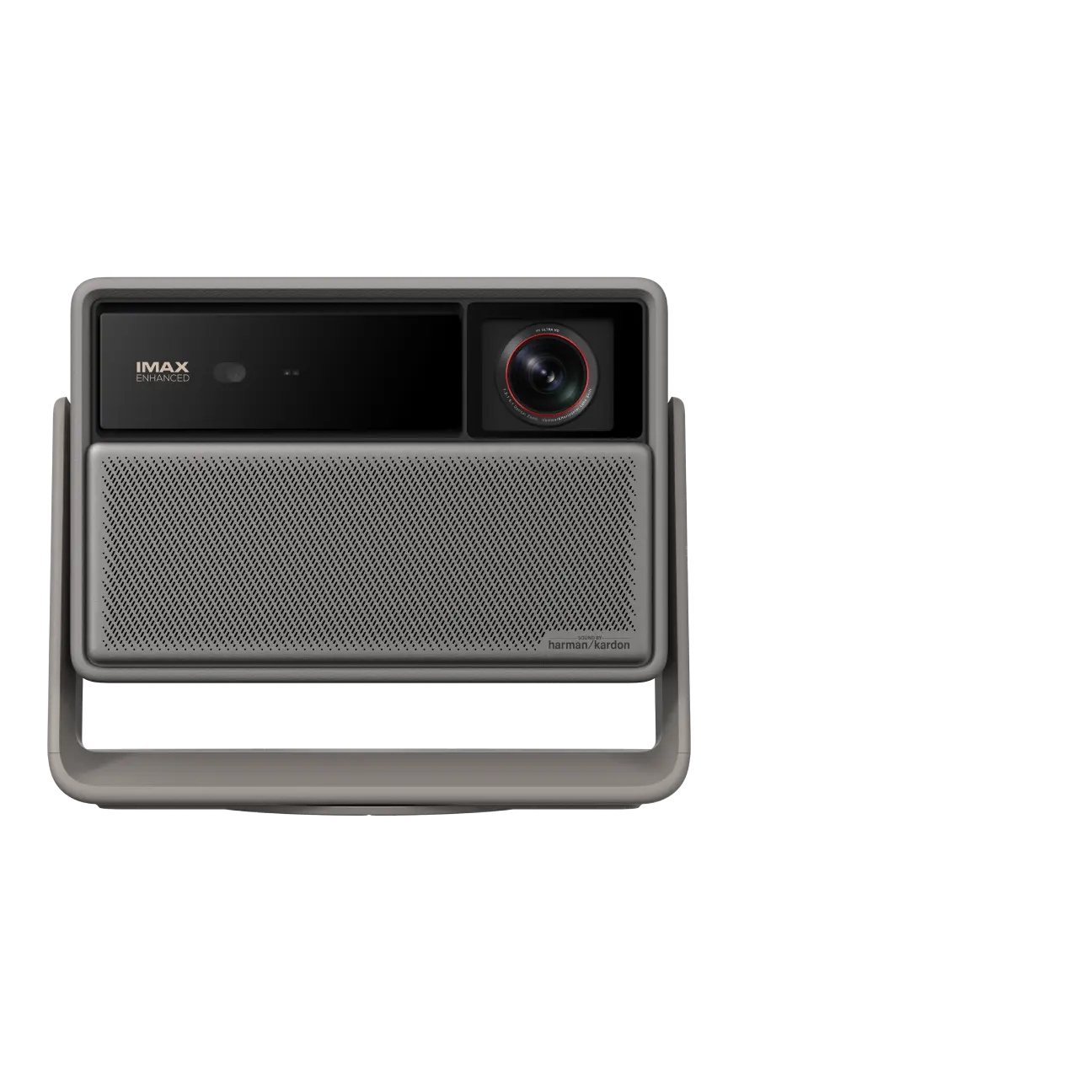
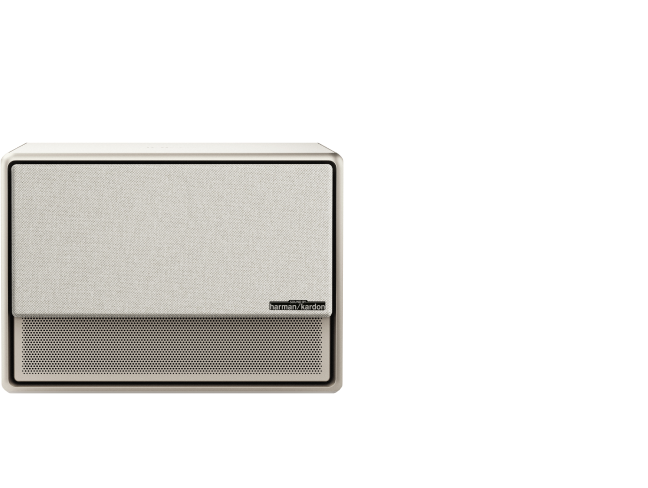
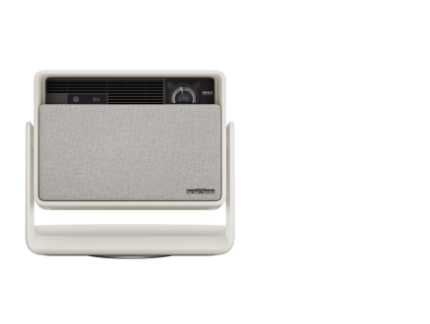
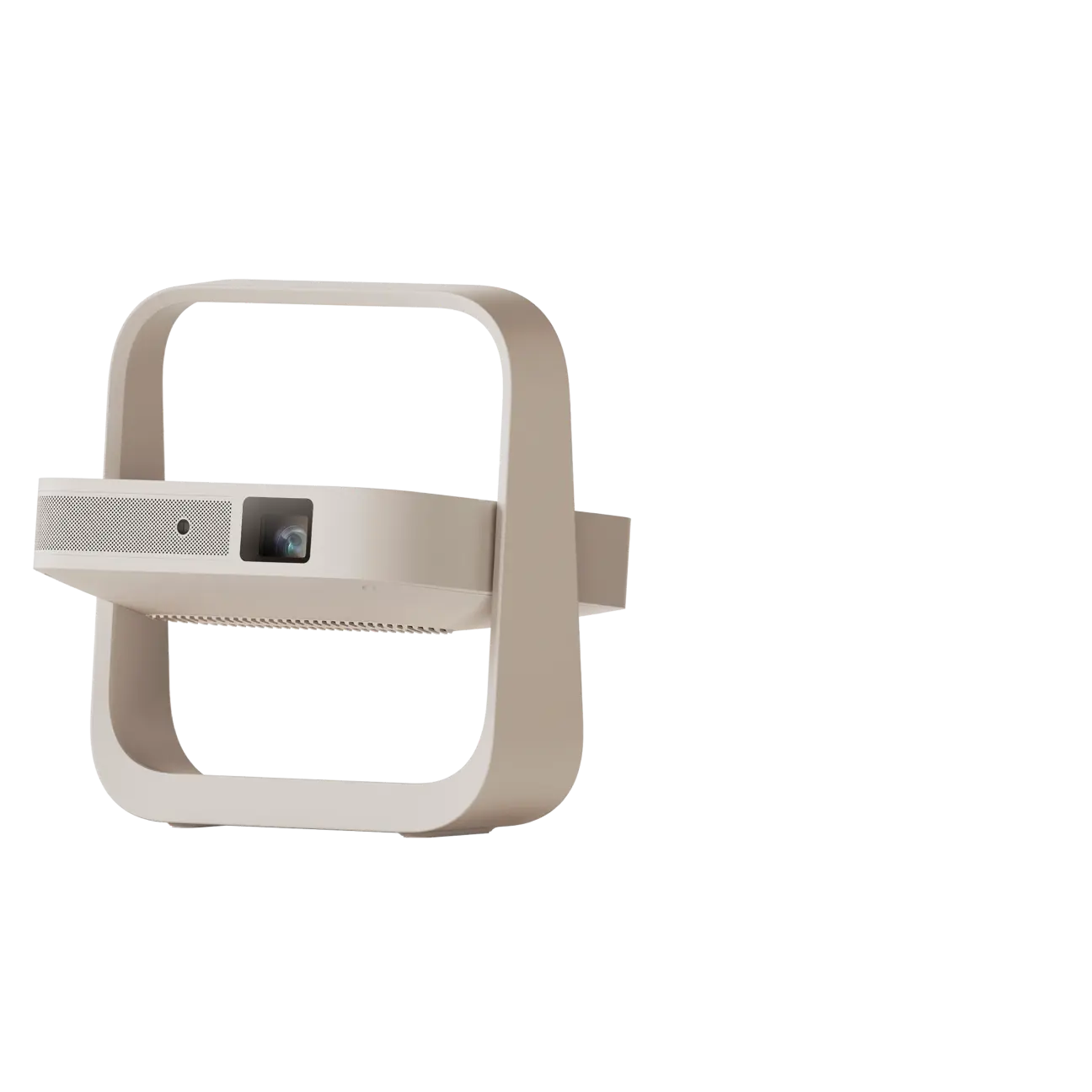
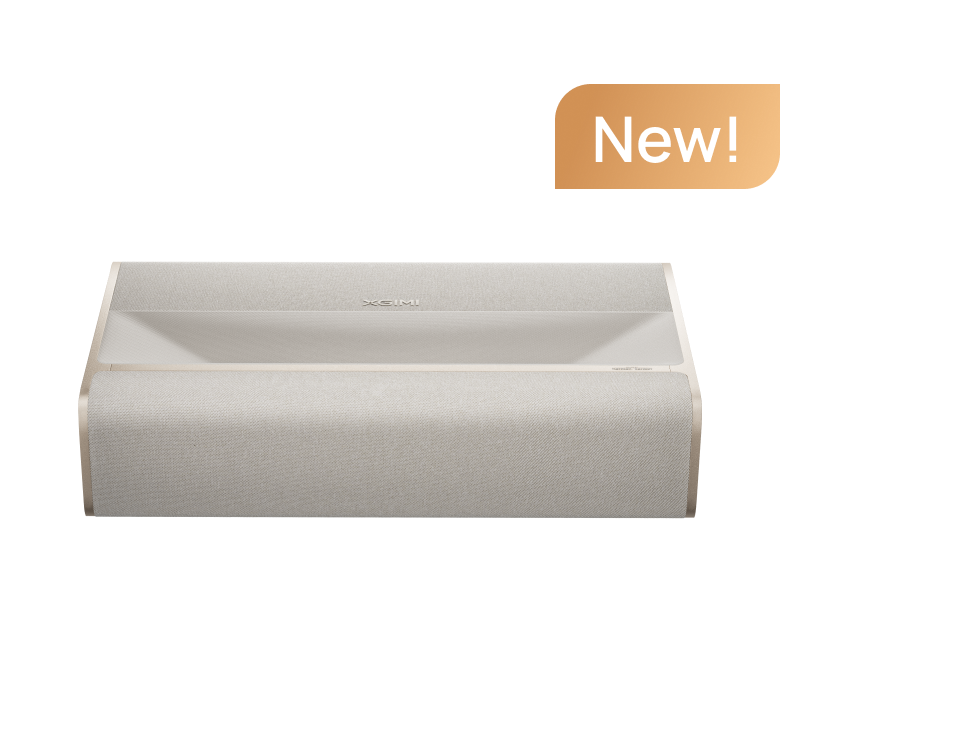
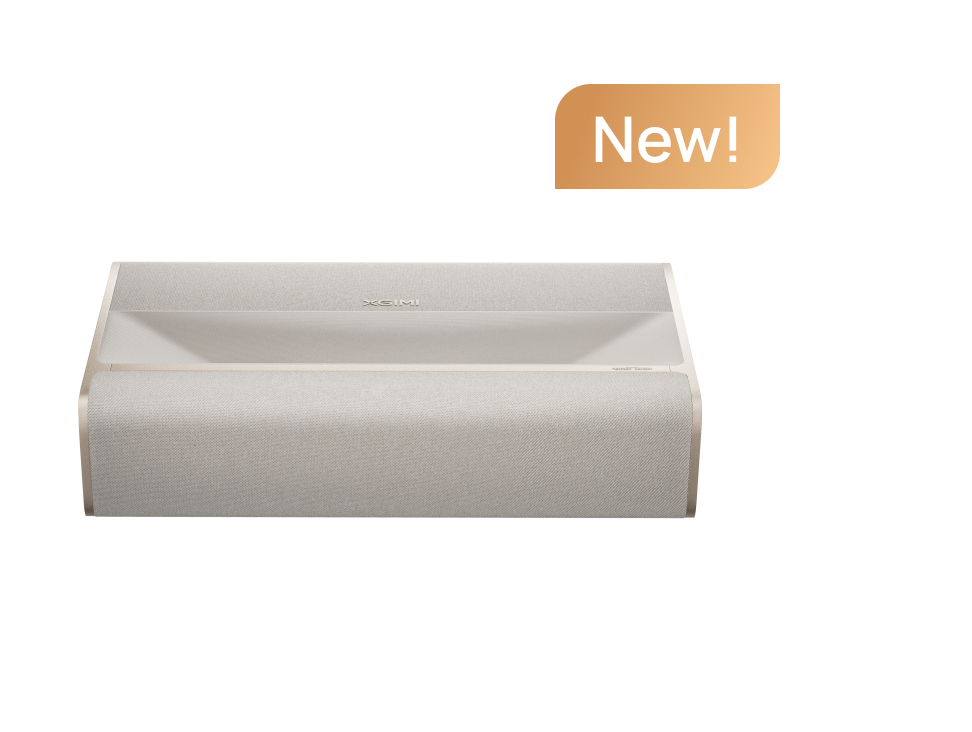
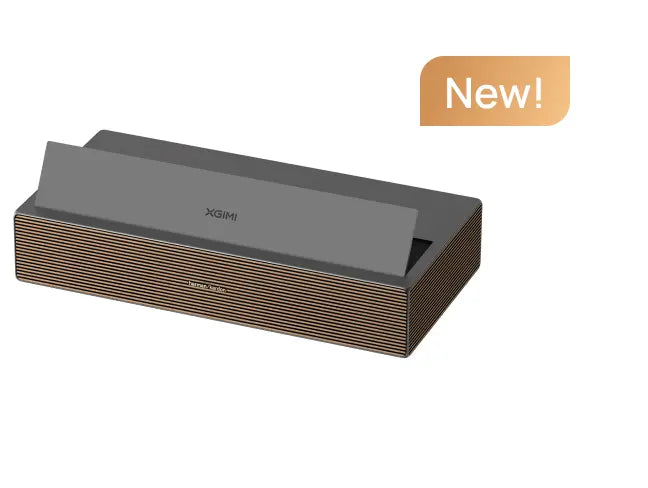
XGIMI rates brightness in ISO lumens, and for a lights-on room you want a model with real headroom, not a dim home-theater tube pushed into the living room. This is where high-output laser models pull ahead: the XGIMI AURA 3 Max 4K 120Hz UST projector is rated at 5,700 ISO lumens, which is enough to hold a bright, readable image during daytime play. A laser light source also stays bright and consistent far longer than a lamp that fades over time.
article_product1
4. Contrast and HDR
Dark scenes are where projectors historically lose to TVs. Native contrast ratio and HDR tone mapping decide how much detail you keep in shadow. This is the area where newer triple-laser and high-contrast models have closed most of the gap.
60Hz vs 120Hz: Which One Do You Need?
This is a straight comparison. 60Hz is the standard refresh rate; 120Hz doubles it. Whether the extra smoothness is worth paying for comes down to the games you actually play.
|
Your situation |
Best fit |
Why |
|
Online shooters, racing or fighting games |
120Hz |
Smoother motion and lower perceived lag on fast, reaction-based play |
|
PC gaming at high frame rates |
120Hz (with HDMI 2.1) |
Keeps the picture in step with frame rates well above 60 |
|
Competitive or reflex-heavy titles |
120Hz + low input lag |
The two together are what make aiming feel instant |
|
Story and single-player games |
60Hz is fine |
Motion is slower; you gain little from 120Hz |
|
Sports and casual couch games |
60Hz is fine |
A big, sharp 4K image matters more than the frame rate |
|
Turn-based or strategy games |
60Hz is fine |
Little fast motion to render |
The rule of thumb: the faster and more reaction-based the game, the more 120Hz and low input lag are worth paying for. If you mostly play at a slower pace, a good 4K projector at 60Hz is still a great experience and saves you money.
Why a Ultra-Short-Throw or Laser TV Fits a Game Room
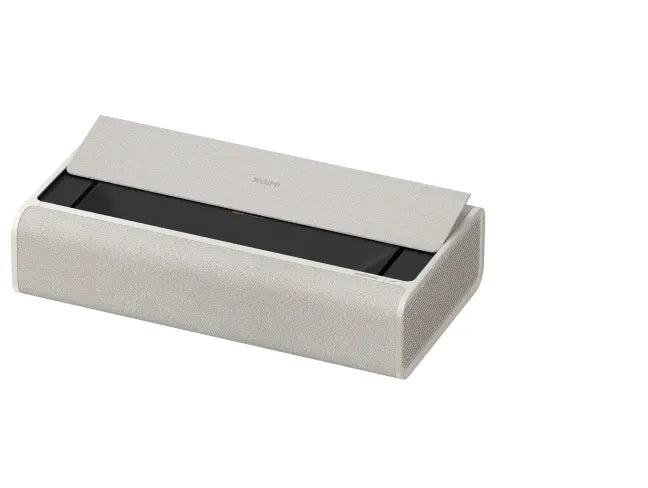
Most gaming happens in a shared living room, not a dedicated theater, and that is where throw distance bites. A long-throw projector needs several feet of clearance behind the lens, so a player walking between the projector and the screen becomes a problem. An ultra-short-throw (UST) model, often sold as a laser TV, sits on a media stand inches from the wall and throws a 100-inch or larger image forward. No shadow, no ceiling mount, and it swaps in for a TV in the same spot.
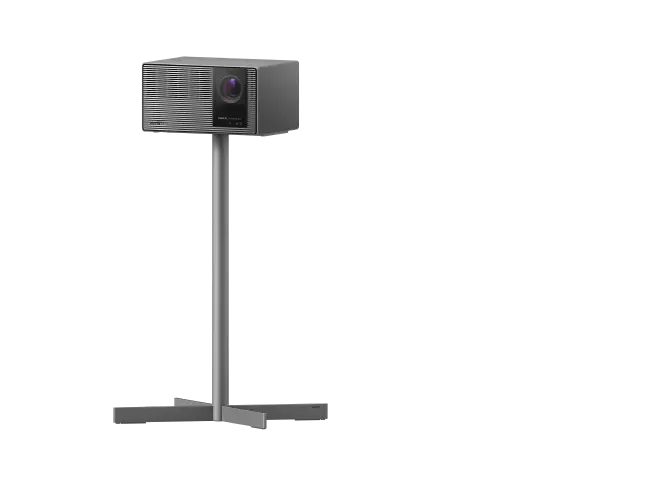
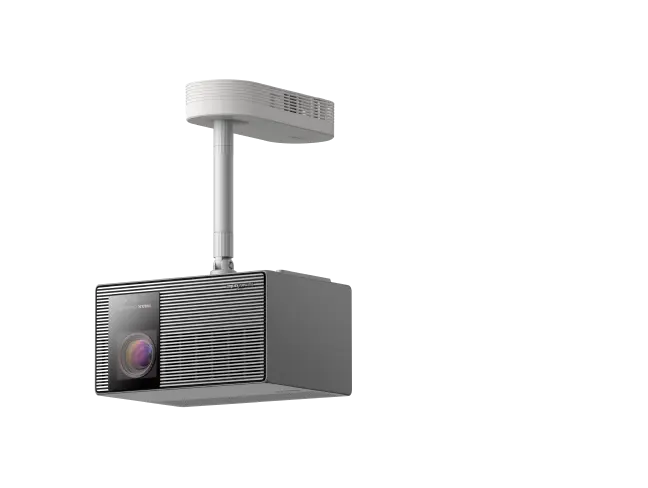
This is the category XGIMI has pushed hardest. Its AURA 3 series is billed as the first UST laser TV projector* to support 4K at 120Hz, which is exactly the combination a living-room gamer wants. The top AURA 3 Max pairs that with a triple-laser light source rated at 5,700 lumens and a native contrast of 8,000:1, plus Google TV built in, so the same box handles streaming and console play. Announced at IFA 2026, it is a useful reference point for what a 4K 120Hz UST projector looks like now, and a good example of the brightness and contrast numbers to compare other picks against.
*Based on publicly available product information as of August 2026, among commercially announced UST home projectors. 4K 120Hz playback refers to the projector’s ability to display 4K content at a 120Hz refresh rate.
A Quick Setup Checklist
• Use a certified Ultra High Speed HDMI cable for 4K 120Hz; a spare or older cable can silently cap you at 60Hz.
• Turn on the projector's game mode and confirm VRR is active in your console's video settings.
• Match the resolution and refresh settings to what the game actually supports, since 120Hz often runs at a lower resolution than 4K.
• Add an ambient light rejecting (ALR) screen if you play with lights on; it protects contrast and black levels far more than a plain white wall.
• Set the throw distance first, then place the stand, so the image geometry is square before you tune the picture.
Who Should Not Buy One
Skip a 4K 120Hz projector if your room is small and you are happy around 65 inches, if you play only casually and 60Hz is enough, or if you need perfect blacks for late-night HDR in a way a UST projector still cannot fully match a high-end OLED. For a big, shared, lights-on screen where you want smooth motion and low lag, the case is now genuinely strong.
FAQ
1. Can a PS5 run 120Hz on a projector?
Yes, in games that offer a 120Hz mode and over an HDMI 2.1 connection. The projector must accept 4K or 1080p at 120Hz and expose a low-lag game mode for it to feel right.
2. Is 120Hz worth it over 60Hz for gaming?
For competitive and fast single-player titles, yes, the smoother motion and lower perceived lag are noticeable. For sports, story and casual play, 60Hz on a good 4K projector is still excellent.
3. Do projectors have more input lag than TVs?
Modern gaming projectors with a tuned game mode are close enough that most players cannot tell in normal use. Older or projector-only models without a game mode can lag noticeably.
4. What is the difference between a UST projector and a laser TV?
A laser TV is an ultra-short-throw projector, usually laser-lit, designed to sit right against the wall and replace a TV. The terms overlap, and the best 4K 120Hz picks for a living room tend to be UST models.


