




Home Projector
[[description]]


Featured collection


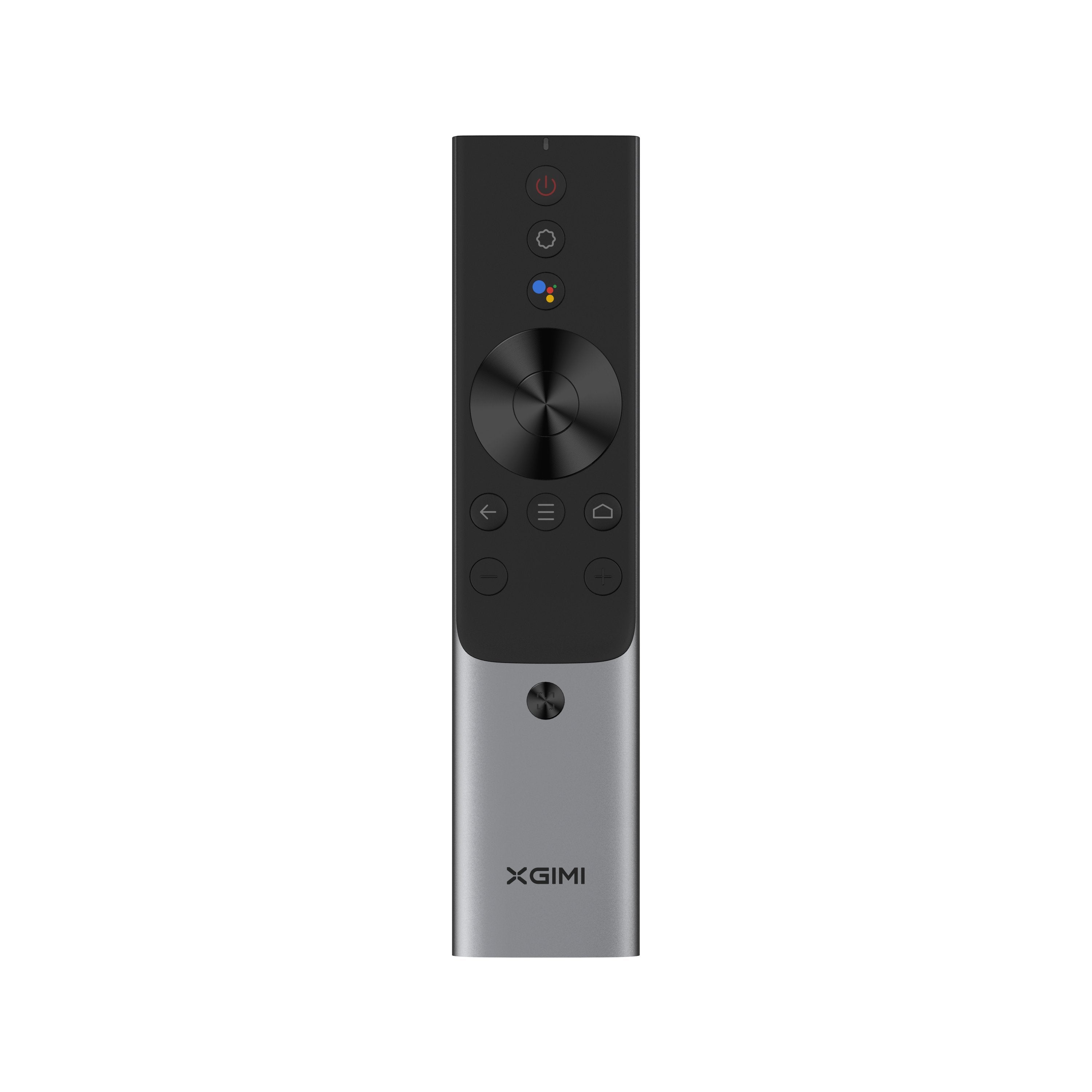
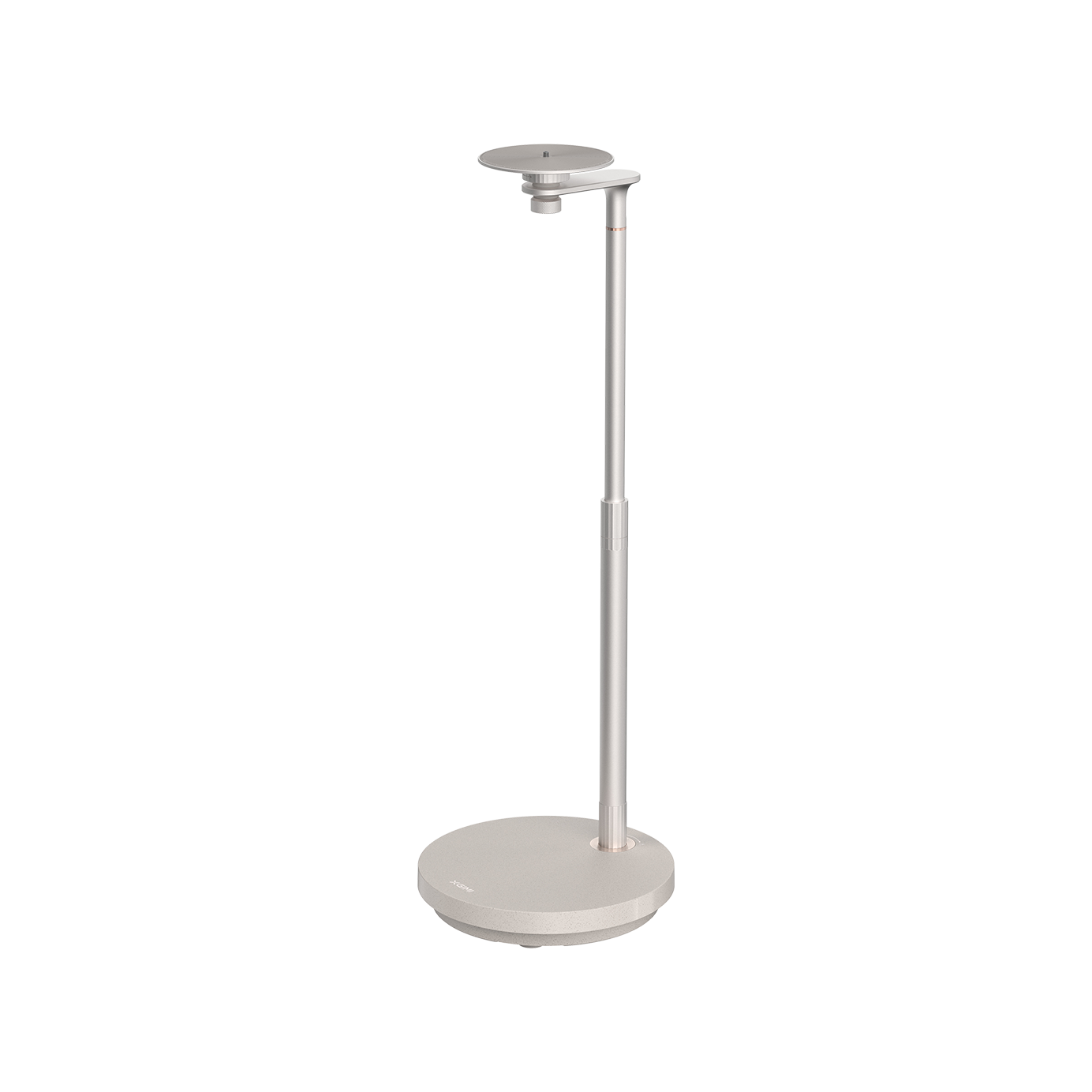
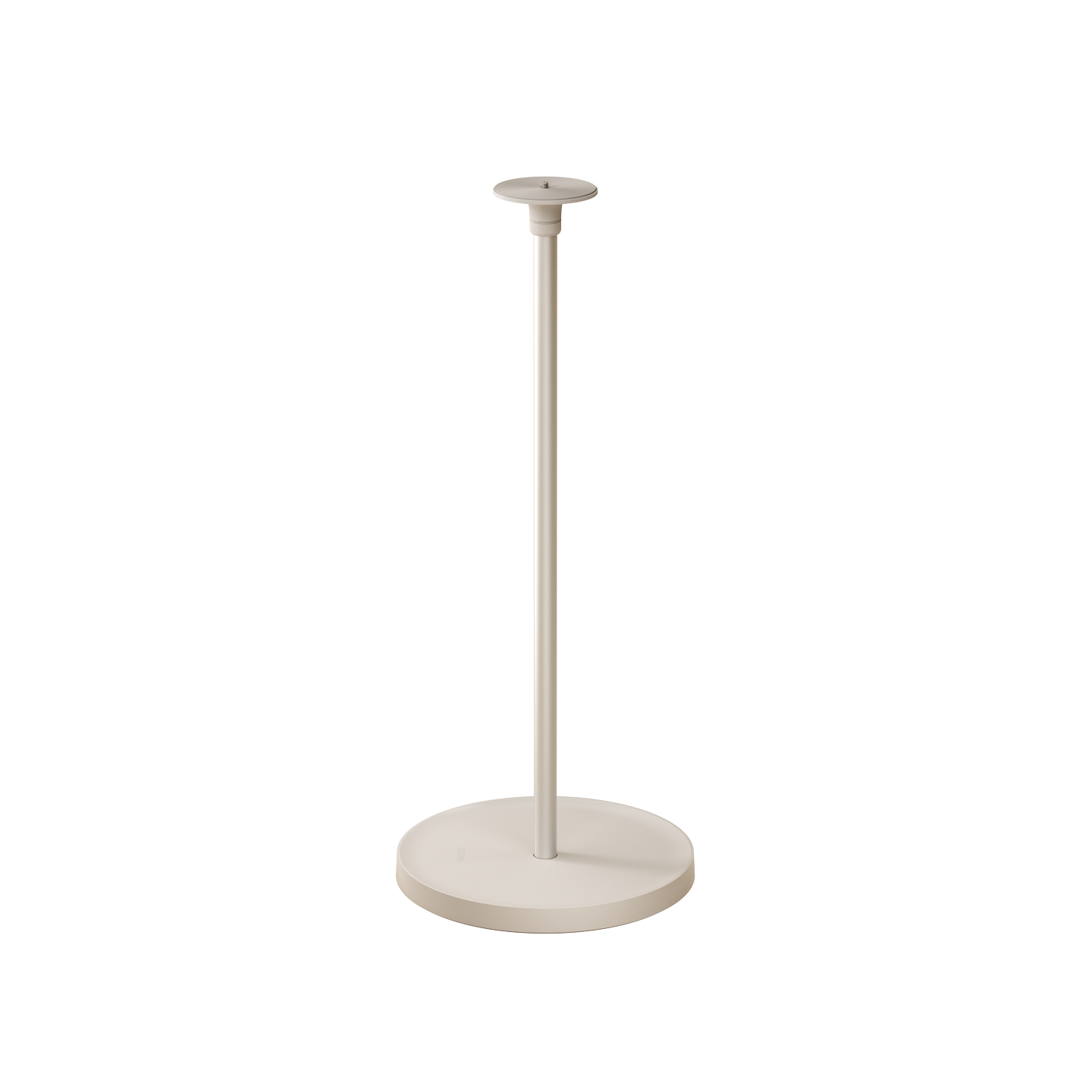
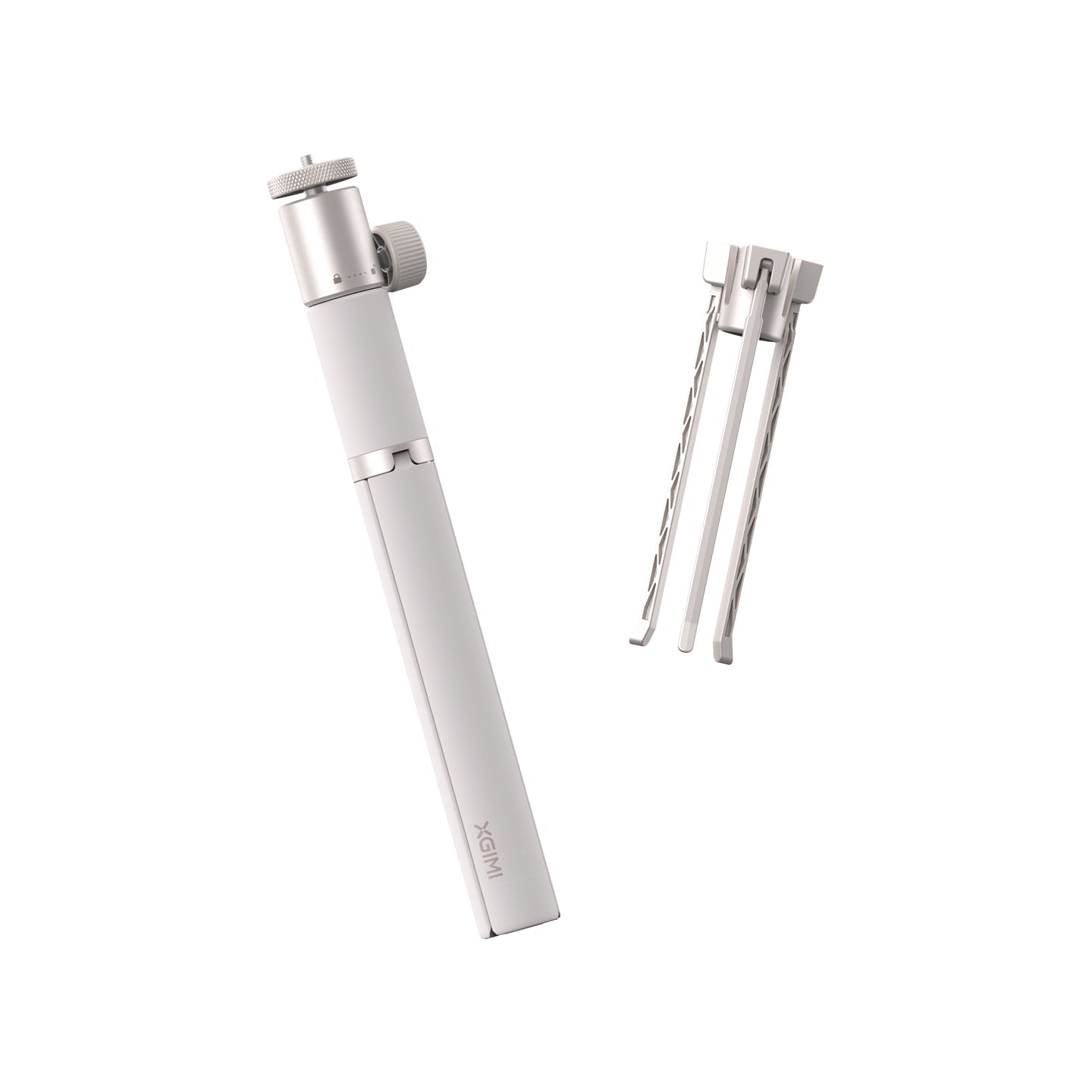
Transform Your Home into a 4K Cinema with XGIMI's Best Home Projectors
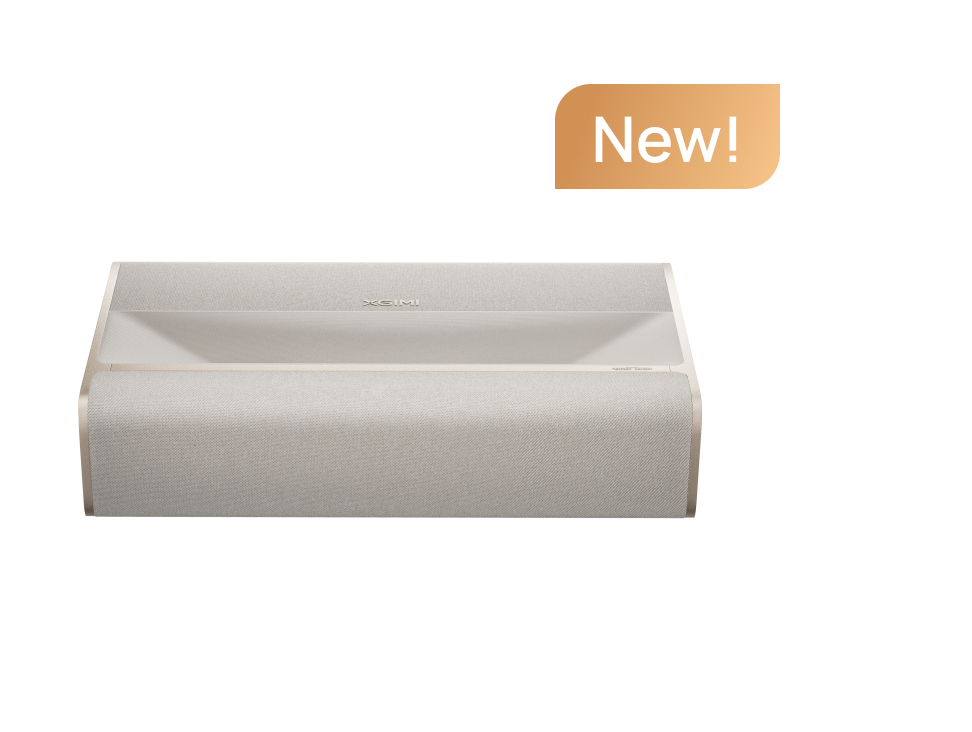
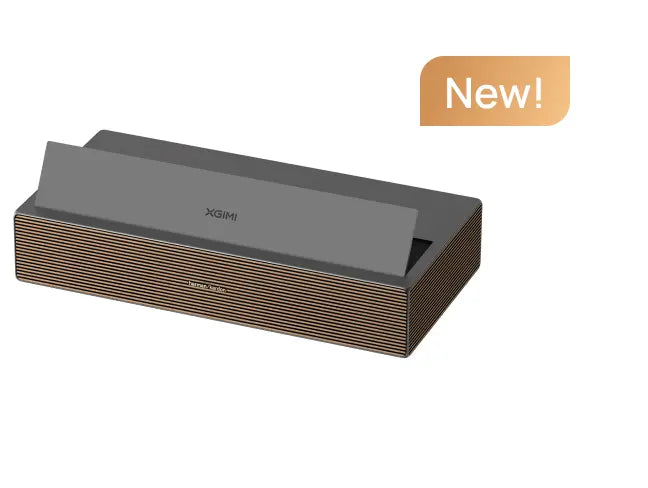
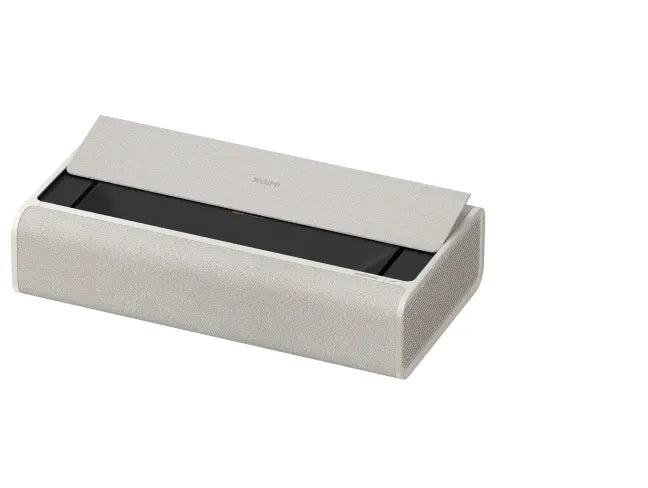
Are you trying to find the best projector for your home theater or living room? XGIMI offers top-notch home cinema projectors that combine amazing visuals, clever features, and immersive audio, whether you're building a dedicated home movie theater, enhancing your living room entertainment, or replacing your TV with a big-screen experience.
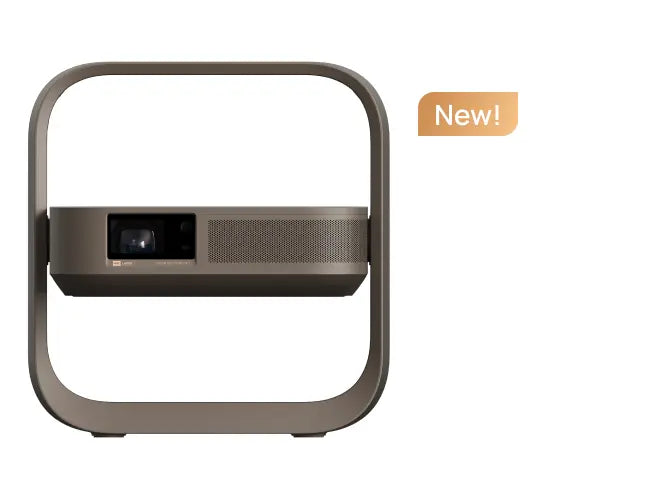
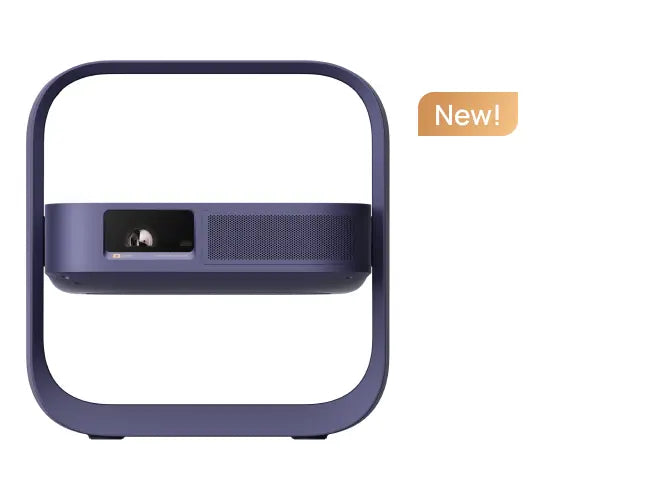
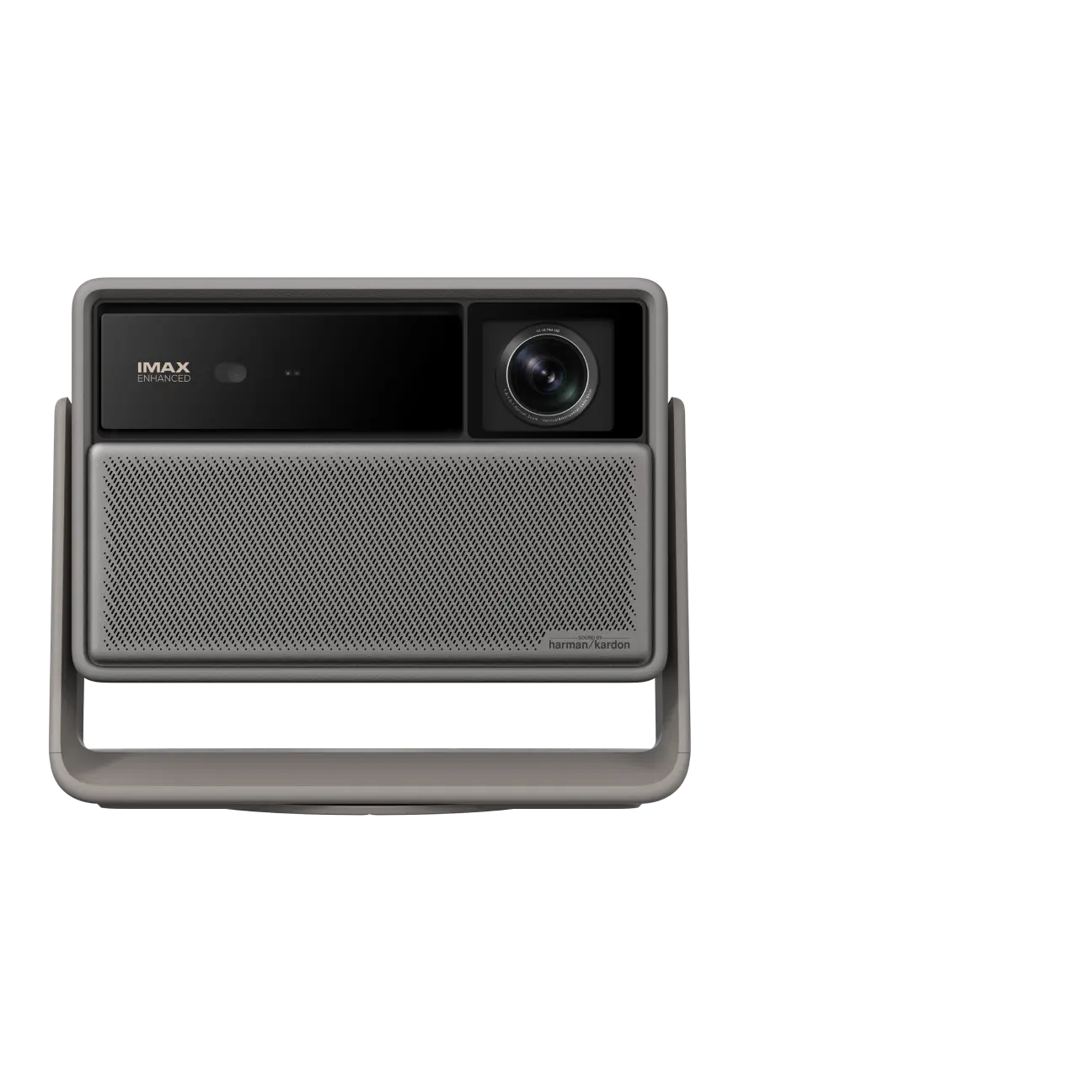
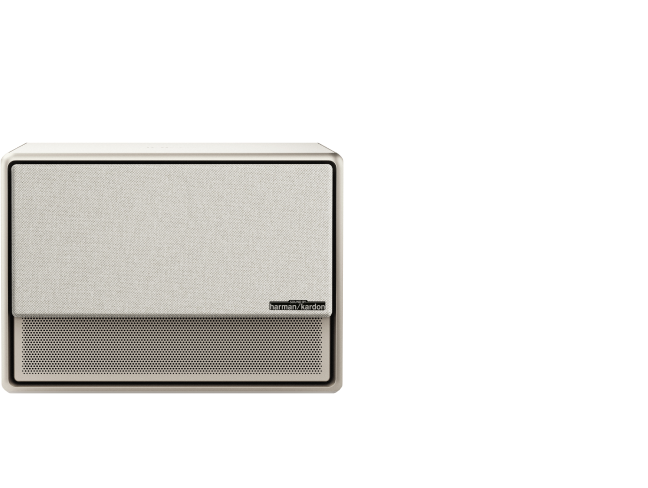
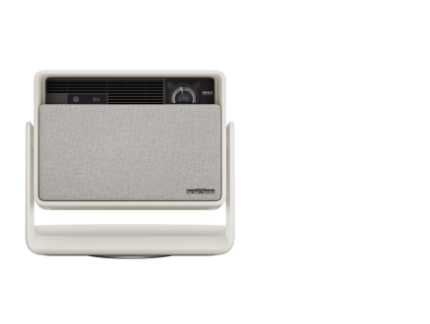
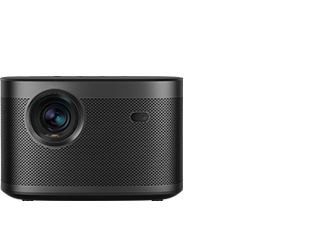
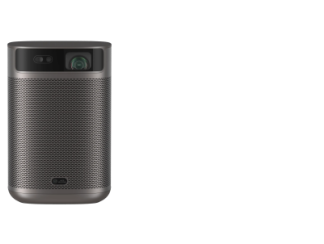
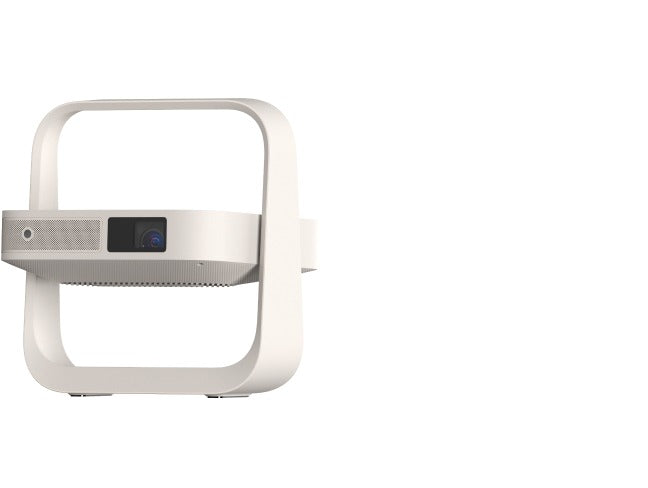
With 4K resolution, Dolby Vision HDR, Harman Kardon sound, and Google TV/Android TV integration, our HORIZON series, TITAN series, and Elfin Flip series are designed for real-world performance, making it one of the best home theater projectors available today.
Our home entertainment projectors add cinematic quality to every occasion, from casual movie nights to high-definition gaming and sporting events. Thanks to brightness levels of max. 7000+ ISO lumens, you can enjoy clear, vivid images without needing to dim the lights, even in daytime viewing.
Why Choose an XGIMI Home Theater Projector?
• 4K Resolution: Enjoy incredibly sharp images with support for HDR10+ and Dolby Vision.
• Bright & Vivid: 2000~7000 ISO lumens for clear viewing in daylight and bright rooms.
• Smart Streaming Built-In: Use Google TV with Licensed Netflix or Android TV to access YouTube, Prime Video, and more.
• Immersive Sound: Rich audio is produced by built-in Harman Kardon-tuned speakers without the need for additional equipment.
• Easy Setup: Installation is simple thanks to auto-focus, keystone correction, and integrated stands.
• Flexible Use: Ideal for home décor, work, games, movies, and holidays.
FAQ
1. Is It Worth Replacing a TV with a Projector?
Yes, particularly if you're looking for a larger screen, a more engaging experience, and more placement flexibility. When combined with a suitable screen, a 4K home projector can provide a 100" display at a lower cost than a large OLED TV, and it can handle ambient light better.

2. Move up to access the address bar on the "Open Browser" page.

3. Enter the website URL to access the desired video site in the address bar.

Important Notes: In the "Open Browser", you can use the direction keys on the remote control to move the cursor and select options on the webpage.
2. What Is the Best Projector for Home Theater?
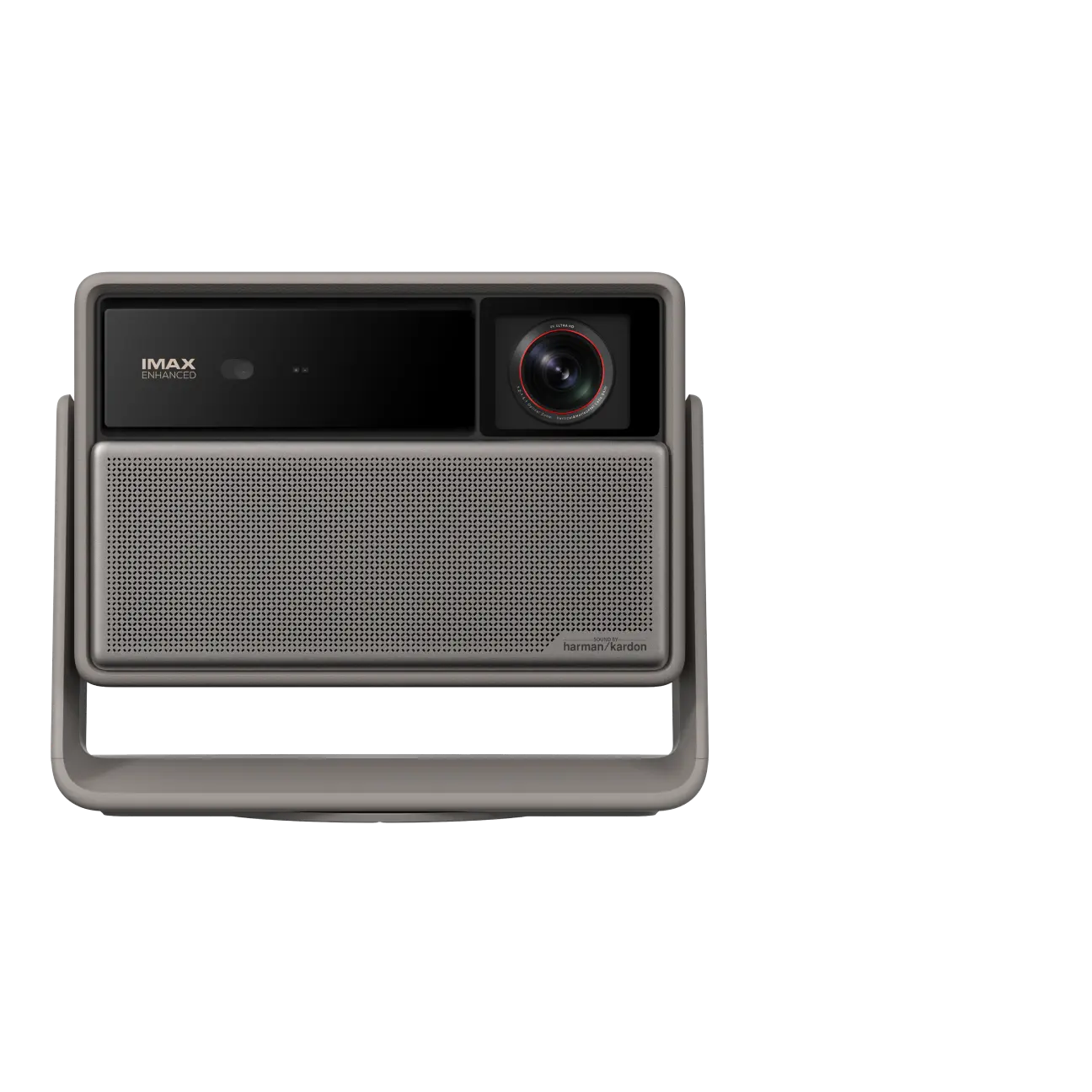
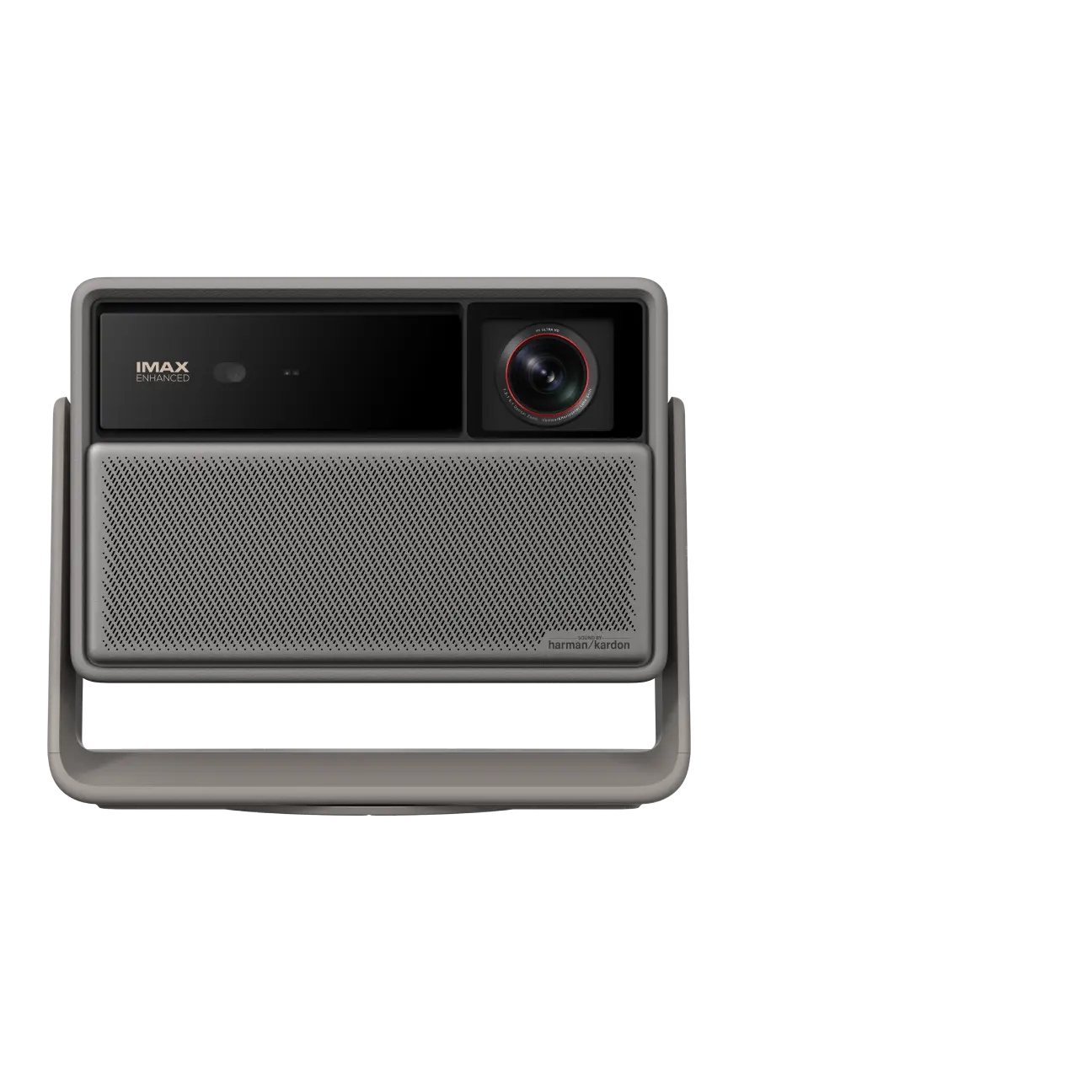
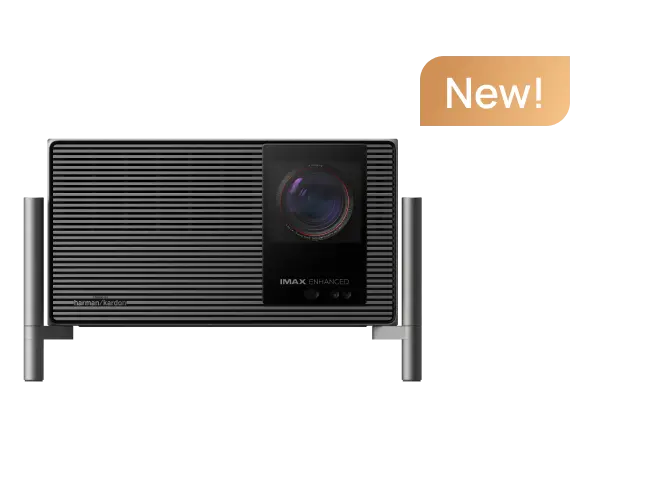
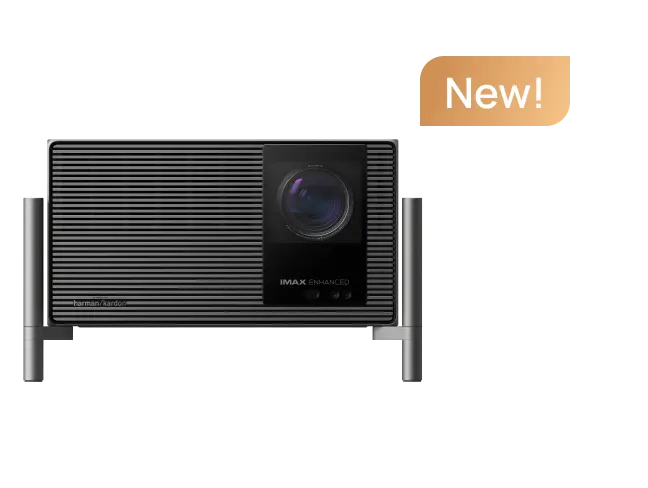
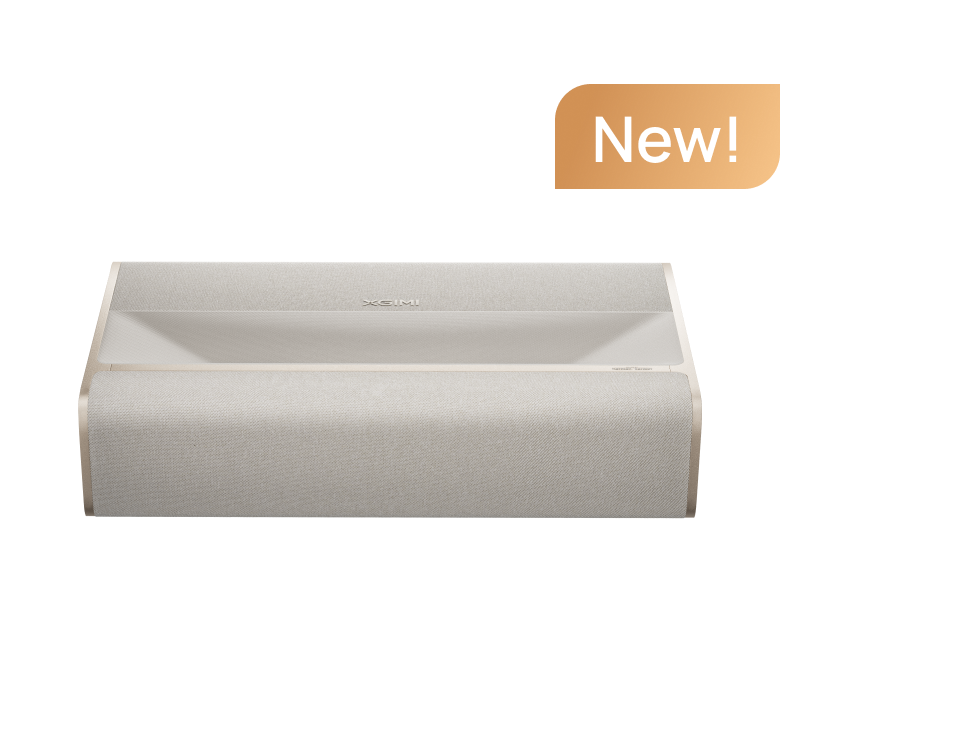
The all-new XGIMI TITAN Noir Max is now the top recommendation for discerning home theater enthusiasts. With even higher brightness, full 4K Dolby Vision, and IMAX Enhanced certification, it delivers a truly cinematic experience, though it comes at a premium price.
Consider the Elfin Flip 4K, HORIZON 20, HORIZON Ultra, or HORIZON S Max if you're looking for great value without going over budget. These models are excellent low-cost substitutes for top-notch home entertainment because they perform well in brightness, color accuracy, and smart features.
2. Once the firmware is updated to V1.3.4 or above, you can download and install "Disney+" from the "App Store".
3. After the installation of "Disney+" is complete, you can click on it from the projector's home screen to use it.

Important Notes: Using "Disney+" requires access to Disney's network services, so please make sure that you are in a region where "Disney+" is available.
3. Can I Use a Projector Without Internet?
Of course. Even when you're not online, you can use HDMI or wireless casting to connect gadgets like laptops, phones, gaming consoles, or USB drives. However, streaming apps like Netflix and YouTube do require an internet connection.
1. Click "Resource management" on Home Page.

2. In the "Resource Management" page, select the inserted USB drive or hard drive, and then you can choose the video you want to play.

Important Notes:
① The device only supports external hard drives that are under 4TB, and the loading time will vary based on how many files are on the drive.
② USB drives and hard drives must be in NTFS, FAT32 or exFAT format.
4. How Many Lumens Do I Need for a Home Projector?
• <1000 lumens: Ideal for dark rooms or dedicated home theaters
• 1000–1500 lumens: Great for living rooms with some ambient light
• 2000+ lumens: Recommended for bright spaces or daytime use
See our brightness comparison table above to match your needs.
1. Click "Resource management" on Home Page.
2. In the "Resource Management" page, select the inserted USB drive or hard drive, and then you can choose the video you want to play.
Important Notes:
① The device only supports external hard drives that are under 4TB, and the loading time will vary based on how many files are on the drive.
② USB drives and hard drives must be in NTFS, FAT32 or exFAT format.
5. Do I Need a Screen for My Home Projector?
A home projector screen is not required, but it improves image quality by lowering glare, increasing contrast, and guaranteeing consistent color reproduction—particularly crucial for 4K home theater projector setups.
1. Click "Resource management" on Home Page.
2. In the "Resource Management" page, select the inserted USB drive or hard drive, and then you can choose the video you want to play.
Important Notes:
① The device only supports external hard drives that are under 4TB, and the loading time will vary based on how many files are on the drive.
② USB drives and hard drives must be in NTFS, FAT32 or exFAT format.
6. Can I Stream Netflix on a XGIMI Projector?
XGIMI Projectors Have Built-in Licensed Netflix App:
Last Updated: December 1st, 2025
• MoGo Series: MoGo 3 Pro, MoGo 4, MoGo 4 Laser, MoGo 2 Pro (New)
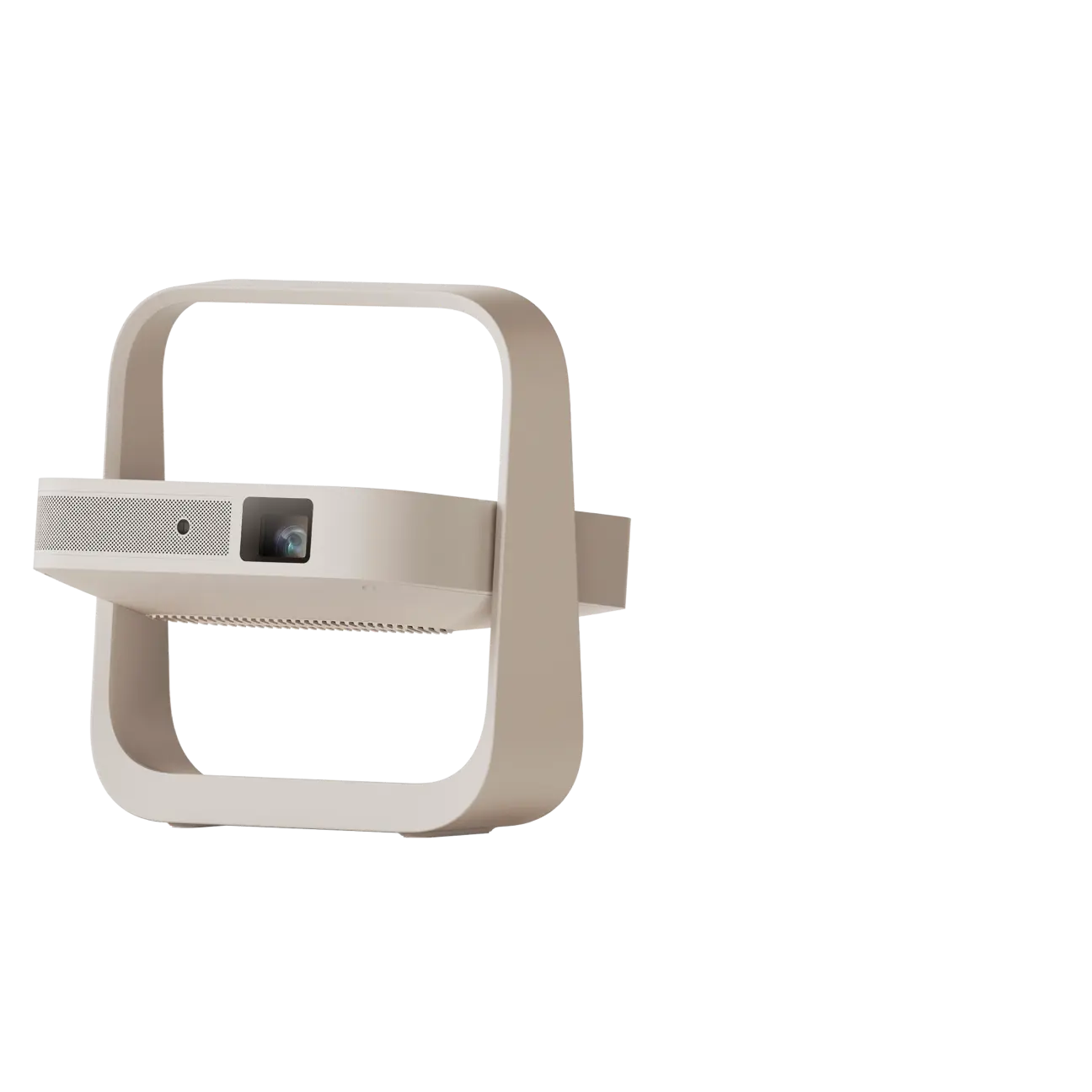
• Elfin Series: Elfin Flip, Elfin Flip Plus
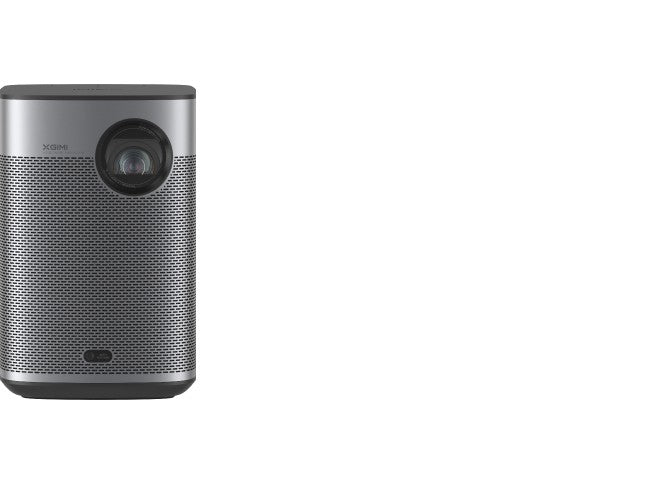
• Halo Series: Halo+ (New)
• HORIZON 20 Series: HORIZON 20 Max, HORIZON 20 Pro, HORIZON 20
• AURA Series: AURA 2 (New)
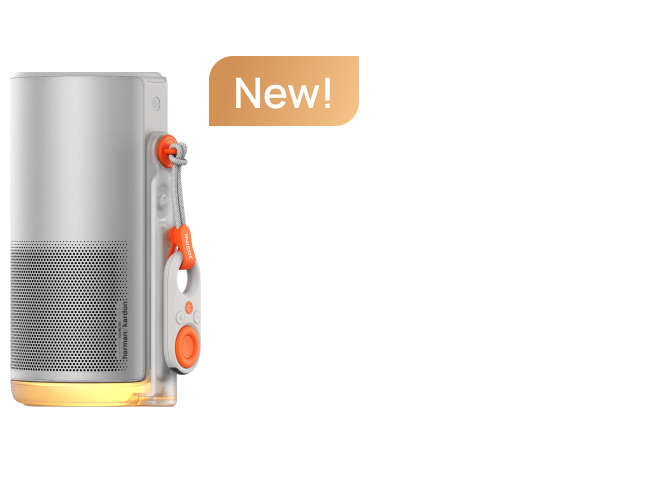
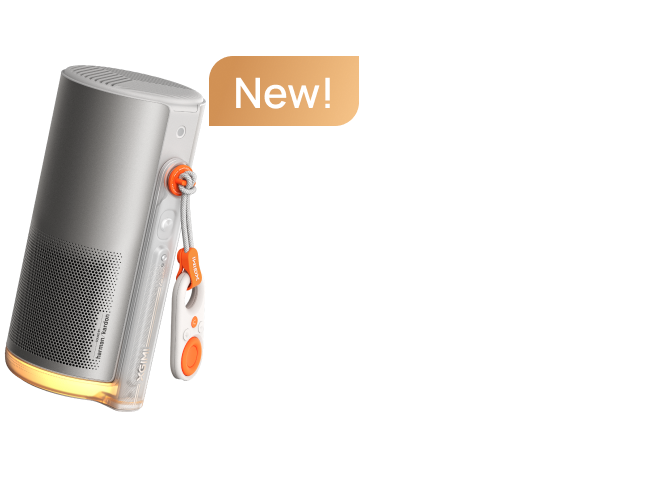
• Vibe One Series: Vibe One (Battery Powered)
1. Click "Resource management" on Home Page.
2. In the "Resource Management" page, select the inserted USB drive or hard drive, and then you can choose the video you want to play.
Important Notes:
① The device only supports external hard drives that are under 4TB, and the loading time will vary based on how many files are on the drive.
② USB drives and hard drives must be in NTFS, FAT32 or exFAT format.
7. Are 4K Projectors Worth It for Home Cinema?
Without a doubt. With HDR support, a 4K home theater projector offers deeper contrast, richer colors, and sharper details. It's perfect for gaming, watching 4K movies, and watching high definition sports.
1. Click "Resource management" on Home Page.
2. In the "Resource Management" page, select the inserted USB drive or hard drive, and then you can choose the video you want to play.
Important Notes:
① The device only supports external hard drives that are under 4TB, and the loading time will vary based on how many files are on the drive.
② USB drives and hard drives must be in NTFS, FAT32 or exFAT format.
8. How Do I Set Up a Home Theater with a Projector?
• Choose your projector: Select a model that fits your space and lighting (e.g., HORIZON 20 Max for bright rooms).
• Prepare your viewing surface: Use a projector screen or a smooth, white wall.
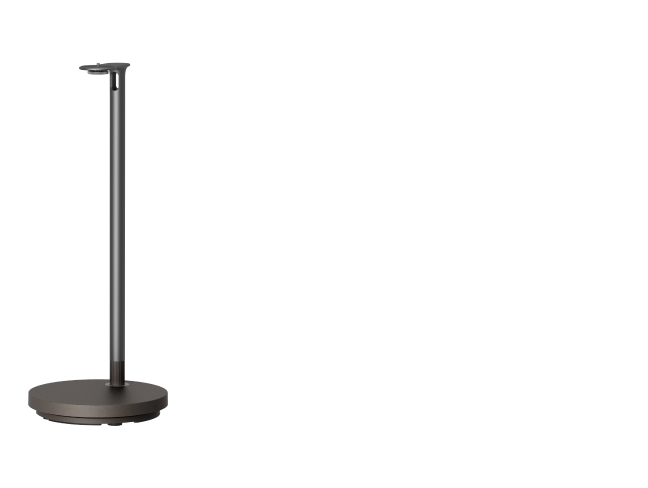
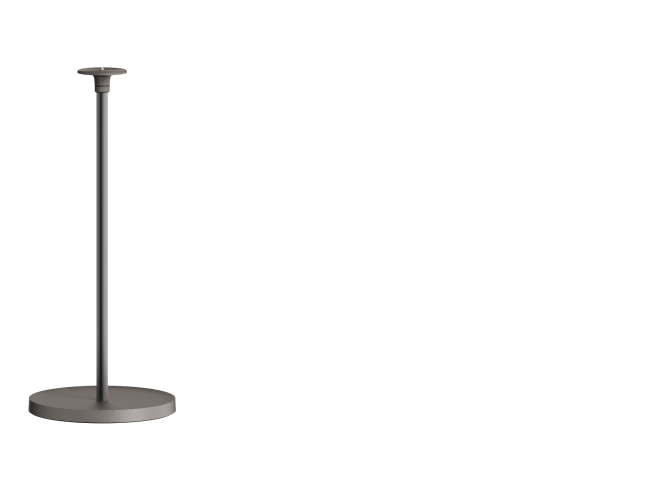
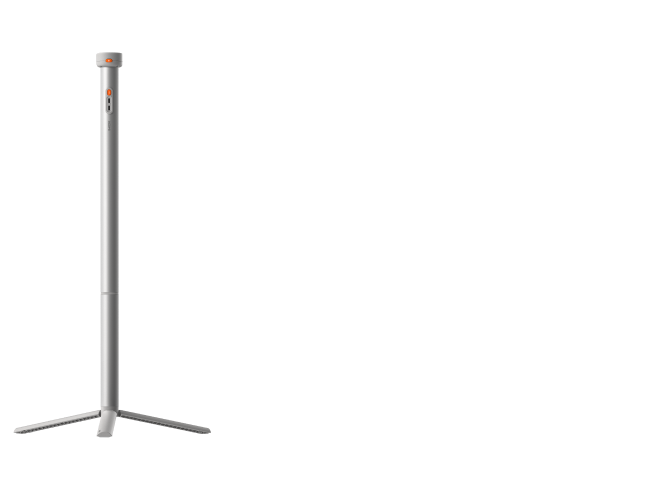
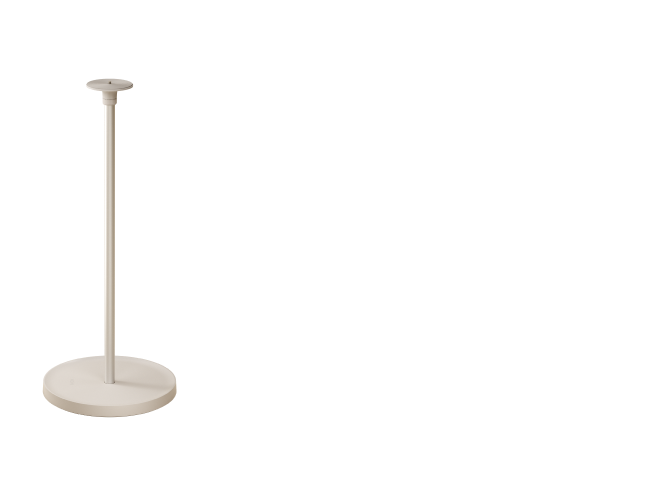
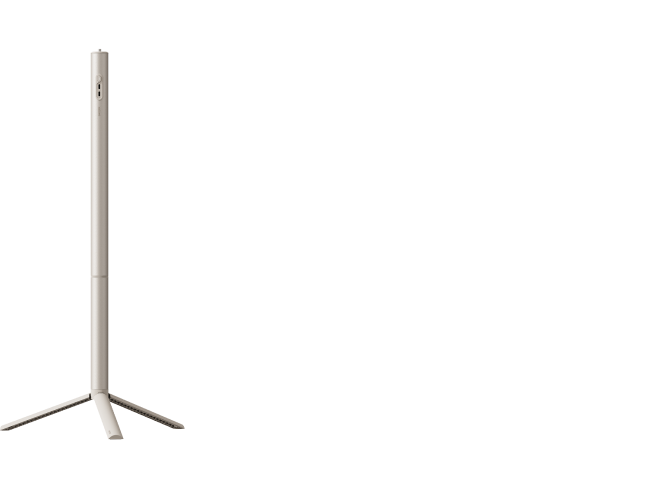
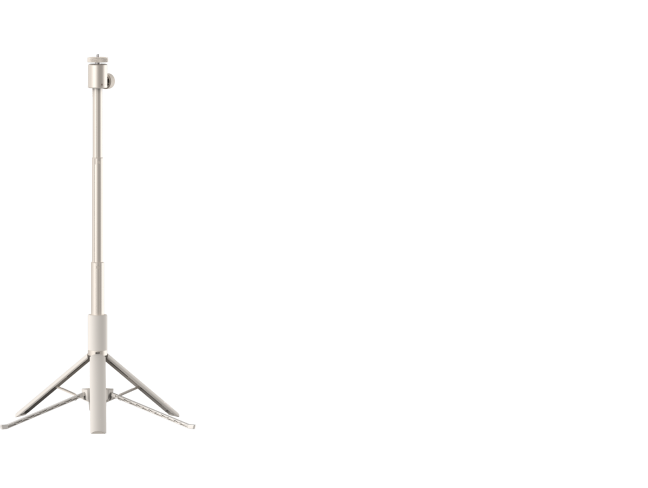
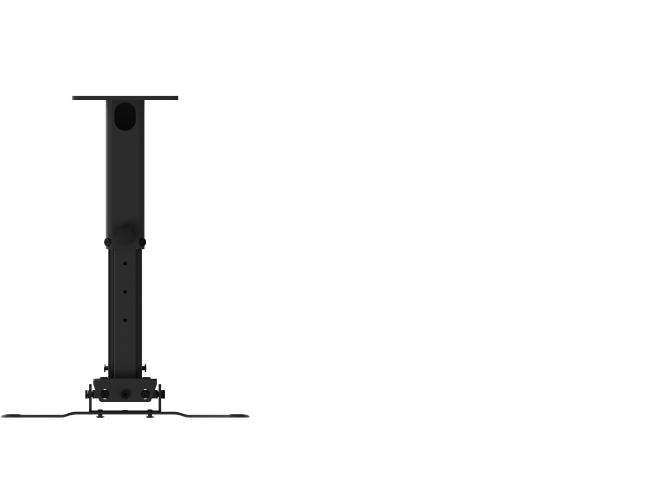
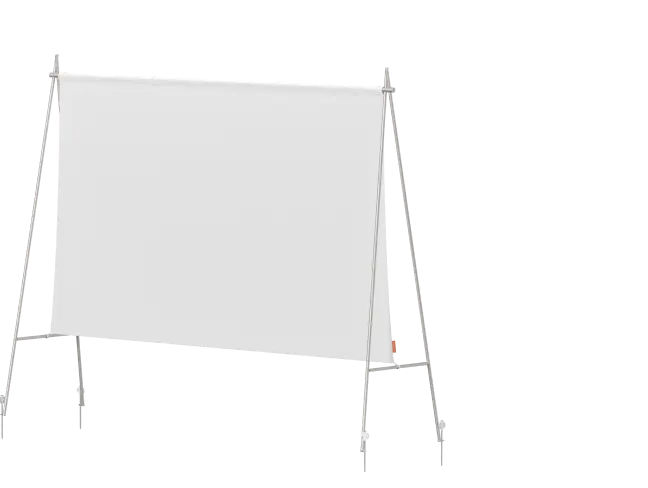
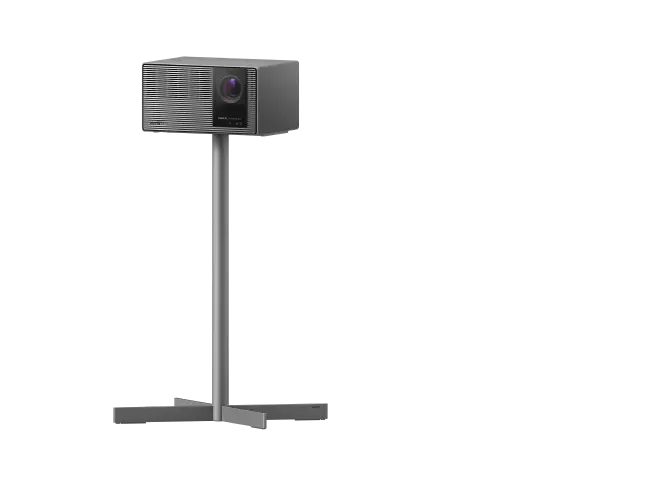
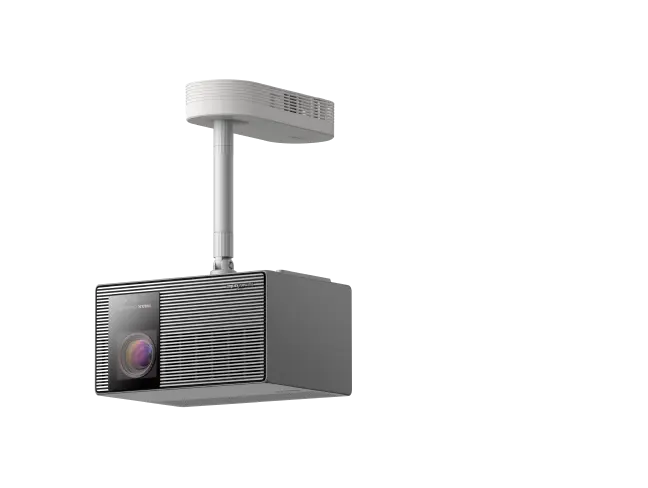
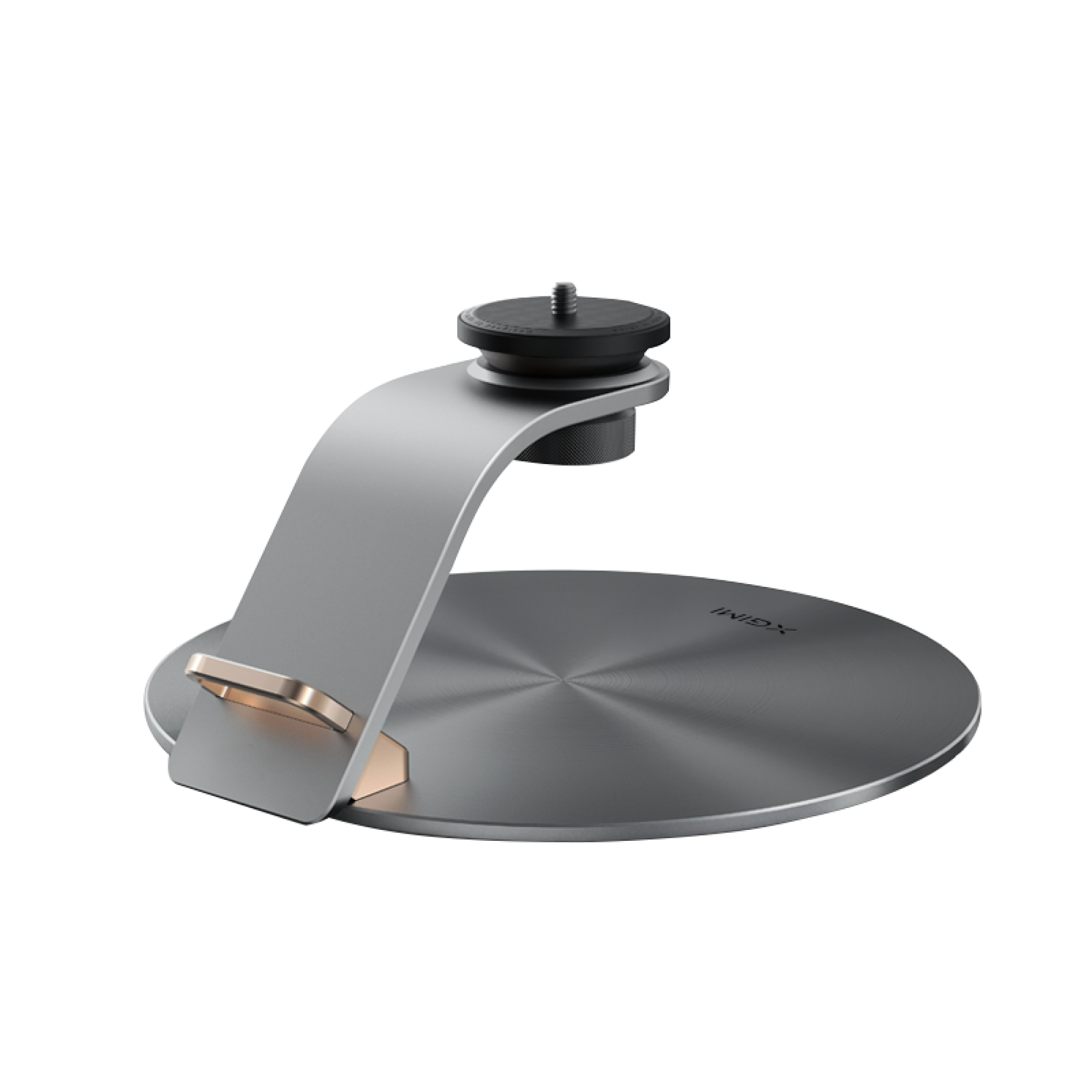
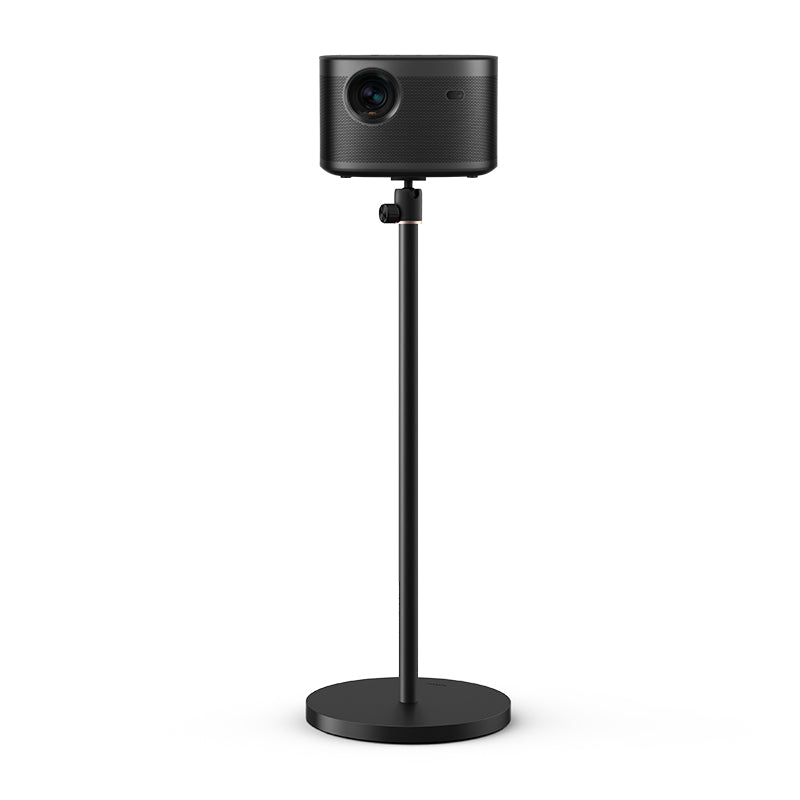
• Position the projector: Place it on a table or shelf using the built-in stand, or mount it with a floor stand, table stand, or ceiling mount.
• Connect power and devices: Plug in the power cable and any HDMI sources (e.g., game console, streaming stick).
• Power on and auto-optimize: Let Auto Focus and Auto Screen Alignment fine-tune the image instantly.
• Connect to Wi-Fi and stream: Launch apps like Netflix or YouTube (on compatible models) to start watching.
• Enjoy: Your home theater is ready!
1. Click "Resource management" on Home Page.
2. In the "Resource Management" page, select the inserted USB drive or hard drive, and then you can choose the video you want to play.
Important Notes:
① The device only supports external hard drives that are under 4TB, and the loading time will vary based on how many files are on the drive.
② USB drives and hard drives must be in NTFS, FAT32 or exFAT format.
9. What’s the Difference Between a Home Projector and a Business Projector?
Home projectors prioritize entertaining audio, color accuracy, and image quality. Text portability and clarity are top priorities for business projectors. XGIMI models are ideal for watching movies, playing games, and spending time with family because they are designed for use as home entertainment projectors.
1. Click "Resource management" on Home Page.
2. In the "Resource Management" page, select the inserted USB drive or hard drive, and then you can choose the video you want to play.
Important Notes:
① The device only supports external hard drives that are under 4TB, and the loading time will vary based on how many files are on the drive.
② USB drives and hard drives must be in NTFS, FAT32 or exFAT format.
1. How to Choose the Best Projector for Home Theater?
What to look for in a home projector? Consider the following factors when Choosing:
●Resolution: High resolutions like 1080p and 4K provide sharp, detailed, and vivid images. For top-tier visuals, the XGIMI HORIZON Ultra, HORIZON S Max, and HORIZON S Pro with 4K Dolby Vision are ideal choices.
●Brightness: Measured by lumens, the output levels ensure clear visuals even in bright environments. The XGIMI HORIZON Ultra (2300 ISO lumens) and HORIZON S Max (up to 3100 ISO lumens) are excellent options for watching movies during the day.
●Audio Quality: Built-in sound systems like the Harman Kardon speakers in XGIMI projectors deliver rich, immersive audio.
●Streaming System: The best home theater projectors are usually designed with integrated streaming platforms like Android TV, Google TV, or others. XGIMI home models with ATV, offer easy access to YouTube, Prime Videos, and other apps for a seamless entertainment experience.
2. Move up to access the address bar on the "Open Browser" page.
3. Enter the website URL to access the desired video site in the address bar.
Important Notes: In the "Open Browser", you can use the direction keys on the remote control to move the cursor and select options on the webpage.
2. How Many Lumens is Good for a Home Projector?
The ideal brightness for a movie projector for home depends on your environment: (For Reference Only)
●For Dark rooms/home theaters: Less than 1000 ISO lumens can enable vivid, clear images.
●For Living rooms with ambient light: 1000 to 1500 ISO lumens provide optimal performance.
●For Bright spaces or daytime viewing: More than 2000 ISO lumens or higher is recommended for clear visuals.

2. Once the firmware is updated to V1.3.4 or above, you can download and install "Disney+" from the "App Store".

3. After the installation of "Disney+" is complete, you can click on it from the projector's home screen to use it.
Important Notes: Using "Disney+" requires access to Disney's network services, so please make sure that you are in a region where "Disney+" is available.
3. How to Set Up a Home Theater with a Projector?
To set up a home theater in your house, it is suggested to prepare the following must-have devices:
● Projector and mountings: Choose a suitable home theater projector 4K and decide on its placement. Options include table placement, ceiling mounting, tripod floor stands, or shelves. The XGIMI HORIZON S series and HORIZON 20 Series feature built-in stands for easy positioning and angle adjustment.
● Projection Screen: A high-quality screen enhances image clarity and color accuracy, rejecting unwanted ambient light.
● Audio System: For enhanced sound, consider external audio systems like soundbars to complement the built-in speakers.
● Power Supply: Make sure there is a stable power source to charge your projector for hours of playing.
●Comfortable Seating: Ensure your setup includes cozy seating to enjoy your cinematic experience fully.Following these steps ensures a comfortable and immersive home theater setup that complements your XGIMI home cinema projector.
1. Click "Resource management" on Home Page.
2. In the "Resource Management" page, select the inserted USB drive or hard drive, and then you can choose the video you want to play.
Important Notes:
① The device only supports external hard drives that are under 4TB, and the loading time will vary based on how many files are on the drive.
② USB drives and hard drives must be in NTFS, FAT32 or exFAT format.


