


Buying Guide to Projectors for Gaming Consoles: Recommendations and Choosing Advice
By XGIMI Tech - 2025-12
Upgrading your gaming setup from a monitor or TV to a large-screen projector can make a significant difference. The 100 to 200-inch screen with vivid pictures and high fresh rate that make you fully immersed in the game. If you are looking for a projector for gaming consoles and want to know the working principle, this guide is what you need.

Best Projectors for Gaming Consoles Recommended
Four picks from different types of projectors for gaming consoles are listed below. Here we have the HORIZON 20 Pro with extremely low input lag that can low as 1ms, the portable gaming projectors MoGo 4 Laser and Elfin Flip Plus, and the ultra short-throw 4K gaming projector AURA 2.
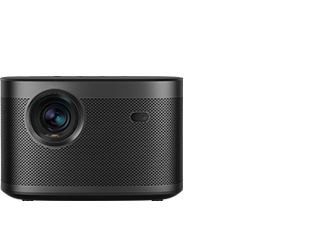
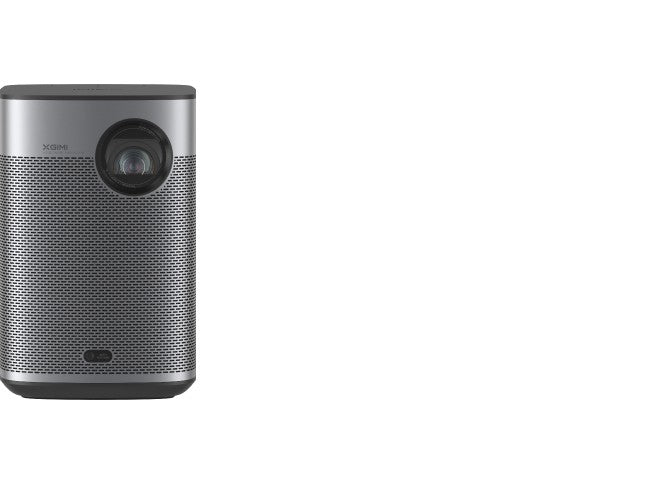
HORIZON 20 Pro 4K Gaming Projector with Low Input Lag
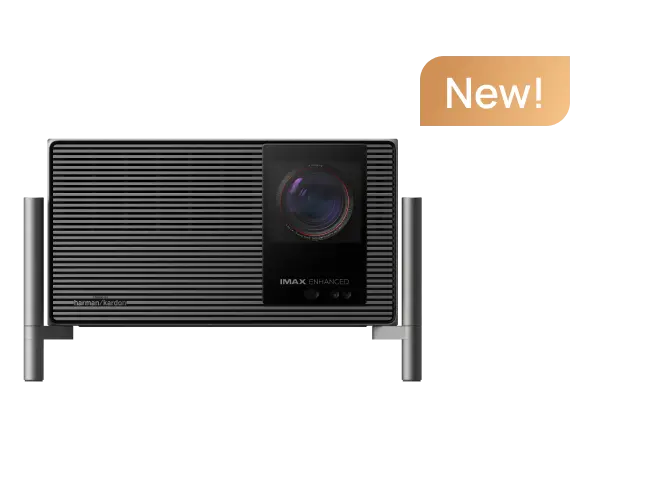
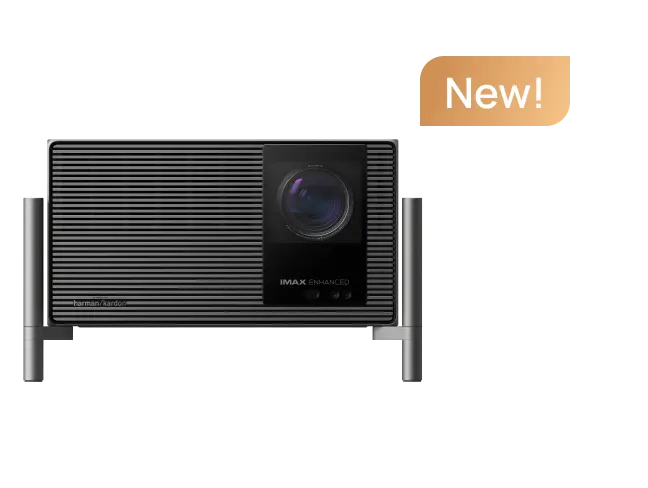
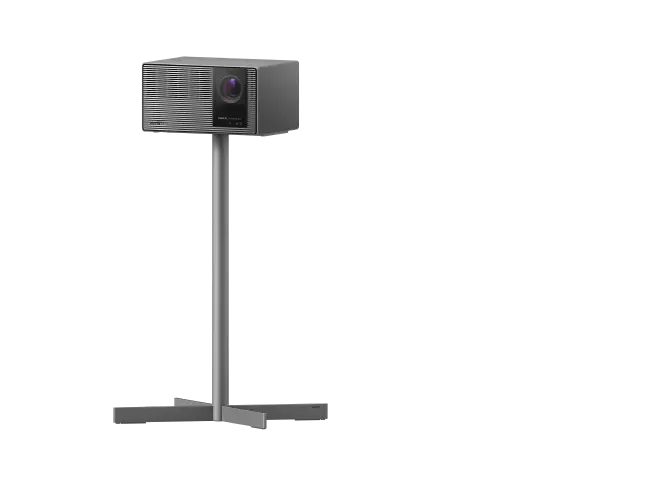
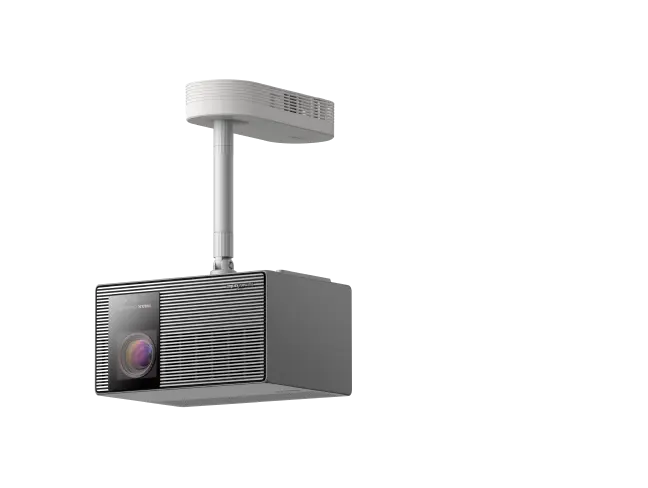
XGIMI HORIZON 20 Pro is a game deeper with Pro-grade visuals. It has six features specially designed for gaming: Low input lag down to 1ms, 240Hz high refresh rate, VRR (Variable Refresh Rate) and ALLM (Auto Low Latency Mode) supported for smooth pictures, USB 3.0 for faster transfers, and 4GB RAM.
In addition, HORIZON 20 Pro has features that benefit in both watching movies and gaming, and other home entertainment. The 4K resolution, 4100 ISO Lumens of brightness, and RGB triple laser light source enable it to deliver clear and crisp images.

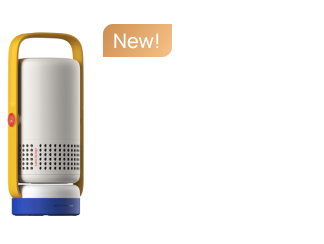
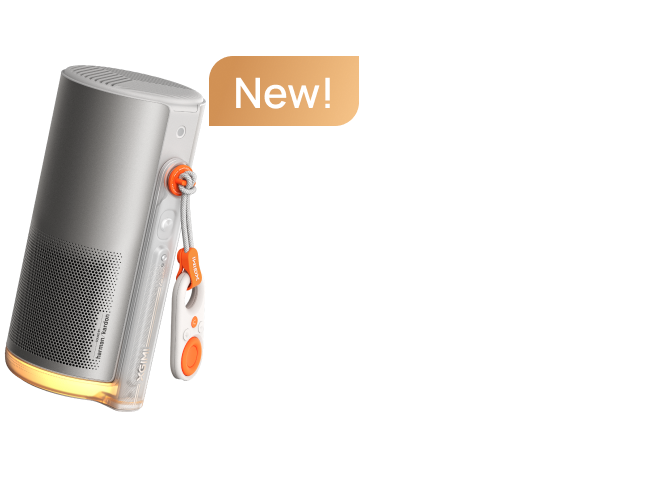
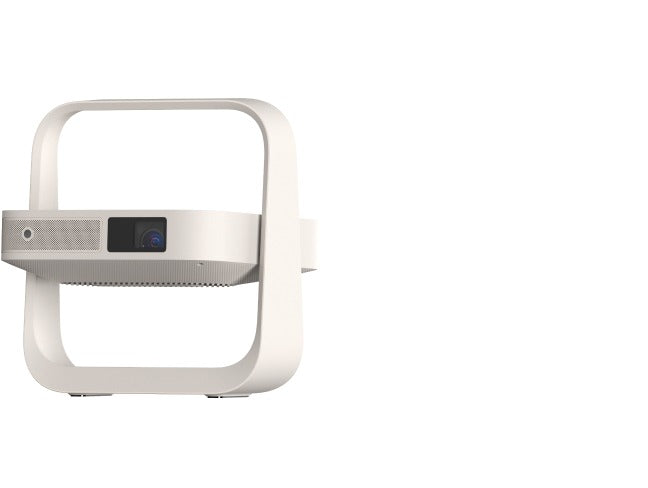
MoGo 4 Laser Battery Powered Portable Full HD Projector
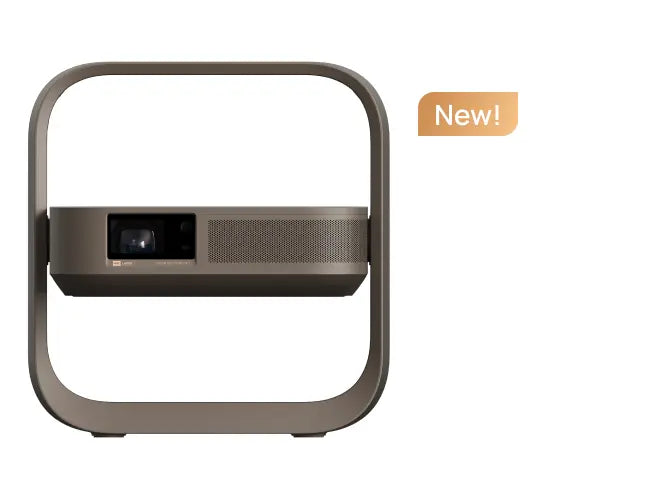
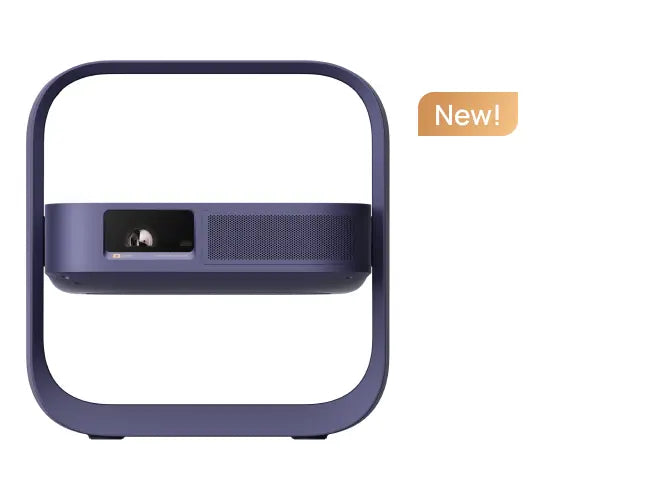
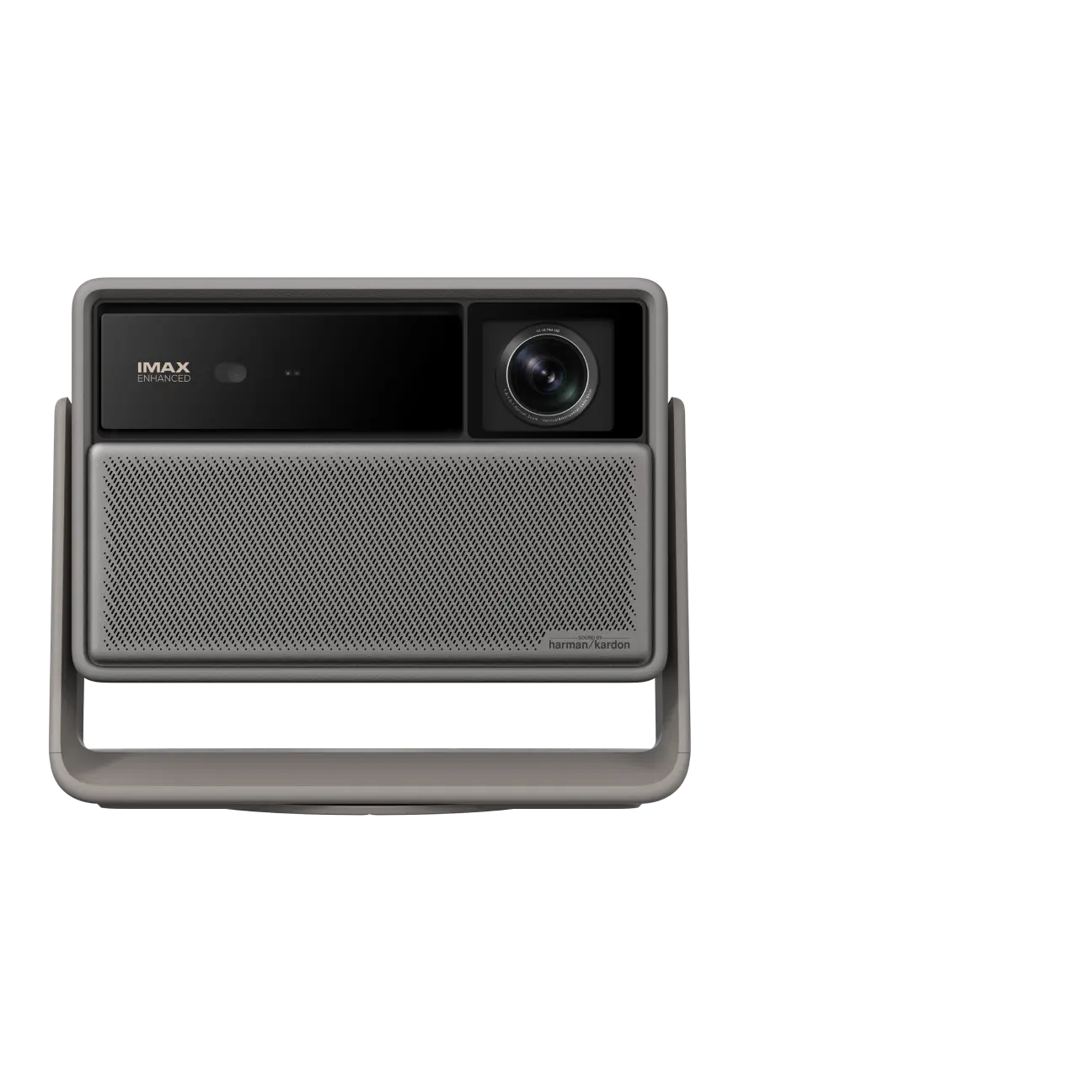
MoGo 4 Laser is a small FHD gaming projector with a built-in battery, supporting 1080P/60Hz, with input lag≤20ms in Game Mode (Auto Keystone Correction Off). It is compact for flexible placement and outdoor activities, and the 360° rotatable integrated stand makes it easy to set up. Powered by the triple-laser light source, it is excellent for long-term cost savings and sustainability.
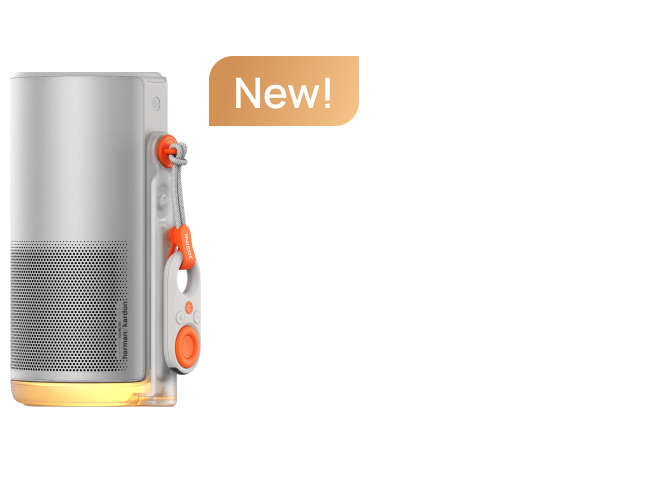
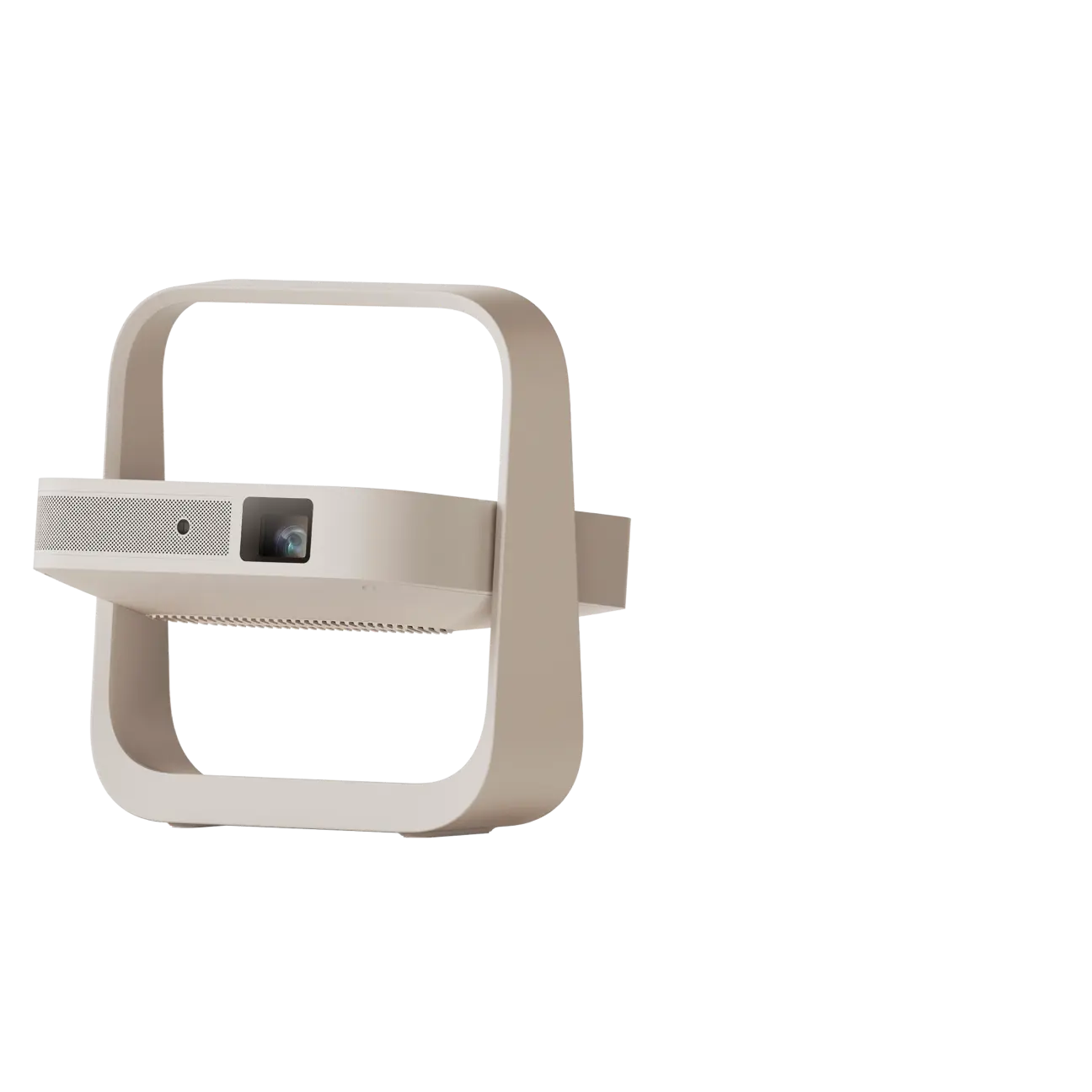
Elfin Flip Plus 1080p Portable Gaming Projector
Elfin Flip Plus is an ultra-thin 1080p projector of book-size, featuring 500 ISO Lumens of brightness, dual 3W built-in speakers, and a 150° adjustable stand. The same as MoGo 4 Laser, it supports 1080P/60Hz, input lag≤20ms in Game Mode (Auto Keystone Correction Off).
Elfin Flip Plus can transform any room into a breathtaking viewing area, whether you're playing video games, having a karaoke party, watching TV series, movies, or sports games. For those who lead active lives or have limited living space, it's an excellent option.
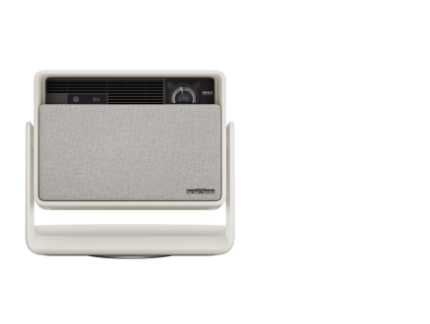
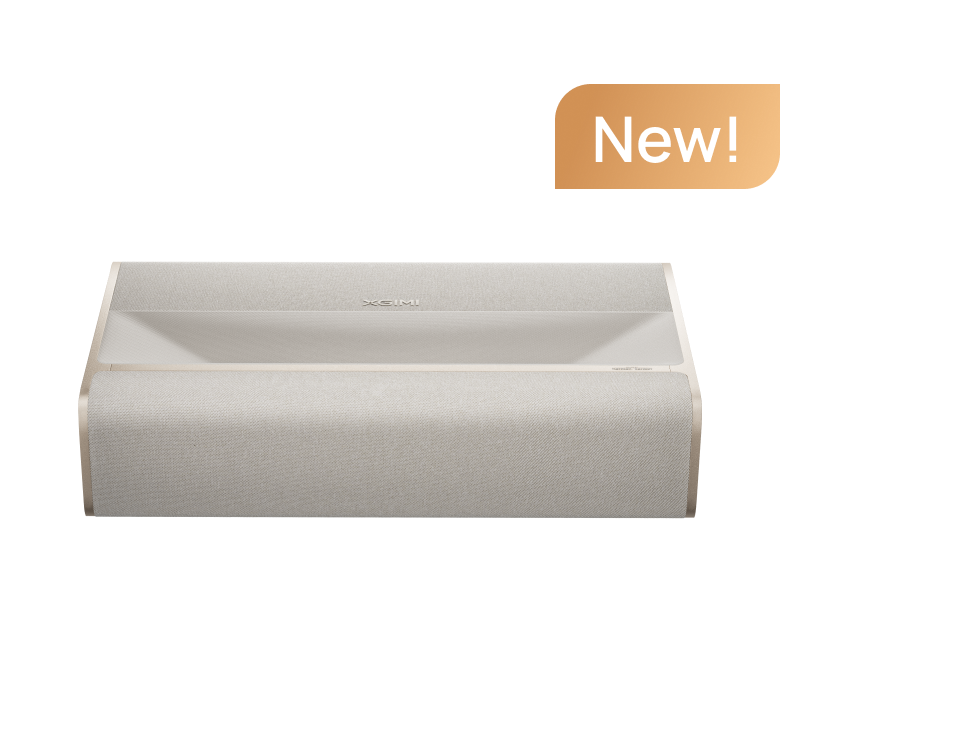
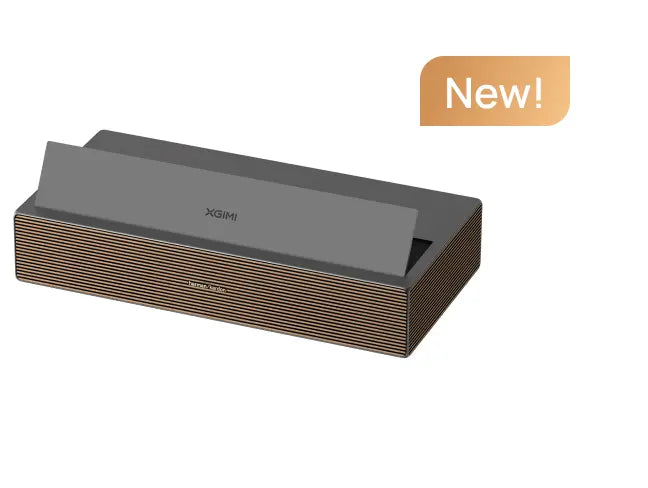
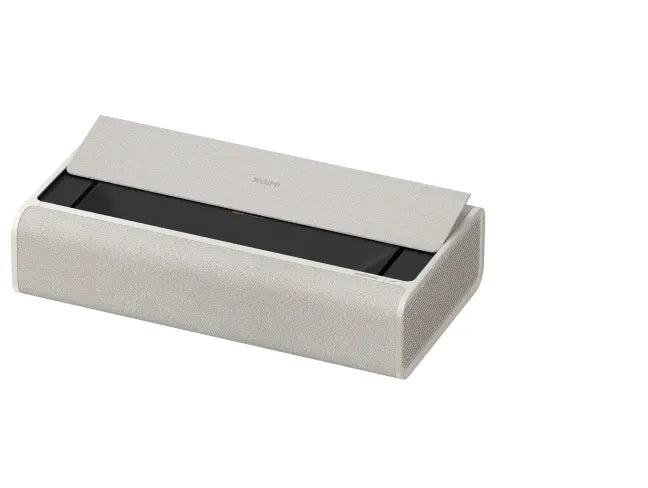
AURA 2 Ultra Short Throw 4K Projector for Gaming Console
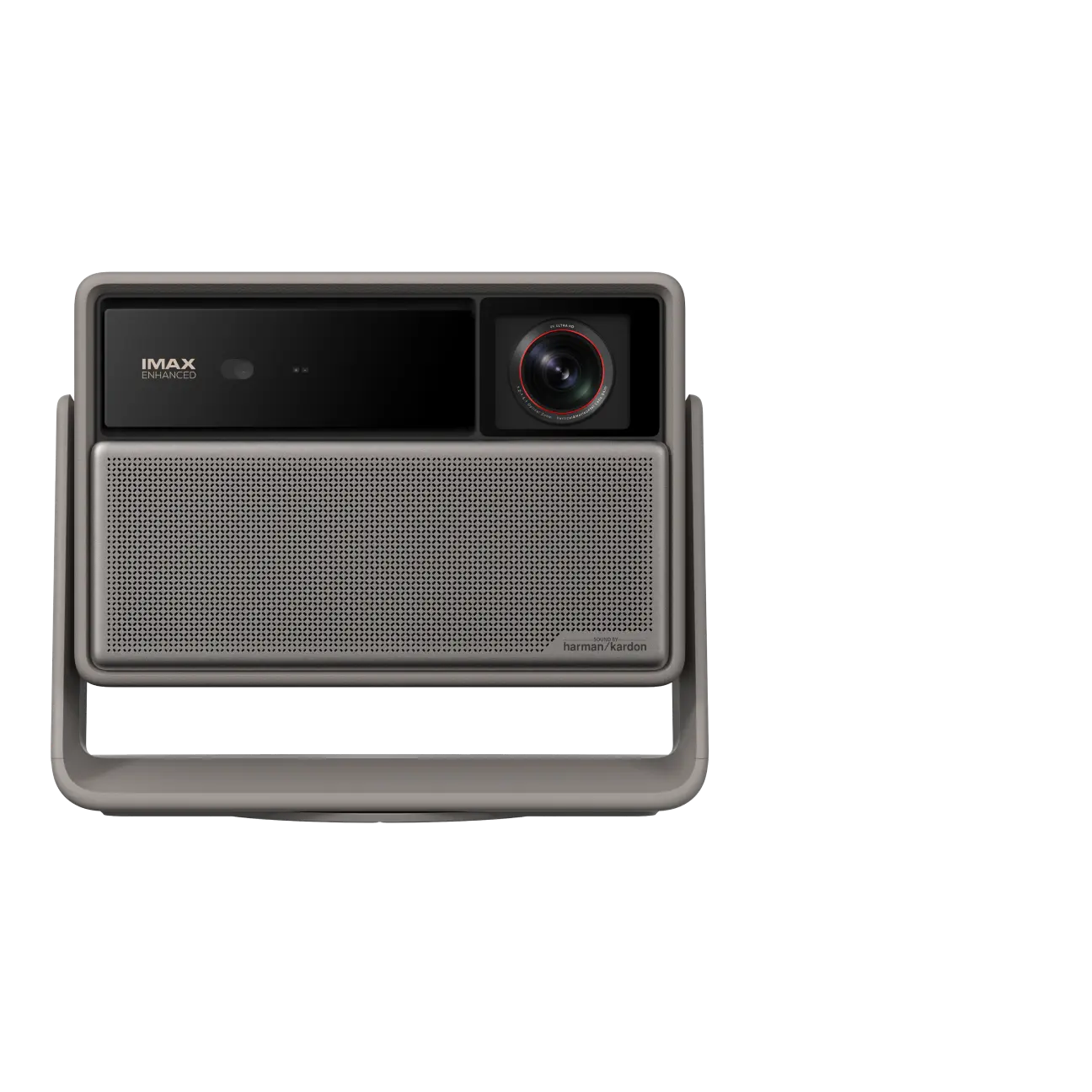
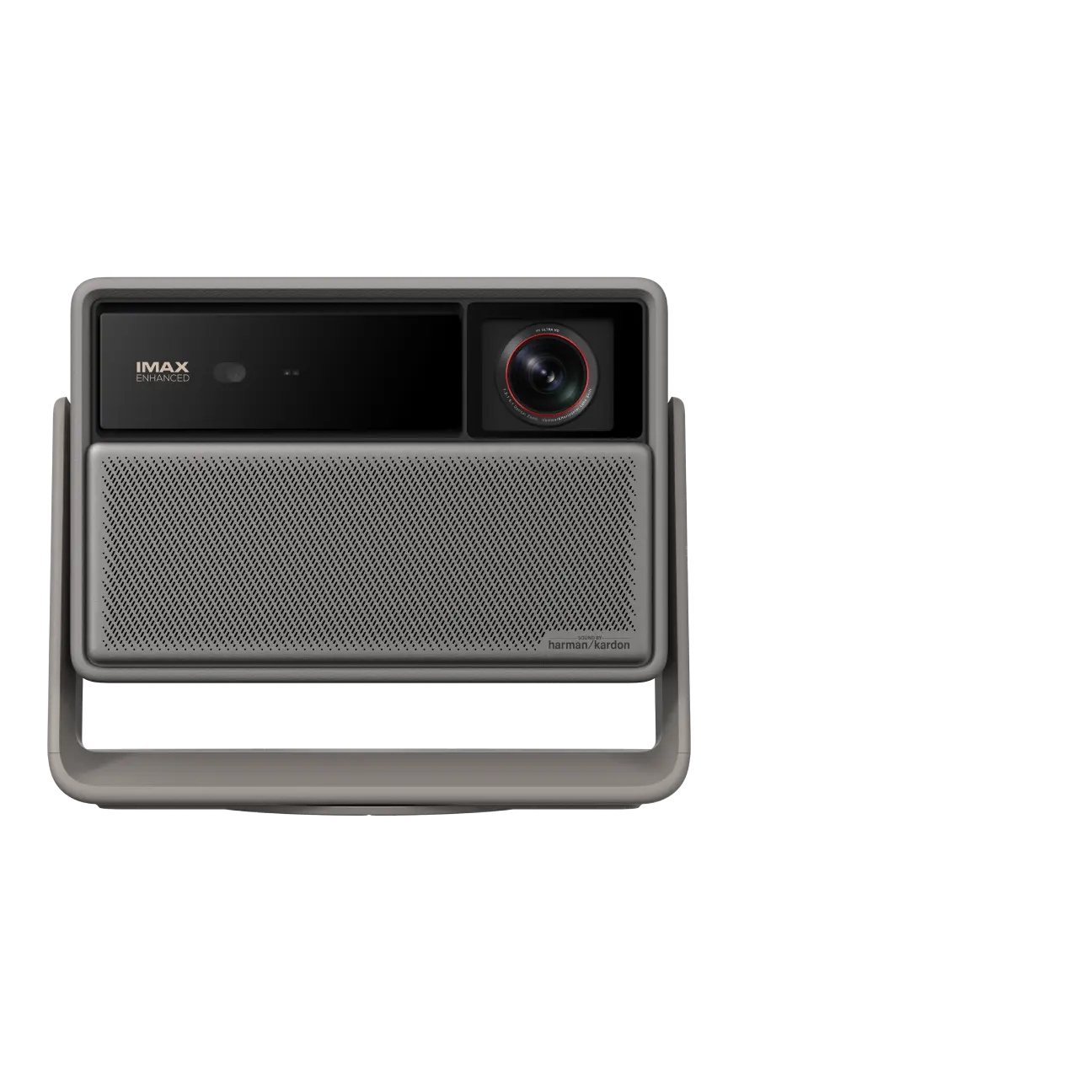
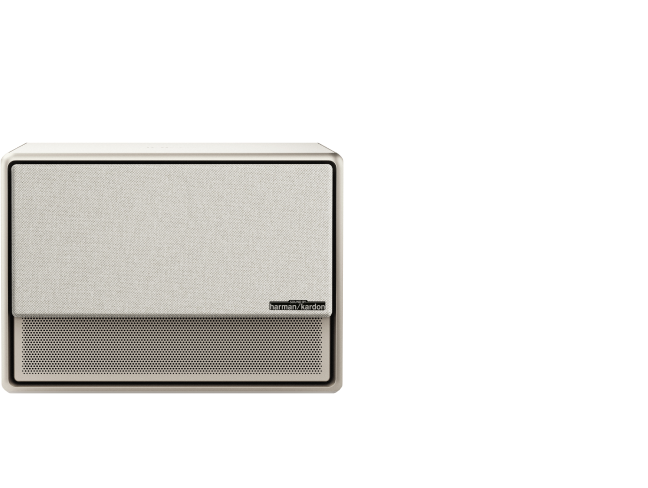
Even though the AURA 2 UST home theater projector isn't designed for video games, it does a particularly great job of displaying lifelike and colorful gaming scenes. It produces pictures in 4K, 2300 ISO Lumens, and 1,000,000:1 dynamic contrast ratio.
As an ultra-short-throw (UST) projector, AURA 2 is ideal for gaming because players won’t block the projected image during motion-based or sports games, allowing unrestricted movement and a consistently clear screen.
How to Choose a Projector for Video Gaming?
There are six important features you should look for when buying the best projector for a gaming console.
1. Low Input Lag (Low Latency)
Input latency is a major factor in gaming performance. It decides whether you can get reaction graphics for an immersive experience.
Quick reaction times are needed for fast-paced genres like racing games, competitive action games, first-person shooters, and platformers. Otherwise, gameplay is impacted by considerable input delays. Higher input latency is acceptable for slower-paced games like strategy, simulation, and casual action games.
An input latency of less than 20 ms is desirable for competitive gaming. Most people can still play most fast-paced games at up to 40 ms. Since input latency becomes more apparent, anything beyond 50 ms is usually not advised for gaming.
| Gamer Type | Input Lag Range | Best For |
|---|---|---|
| Casual Gamer | 40–50ms | Story-driven games, RPGs, strategy and simulation titles |
| Core Gamer | 25–40ms | Action-adventure, sports, racing, most online games |
| Competitive Gamer | ≤20ms | FPS and competitive multiplayer games |
2. High Refresh Rate
Refresh rate, measured in hertz (Hz), means the number of times per second that the image on the screen is changed. For fast-paced games in particular, a faster refresh rate leads to smoother action and less motion blur.
60Hz to 120Hz refresh rate is enough for the majority of casual and single-player games.
120Hz to 240Hz refresh rate offers substantially smoother animation and improved responsiveness while playing online multiplayer or fast-paced action games.
| Gamer Type | Recommended Refresh Rate | Typical Game Types |
|---|---|---|
| Casual Gamer | 60Hz | RPGs, strategy games, simulation games, casual action-adventure titles |
| Core Gamer | 60–120Hz | Action-adventure, platformers, sports games, racing games |
| Competitive Gamer | 120Hz | FPS, competitive online multiplayer games, fast reaction-based titles |
| Competitive Gamer | 240Hz | Competitive PC gaming, FPS games, reaction-based esports titles |
3. Multiple Connection Methods
For projectors for Switch and other consoles, PCs, and streaming devices, it requires a flexible connection is required. Multiple input choices provide low-latency, consistent connections for both recreational and competitive play by lowering setup friction and improving interoperability with various gaming systems.
| Connection Types | Typical Use Cases |
|---|---|
| HDMI 2.0/2.1 | Gaming consoles, mobiles, PCs, TV sticks and boxes |
| USB/Type-C | Media playback, accessories, power charging |
| Wireless Casting | Casual screen sharing |
| Bluetooth | Controllers, speakers |
4. High Resolution and Brightness
Depending on your setup and performance requirements, you may choose between 1080p and 4K. While a 4K projector for PS5 and other consoles offers crisper details for immersive images, a 1080p projector offers less processing load and more fluid gaming. High brightness is equally crucial since it keeps visibility during fast-paced game situations and guarantees crisp visuals in a variety of lighting conditions.
5. High Contrast Ratio
For games with nighttime settings or images that are heavily shadowed, a high contrast ratio enhances vision in gloomy scenarios. Without depending just on increased brightness, improved contrast improves immersion and enables gamers to identify features more quickly.
6. Powerful Built-in Audio System
Without the need for additional sound systems, built-in speakers offer instantaneous, hassle-free listening. Particularly in shared areas or portable settings, crisp conversation, directional sound cues, and low audio delay enhance player awareness and immersion.
How to Connect Your Gaming Console to a Projector?
1. Prepare an HDMI cable and plug both ends into the HDMI ports of your projector and gaming console, like the PlayStation, Xbox, or Nintendo Switch Dock.
2. Connect the power cables if needed, then turn on both devices.
3. Enable Gaming Mode on your projector for lower input lag. For example, on the HORIZON 20 Pro, you can turn off Auto Keystone Correction and enable VRR (Variable Refresh Rate) to improve responsiveness.
4. Select the correct HDMI input in your projector’s settings menu to display the console output.
5. Adjust volume and brightness using the remote to your preferred level.
Further reading for Detailed Tutorials and Troubleshooting
How to Connect Nintendo Switch to Projector?
How to Connect Xbox to Projector?
Projector Recommendations
Just Play, Your Way
Google TV Smart 1080p Projector On-the-Go

Mini Size,
Maximum Entertainment

Mini Remote Control


Enjoy 10€ off Your Next Purchase
Be the first to know about any news and sales!
*By subscribing, you agree to receive XGIMI's marketing emails and XGIMI's Privacy Policy.