

The Perfect Match: A Portable Projector for iPad Users
By XGIMI Tech - 2026-11
Portable Projector for iPad: Enhance Your Viewing Experience On-The-Go
By projecting material from your iPad onto a bigger screen or surface, portable projectors for iPad provide a practical and flexible solution to improve your visual experiences. With the help of these small gadgets, you can turn any space into a presentation area, home theatre, or immersive gaming set-up. Here is a description of the idea of iPad portable projectors:
A portable projector is a small gadget that can project pictures, films, and other visual materials onto a wall or screen, among other surfaces. It projects the image onto the target surface by displaying the content through a projection lens onto a light source.

Benefits of Portable Projectors for iPad Users
1. Enhanced portability and convenience
Flexibility and portability: These projectors are made to be portable and small, making it simple to take them with you and set them up anywhere you go. They provide you the freedom to choose where you want to project, whether it's in a meeting space, a classroom, or even outside.
Easy Set-up: Users of iPads can stream movies wirelessly from their devices using some portable projectors' wireless connectivity features. They can use Wi-Fi or Bluetooth to link their iPad to the projector, doing away with the need for cables and creating a tidy set-up.
On-the-go entertainment: Portable projectors let you watch movies and TV shows or play video games from your iPad on a bigger screen, turning any location into a mini-home theatre.
2. Expanded screen size and immersive experience
Ability to project a larger image compared to an iPad screen. You may use portable projectors to make the material on your iPad appear on a much bigger screen, creating a more immersive and interesting experience.
Enriched viewing experience for movies, videos, and photos.
Sharing with the audience: Great for sharing content with a larger audience. You can simply share content from your iPad with a larger audience using a portable projector, making it great for presentations, training sessions, or group projects.
3. Versatility and multi-device connectivity
3.1 Although the particular compatibility can vary depending on the projector's connecting choices and the iPad's characteristics, portable projectors are typically compatible with different iPad models.
• iPad Pro users can utilize a USB-C connector to connect their devices directly to mobile projectors, providing power and video/audio transmission via a single connection.
• iPad Air: Similar to the iPad Pro, the more recent iPad Air models have USB-C connections as well. Direct USB-C communication is now possible with portable projectors, providing a simple and dependable connection option.
• iPad mini: Lightning connector is a standard feature of iPad mini versions. Users would want a suitable adaptor, such as a Lightning to HDMI adapter, which permits HDMI communication, to connect a portable projector to an iPad mini.
3.2 Connectivity options (wireless, HDMI) for seamless integration. For seamless iPad integration, portable projectors offer a simple set-up and a variety of connectivity choices.
• Plug-and-Play Set-up: iPad users can wirelessly connect the projector to their tablet using Wi-Fi or Bluetooth, or they can utilize the appropriate cable (such as HDMI or USB-C).
• With the use of wireless screen mirroring, which is supported by many portable projectors, iPad owners can wirelessly mirror the screen of their tablet onto the projector without the usage of cords.
• AirPlay Compatibility: AirPlay is a built-in feature of iPads that enables users to wirelessly transmit audio, video, and screen mirror to other compatible devices.
• Alternatives for audio output: Portable projectors frequently include built-in speakers and 3.5mm audio connectors as alternatives for audio output. Users of iPads can link their projectors to external speakers or audio systems.
4. Flexibility in different settings and applications
1. Business presentations and meetings
2. Educational purposes and classroom environments
3. Home entertainment and outdoor gatherings
Factors to Consider When Choosing a Portable Projector for iPad
When selecting a portable projector for your iPad, you may want to consider the following features:

Resolution and image quality
Choose a projector with enough of both to produce vivid, clear images, especially in well-lit situations. Consider whether standard definition, high definition, or 4K resolutions are appropriate for your needs when choosing a portable projector for your iPad.
Brightness and contrast ratio
Think about how the projector produces the images. Look for qualities like color accuracy, contrast ratio, brightness, and resolution. A projector with more brightness will work better in well-lit situations, while a higher resolution will guarantee crisper, more detailed images.
Connectivity
Check the portable projector's connectivity options to make sure your iPad is compatible with it. For a secure connection between your iPad and the projector, look for projectors that enable the required interfaces, such as HDMI or USB-C.
Portability
Consider the projector's size, weight, and ease of carrying since the goal is to have a portable projector. Look for projectors that are portable, lightweight, and tiny. If you intend to use the projector while traveling or moving between multiple sites, portability is very crucial.
Battery life
Examine the portable projector's battery life, particularly if you plan to use it in circumstances where a power source might not be easily accessible.
Top Portable Projectors for iPad Users
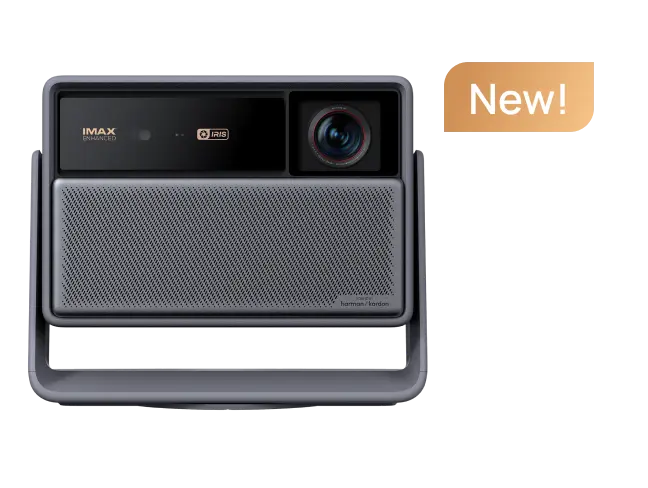
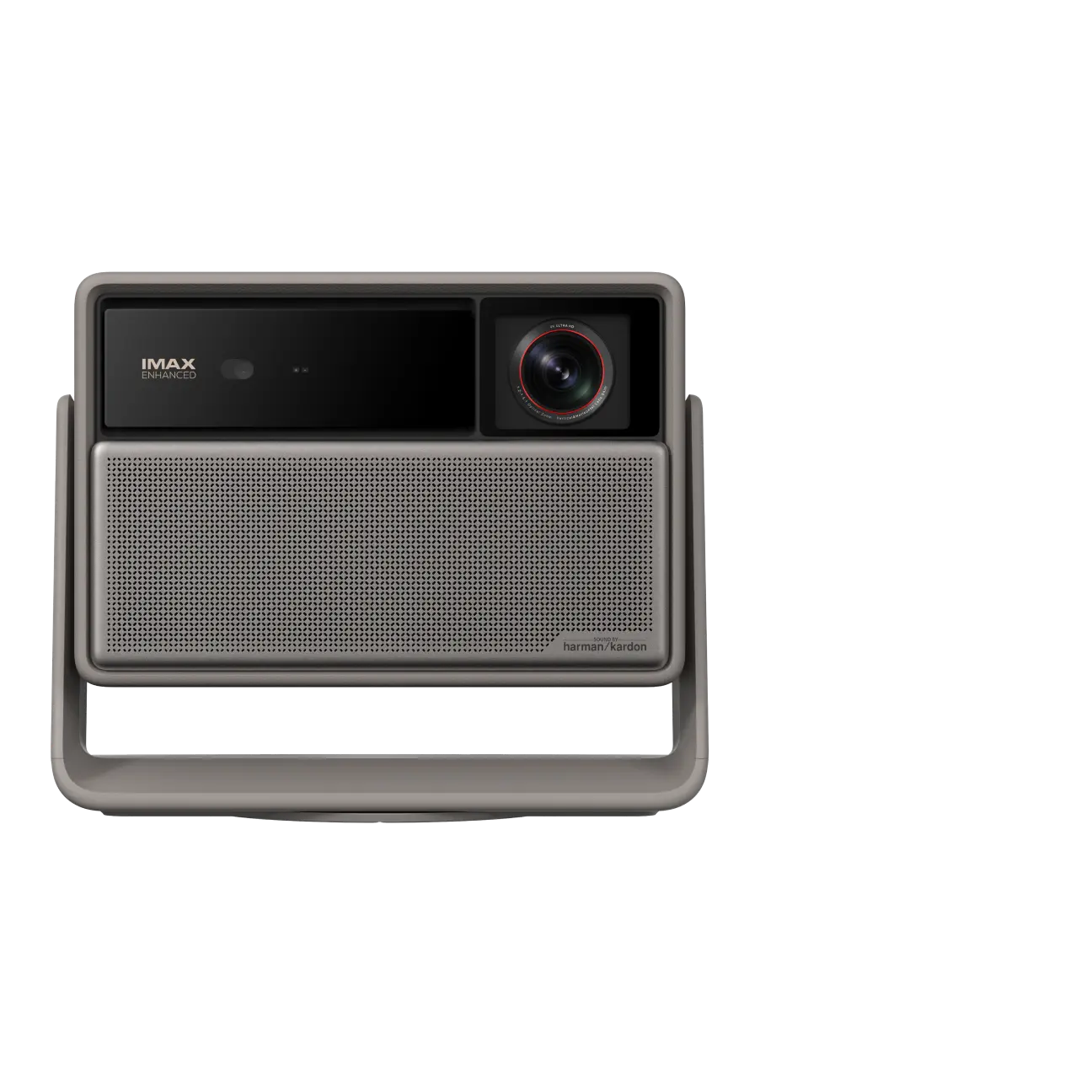
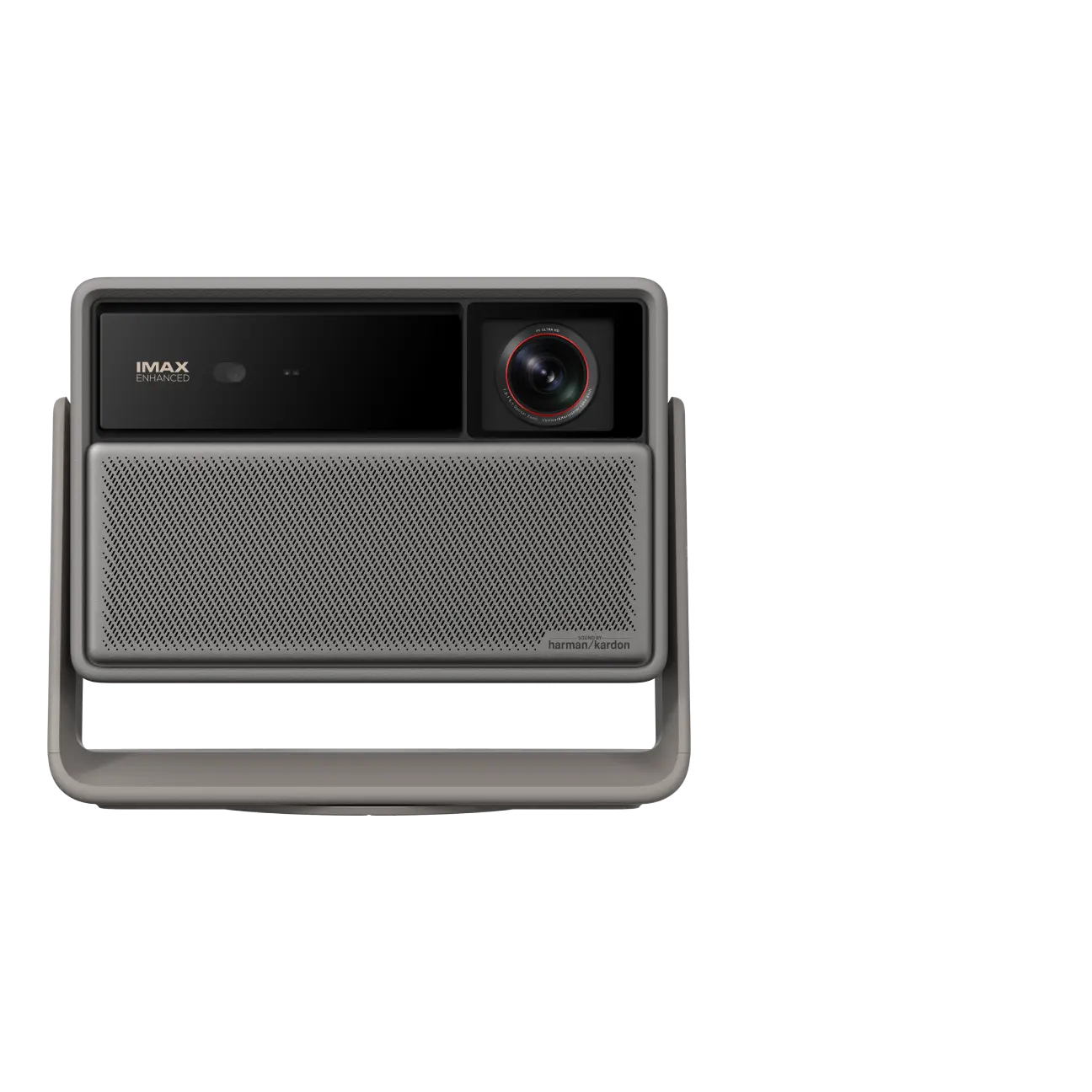
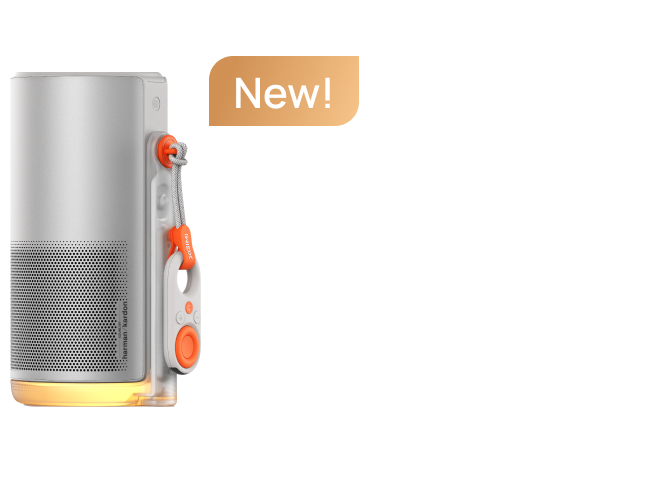
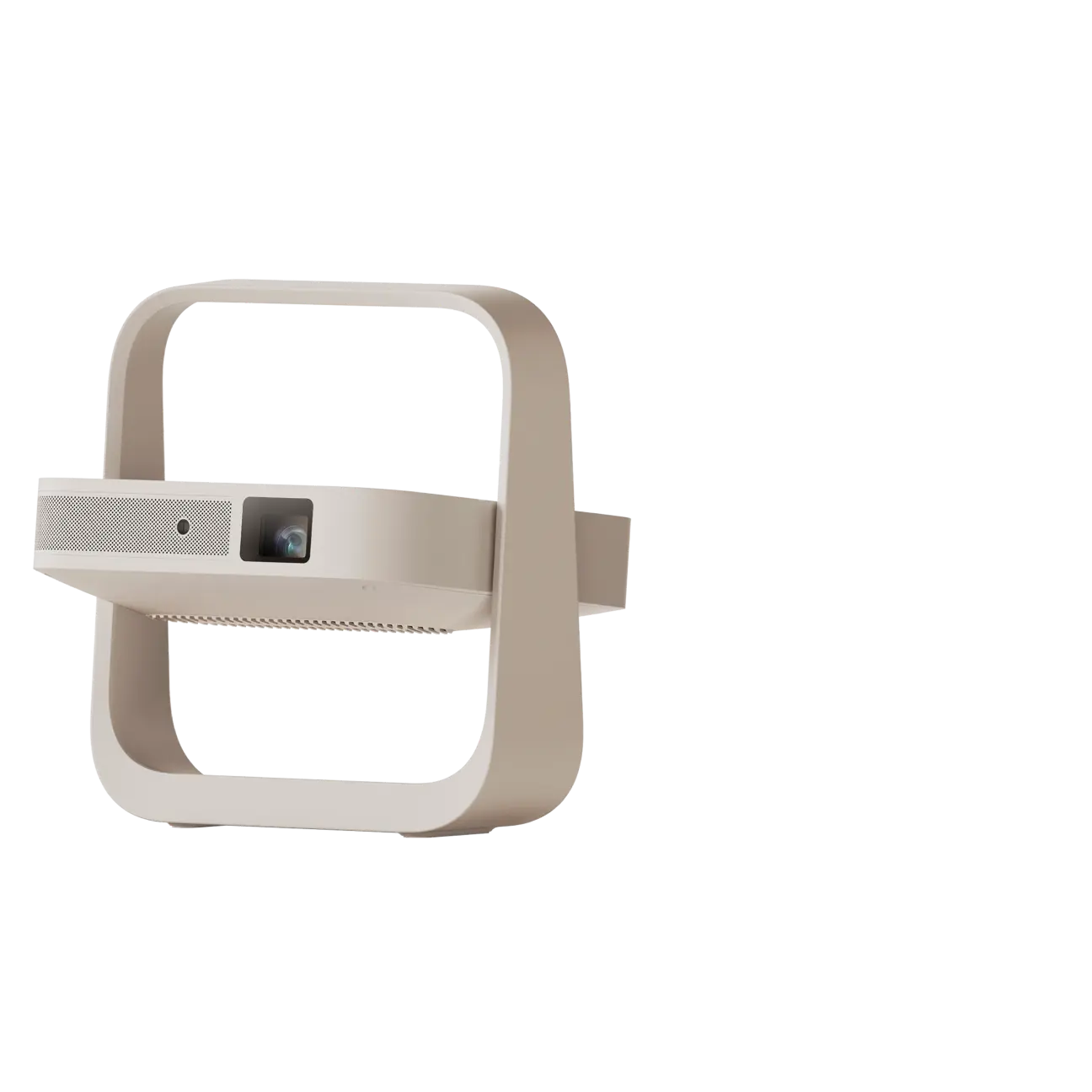
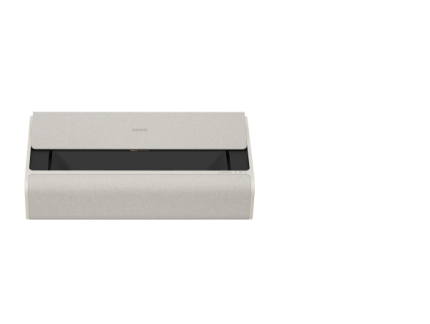
1. XGIMI MoGo 4 Laser
The XGIMI MoGo 4 Laser is the best all-round portable choice in this group. Its triple laser light source delivers a 1080p image at 550 ISO lumens, with 110% BT.2020 colour coverage and 1,000:1 contrast.
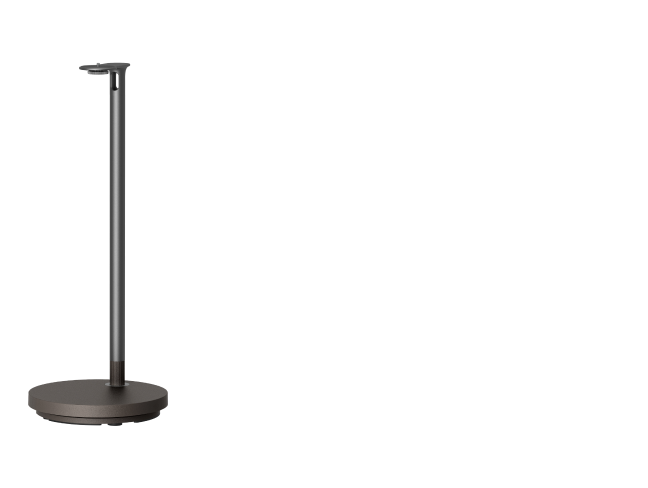
The 360° adjustable stand makes it easy to project onto a wall, floor or ceiling. The built-in battery provides up to 2.5 hours of playback, while the optional PowerBase Stand can extend that to 5 hours. Google TV with licensed Netflix and dual 6W Harman Kardon speakers make the projector useful without extra streaming equipment.
For iPad users, this model is a strong fit for travel, garden film nights and flexible room-to-room use. Use the projector's built-in apps for protected streaming, or connect the iPad with a suitable USB-C to HDMI adapter for presentations.
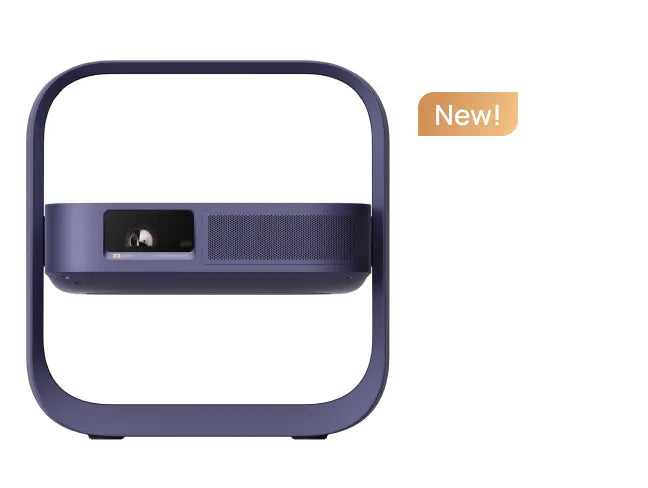
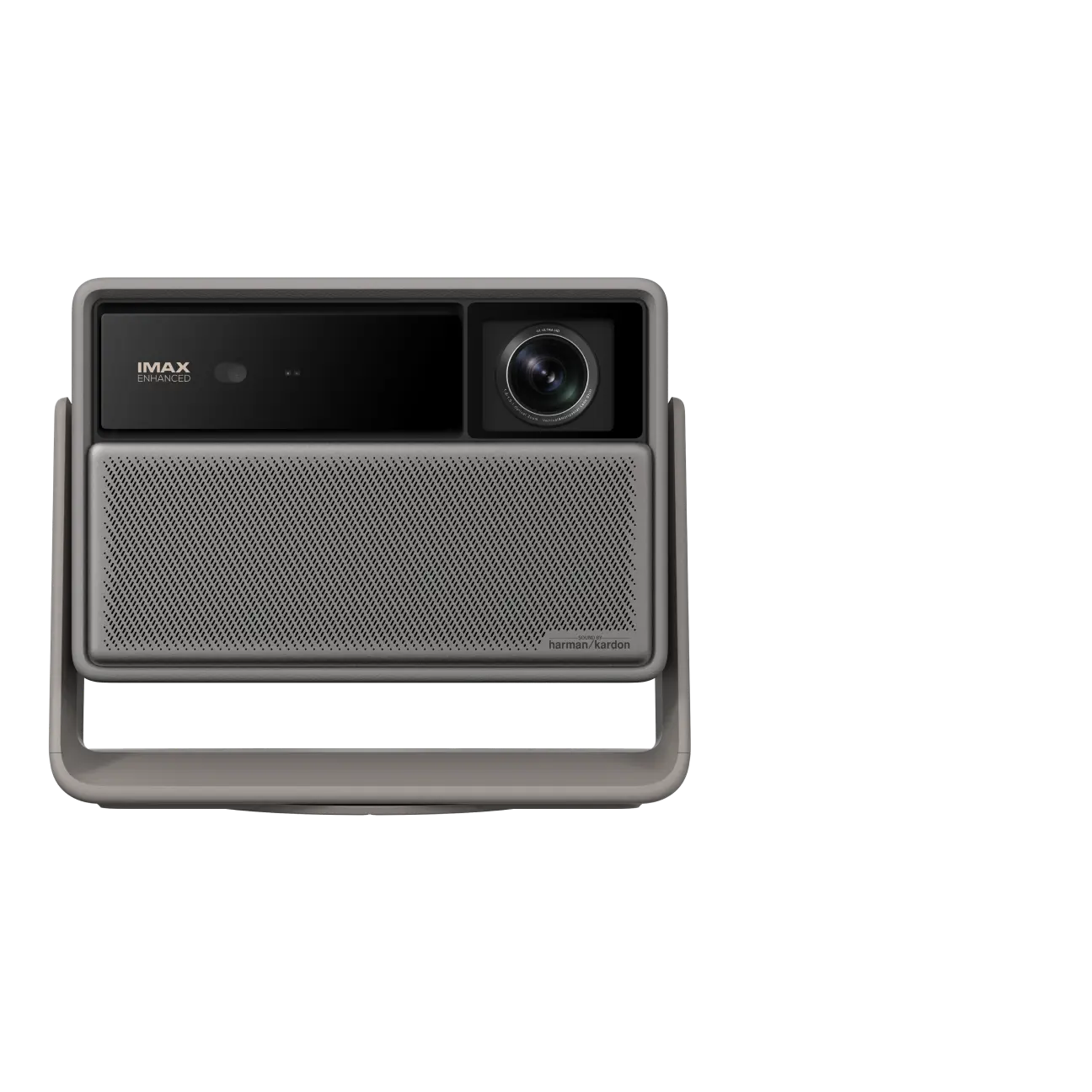
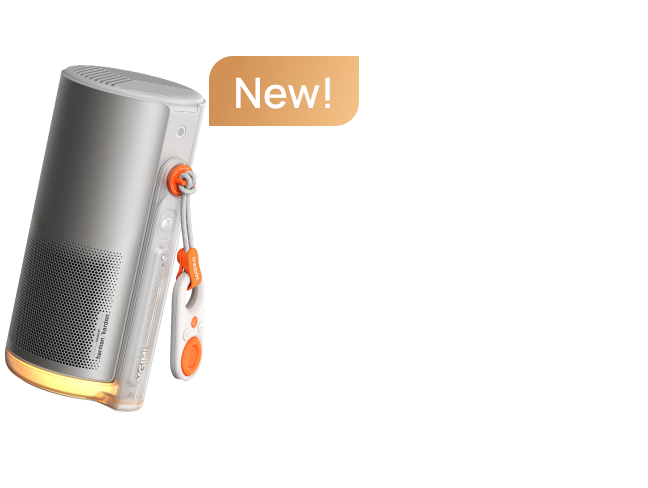
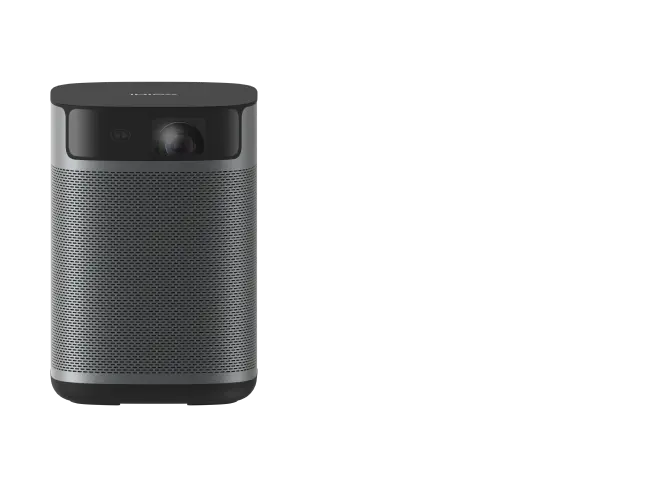
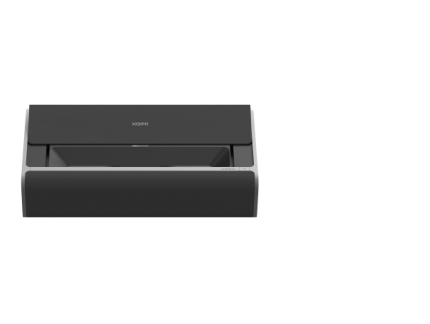
2. XGIMI MoGo 4
The XGIMI MoGo 4 is a more affordable alternative in the same compact family. It produces a 1080p image at 450 ISO lumens and includes a built-in battery rated for up to 2.5 hours.
Its 360° stand, automatic image adjustment and Google TV platform provide much of the convenience of the Laser model without the higher price. Dual 6W Harman Kardon speakers are also included.
The MoGo 4 is best suited to dark rooms, evening garden use and casual viewing. It can handle iPad presentations and film nights well, but the MoGo 4 Laser provides a brighter and more colourful picture.
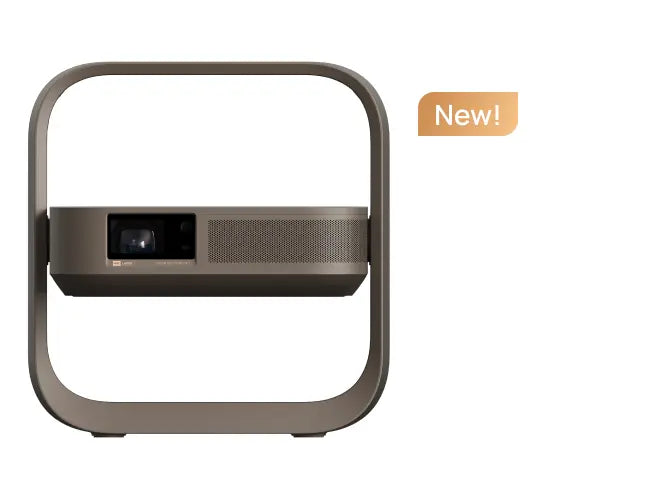
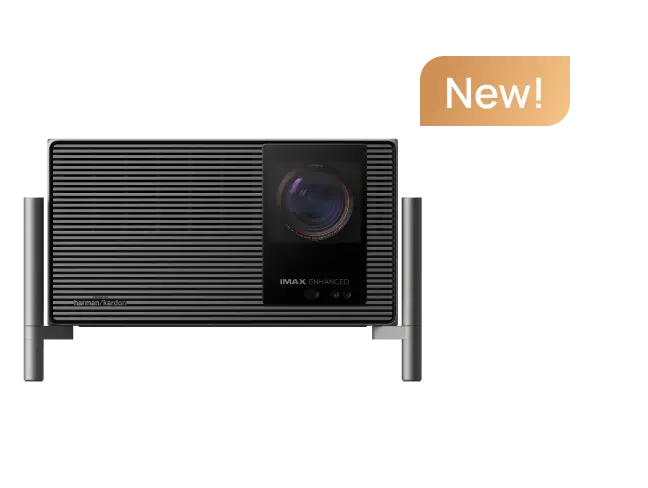
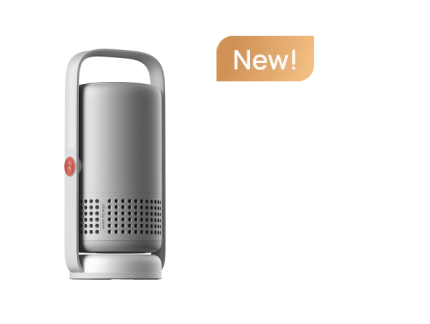
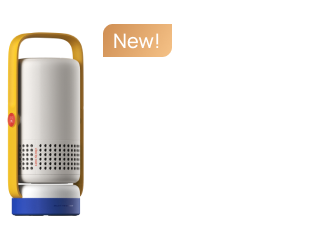
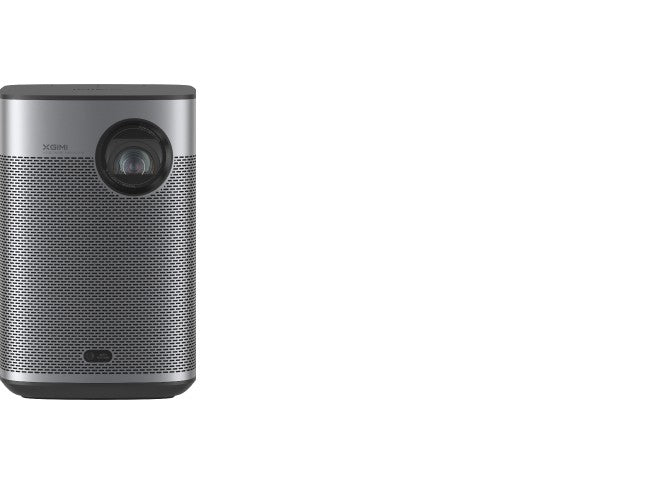
3. XGIMI MoGo 2 Pro (New)
The XGIMI MoGo 2 Pro (New) is the compact, lower-cost option. It combines a 1080p image, 430 ISO lumens, D65 colour calibration and 90% DCI-P3 coverage.
ISA automatic adjustment simplifies setup, while Google TV provides access to Netflix and thousands of other apps. The dual 8W speakers with Dolby Audio are useful for bedrooms, small groups and travel.
This model is easier to justify for occasional use, student rooms or a small presentation setup. Its lower brightness makes it less suitable for daytime viewing in a bright room. It is also the smallest model in this selection, so mains power or a compatible power bank should be part of the plan.
Success Stories of iPad Users Leveraging Portable Projectors
1. Professional presenters and their experiences
Professional presenters have discovered considerable value in using iPad devices and portable projectors for their presentations. Following are some typical impressions and advantages they have mentioned:
Enhanced Visual Impact: Using portable projectors, presenters can project the content from their iPad onto a bigger screen or surface, giving the audience a more powerful visual experience.
Mobility and Flexibility: Presenters value the portability of iPads and portable projectors since it makes it simple for them to take their presentation materials with them wherever they go.
Connectivity alternatives: Portable projectors made for iPad users frequently offer alternatives for smooth connectivity.
Real-Time Updates: Using their iPads, presenters can quickly make real-time changes to their slideshows. With the use of portable projectors and the iPads' well-known multimedia capabilities, presenters may easily show off videos, animations, sharp photos, and other multimedia content.
Audience Interaction: The use of an iPad and a portable projector allows speakers to engage their audiences more successfully.
2. Educators and their innovative teaching methods
To improve their teaching strategies and develop new learning experiences, educators have begun combining iPads with portable projectors. Here are some strategies teachers have used to engage iPad users using portable projectors:
Interactive Lessons: Using portable projectors, teachers can display educational material from their iPads on a bigger screen or whiteboard so that students can follow along more easily.
Visual Demonstrations: Teachers can present the entire class with visual demonstrations, such as science experiments, artistic methods, or step-by-step procedures, using portable projectors. Mobile projectors can be used by iPad users to bring digital storytelling to life in the classroom.
Virtual Field Trips: Teachers can send their pupils on virtual field trips throughout the globe by pairing iPads with portable projectors.
Formative assessment: iPads and portable projectors are two tools educators can utilize for formative assessment. Students can use their iPads to react to quizzes, polls, or interactive assessment tools that are projected on the screen.
Flipped Classroom Model: The flipped classroom model allows teachers to use their iPads to record instructional films or make interactive presentations that are then projected in front of the class. This gives them the freedom to review the material at their leisure while also allowing more time in the classroom for debates, problem-solving, and practical exercises.
3. Individuals enjoying immersive home entertainment
The usage of portable projectors can improve the home entertainment experiences for iPad owners. The following are some ideas for immersive entertainment set-ups:
Large Screen Viewing
iPad owners can use portable projectors to stream their preferred movies, TV episodes, or other information onto a big screen.
Home Theatre Experience
People may turn any space into a home theatre by attaching their iPads to portable projectors. They may replicate the feeling of watching a movie in a theatre by projecting content onto a white wall or a projector screen, which has a larger display size and more interesting images.
Movie nights outside
Portable projectors provide you the freedom to enjoy entertainment outside. Users of iPads can show movies on their lawns or while camping by setting up a portable projector.
Conclusion
A portable projector designed specifically for iPad users offers a convenient and immersive way to enhance your viewing experience while on the go.
By connecting your iPad to the projector, you can enjoy larger screen sizes and superior image quality, transforming any space into a personal theater.
Whether you want to watch movies, give presentations, or play games, a portable projector provides versatility and flexibility, allowing you to enjoy entertainment or share content with ease.
a portable projector designed specifically for iPad users offers a convenient and immersive way to enhance your viewing experience while on the go.
By connecting your iPad to the projector, you can enjoy larger screen sizes and superior image quality, transforming any space into a personal theater. Whether you want to watch movies, give presentations, or play games, a portable projector provides versatility and flexibility, allowing you to enjoy entertainment or share content with ease.
XGIMI Black Friday Deals 2026
Nov 19 - 30th Black Friday Sale:
Shop now and enjoy exclusive Black Friday deals on XGIMI projectors!


Portable & 4K Projector Recommendations
Big-Screen Cinema, Wherever You Go
All-in-one 4K entertainment in one hand.

Enhanced ISA 5.0
Effortless alignment

150° Flip Stand
Project anywhere


Enjoy 30€ off Your Next Purchase
Be the first to know about any news and sales!
*By subscribing, you agree to receive XGIMI's marketing emails and XGIMI's Privacy Policy.