
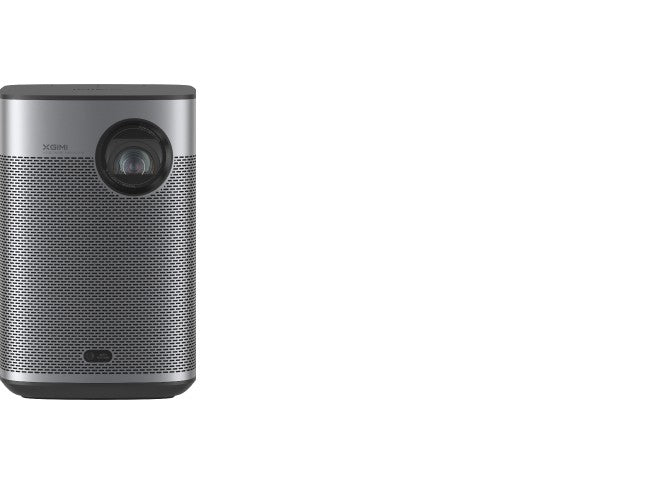
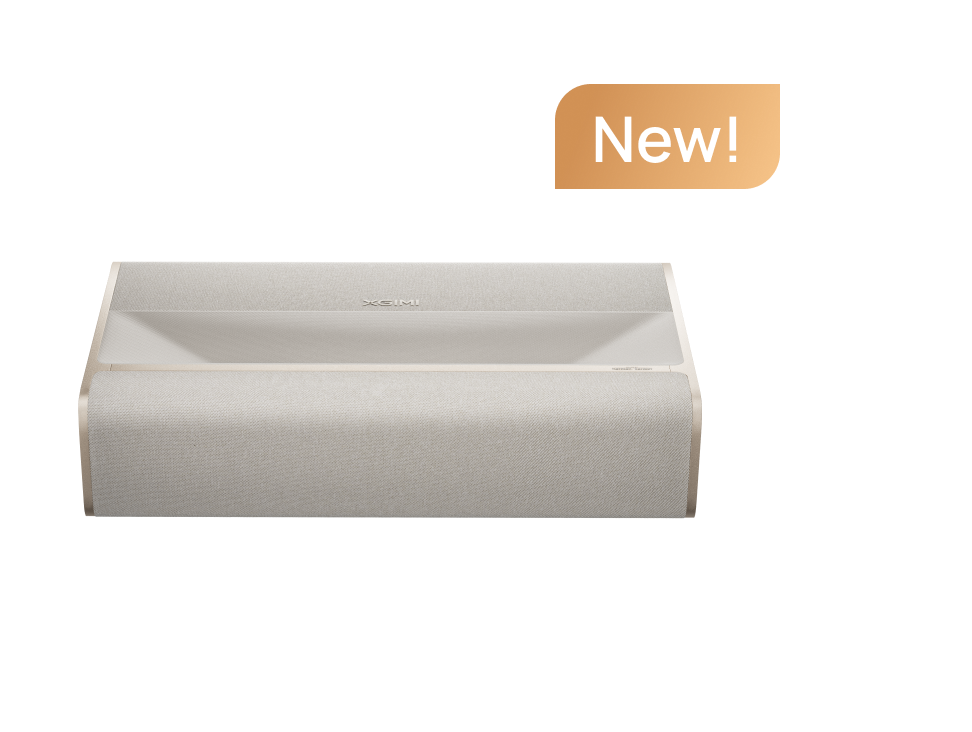
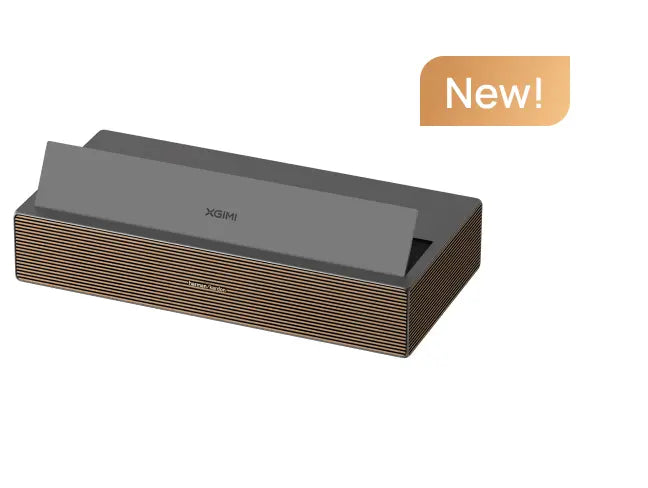


BT.2020 is a color gamut standard for ultra-high-definition television. A projector that claims 110% BT.2020 is not claiming 110% of every color. The figure describes the area of its color space. That distinction matters when you compare projectors or judge a demonstration.
What a Color Gamut Is
A gamut is the set of colors a display can produce, usually drawn as a triangle on a chromaticity diagram. The corners of the triangle are the red, green and blue primaries. BT.2020 defines primaries and a white point for UHD systems, and its triangle is wider than the Rec.709 gamut used for most SDR content.
A wider triangle means the display can reach more saturated colors. It does not mean every color inside the triangle is reproduced accurately. Accuracy depends on how closely the measured colors land on their targets.
What 110% BT.2020 Measures
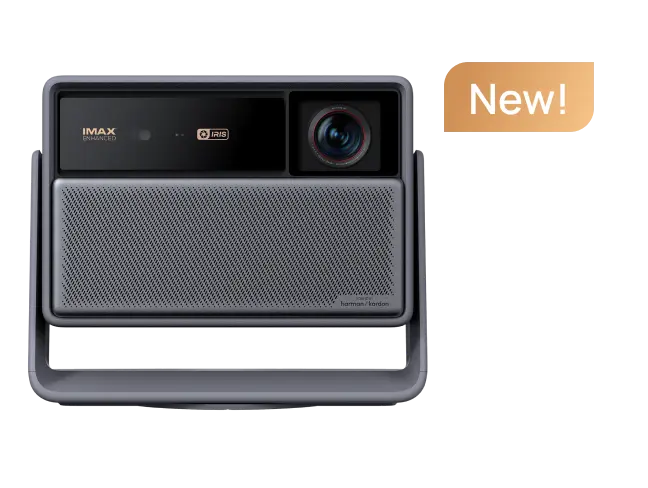
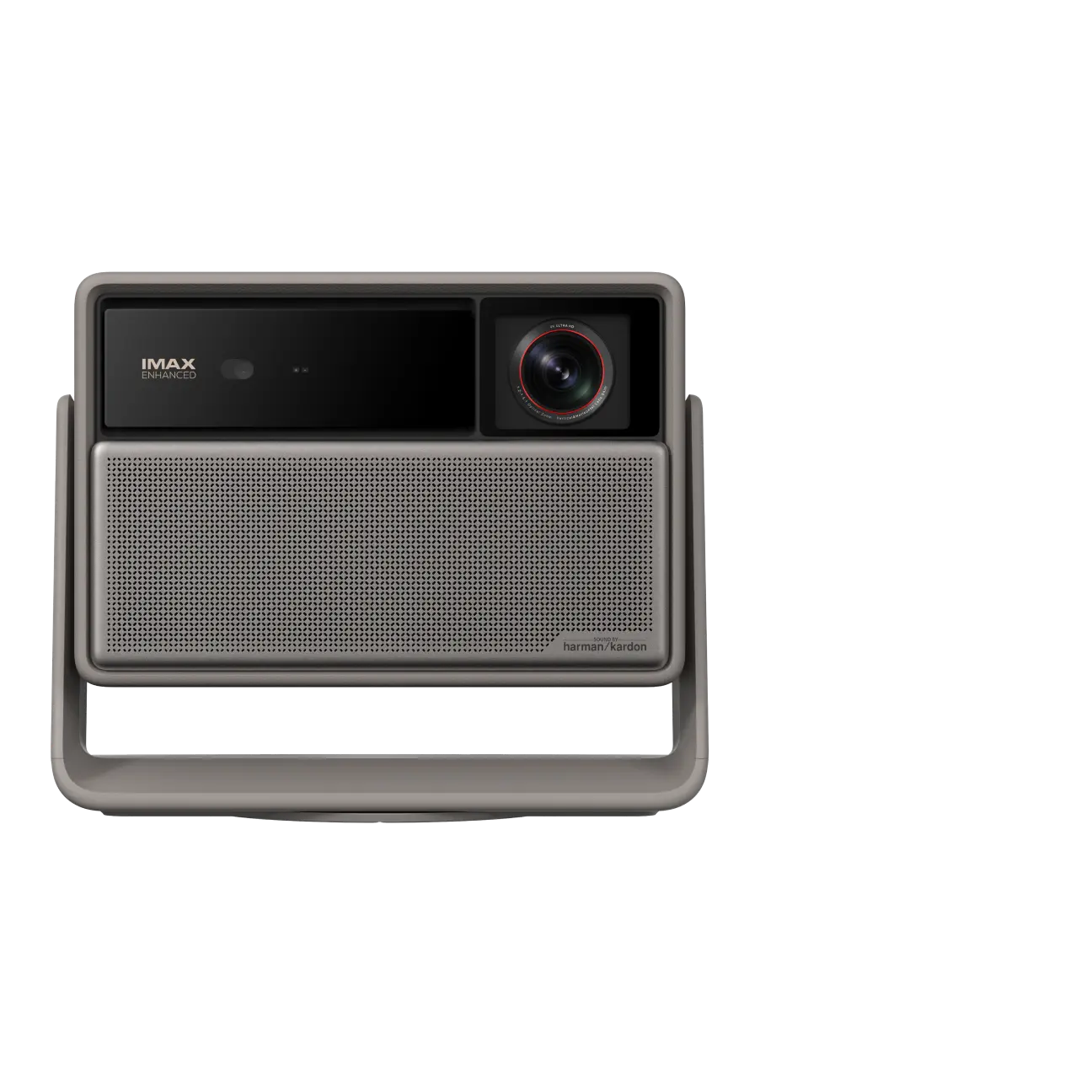
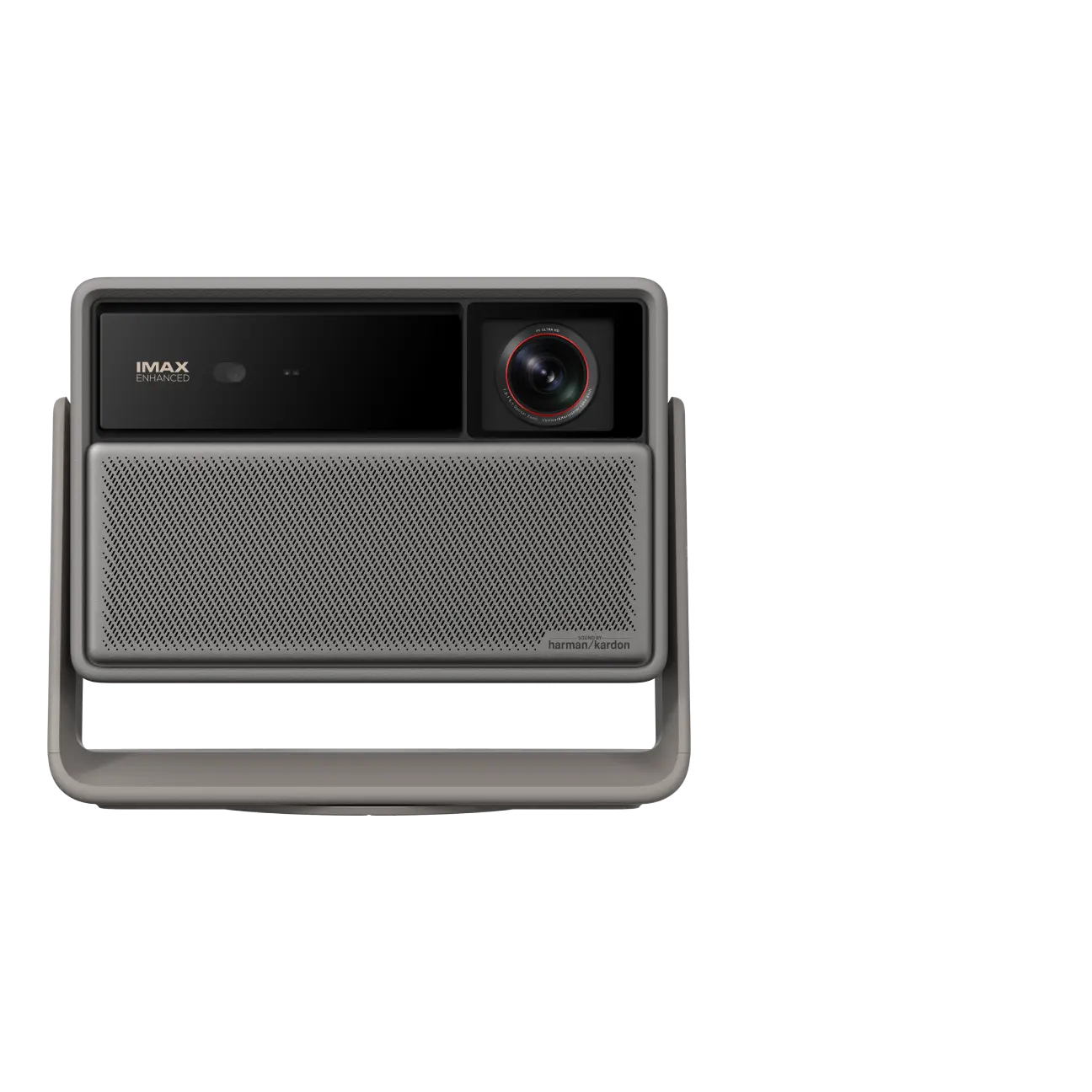
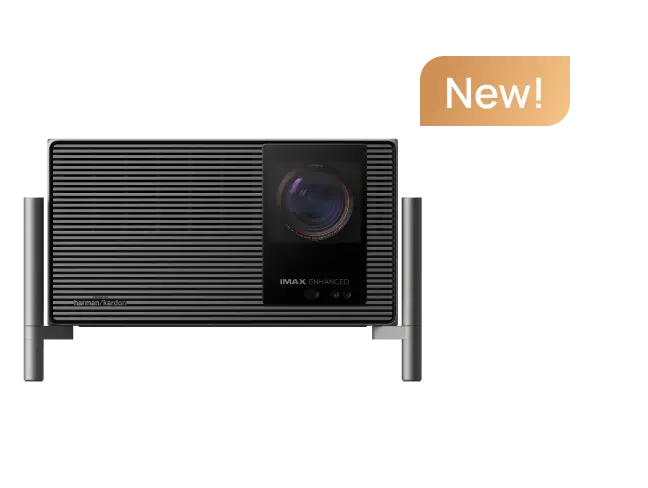
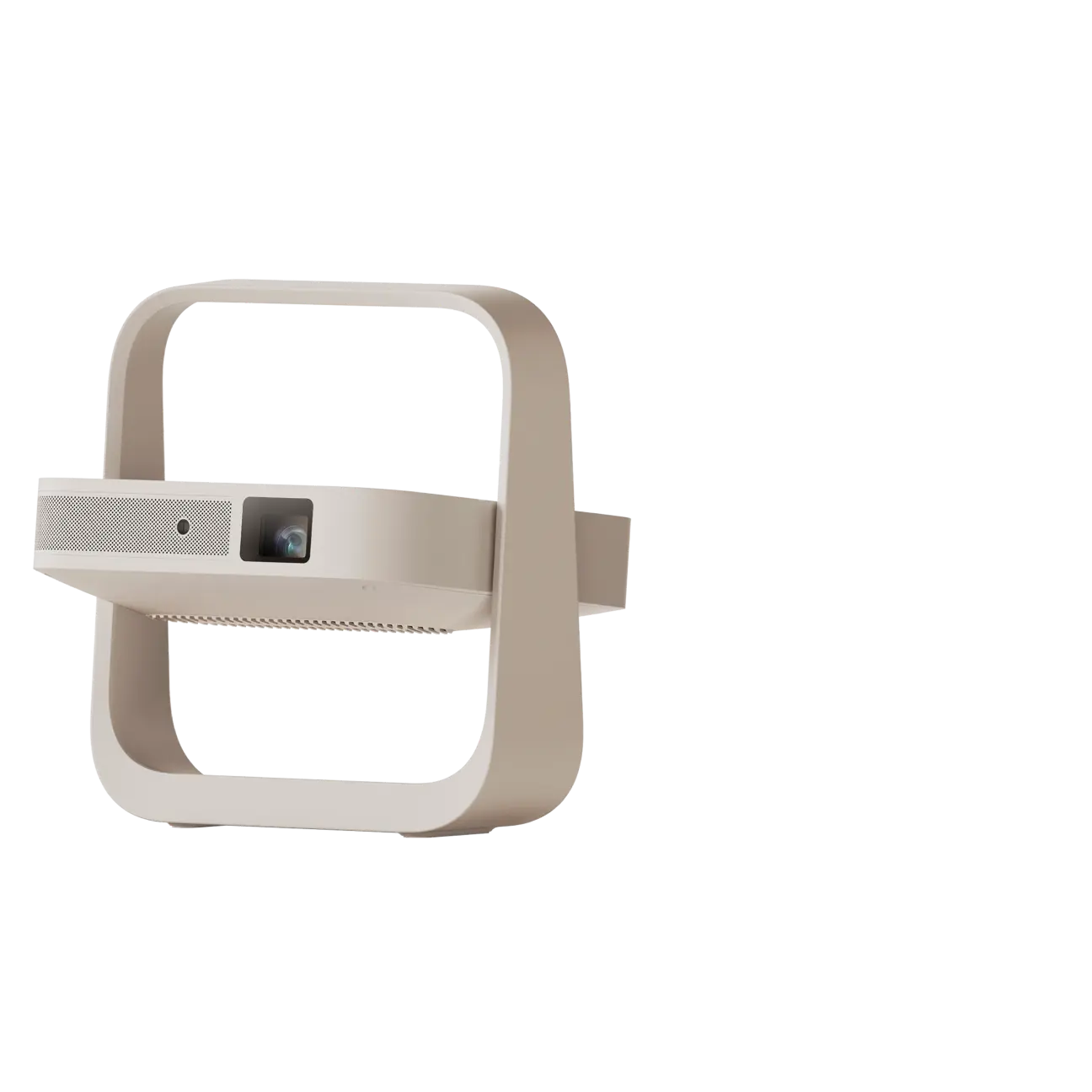
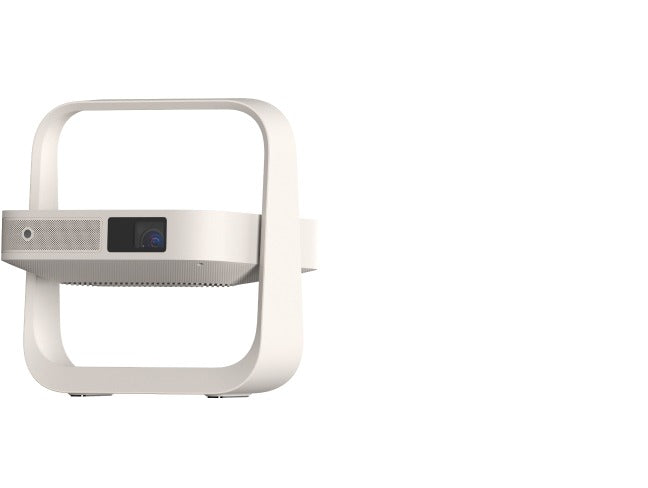
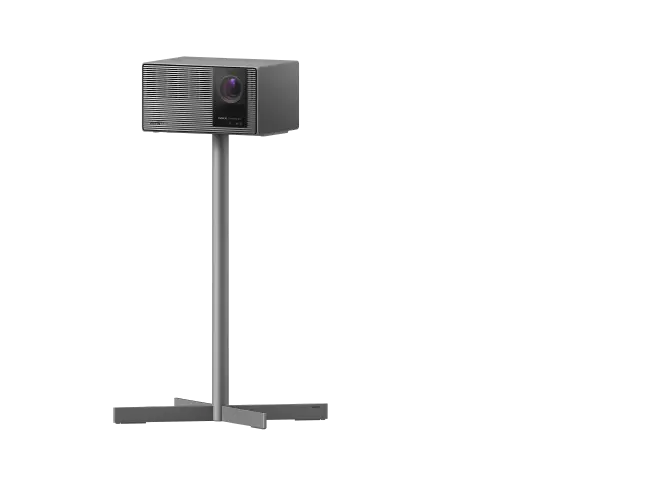
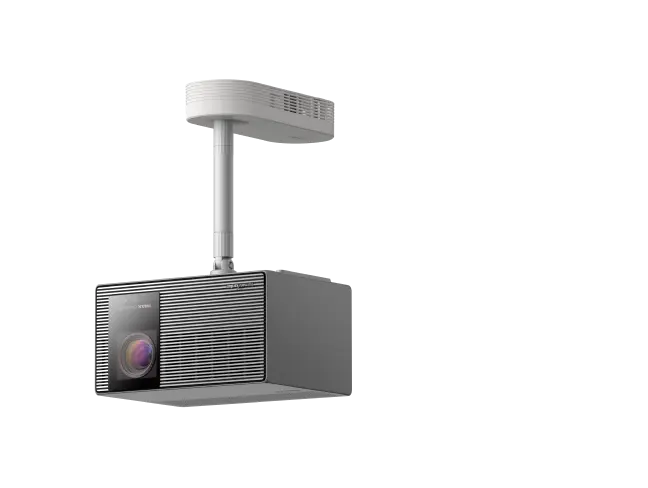
XGIMI reports the HORIZON 30 series at 110% under the BT.2020 standard and describes the value as a color gamut area ratio. Area ratio compares the size of the projector's color triangle with the BT.2020 triangle. A figure above 100% means the projector's triangle covers more area.
That does not prove that every BT.2020 coordinate is reproduced exactly. Two projectors can report the same area with different triangle shapes, and one can extend further into green while the other extends further into red. The number is a summary, not a full description of color performance.
|
Measurement |
What it describes |
What it does not tell you |
|
Gamut area ratio |
The size of the display's color triangle relative to a reference gamut |
Whether each color inside the triangle is accurate |
|
Delta E |
The measured distance between a displayed color and its target |
How large the overall color space is |
|
Speckle rating |
Visible granular texture caused by coherent light interference |
Color accuracy or brightness |

Accuracy Is a Separate Number
Area tells you how much color is available. Delta E tells you how far measured colors sit from the target. XGIMI cites a typical Delta E below 0.8 for the HORIZON 30 series in its high color accuracy mode, with SGS certificate PT/25/GEN/0201. A lower value indicates a smaller measured error. The figure applies when that mode is active, so compare picture modes before comparing brands.
Why Three Lasers Change the Pipeline
Laser projector light engines differ. Some combine laser light with other optical conversion components, while RGB triple laser designs use separate red, green and blue emitters. The HORIZON 30 series belongs to the second group and uses an RGB triple laser engine. Direct primaries avoid a conversion step and can make wide gamut coverage easier to achieve. XGIMI calls the system the X-Master RGB Triple Laser Engine.
The architecture also changes how the projector balances brightness and color. A wider gamut can look oversaturated if the content was graded for a smaller one, which is why picture modes and tone mapping still matter.
Speckle and Color Fringing
Laser light is coherent, and coherent light can create speckle: a granular pattern caused by random interference. Speckle is a known issue in laser projection and usually appears as texture in bright areas of the image.
XGIMI lists SGS A+ Low Speckle certification PT/25/GEN/0197 and Low Color Fringing certification PT/25/GEN/0198 for the series. Those certifications describe measured performance. They do not guarantee that speckle is invisible on every screen, because screen surface, focus and content all affect how visible it is.
What Content Uses BT.2020
UHD broadcast and some streaming masters use BT.2020 as a container. Many films are graded in DCI-P3 and delivered inside that container, so the projector often maps a smaller gamut into a wider one. SDR library content is usually Rec.709. A wide gamut projector can show Rec.709 accurately, but only when the picture mode is set up for it.
On the HORIZON 30 series, Dolby Vision, HDR10+, IMAX Enhanced, Filmmaker Mode and ISF Day and Night modes provide different mappings. Filmmaker Mode aims to preserve the original grade. ISF modes are intended for calibration to the room.
How to Judge Color in a Demo
- Watch skin tones first. Faces reveal oversaturation faster than a test pattern.
- Check a gradient or a sky for banding. A wide gamut does not fix poor tone mapping.
- Look at a dark scene for speckle and color fringing, not just at a bright demo clip.
- Compare modes on the same content. A calibrated mode can look less vivid than a showroom mode and still be more accurate.
- Use the content you watch at home. A demonstration disc built for saturation can hide errors that appear in films and series.
article_product1
Questions Buyers Ask
Is 110% BT.2020 better than 100%?
A larger area means the projector can reach more saturated colors. It is not automatically better, because accuracy and tone mapping determine whether the extra range looks correct on real content.
Is BT.2020 the same as HDR?
No. BT.2020 describes a color gamut and related signal parameters. HDR describes the range between the darkest and brightest parts of an image, along with the transfer function used to encode it.
Do I need BT.2020 content to benefit?
Not always. Many UHD titles are graded in DCI-P3 inside a BT.2020 container, and older SDR content is Rec.709. The projector's mapping determines how those smaller gamuts are displayed.
Does a triple laser remove speckle?
It can reduce it. XGIMI cites a low speckle certification for the series, but speckle is a property of coherent light and can still be visible depending on the screen, focus and content.
What does Delta E below 0.8 mean?
It means the measured color error in the calibrated high color accuracy mode is small. A lower Delta E indicates a closer match to the target color, though the measurement conditions still matter.
A 110% figure is a useful starting point. The more practical question is how the projector uses that range: which picture mode is active, how accurately the primaries track their targets, and how the image holds up on the content you watch.
Related reading: the HORIZON 30 Series page shows the color and contrast figures side by side, and the Dual Intelligent Iris article explains the contrast side of the same picture pipeline.


