







How to Set Up an Outdoor Patio Projector?
By XGIMI Tech - 2026-2
This guide may help you create a dependable yard movie theater with an outdoor patio projector by outlining the viability, product selection criteria, and an easy-to-follow installation procedure.

7 Basic Steps to Set Up an Outdoor Patio Projector
Follow these steps to ensure efficiency and consistent results:
Step 1: Calculate Placement Distance
Can your patio area support the size of the screen you want? To determine the necessary distance between the lens and the screen for long-throw projectors, utilize the throw ratio. According to the calculation formula of “Projector Throw Ratio: Throw Distance / Image Width”, you will get the screen size you need. Assure sturdy positioning and unhindered projection.
Step 2: Install the Patio Projector Screen
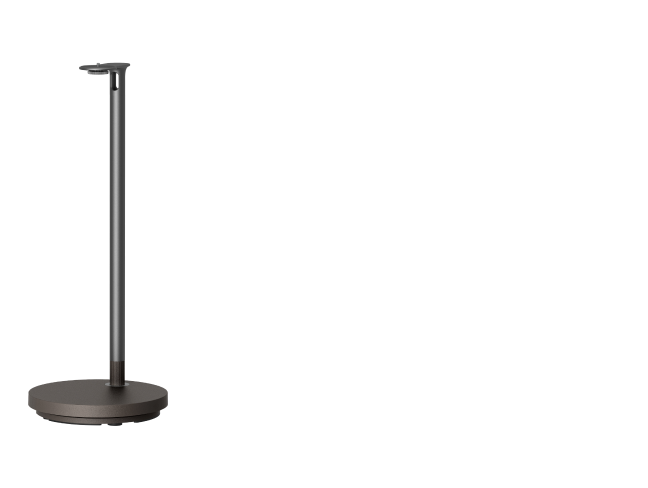
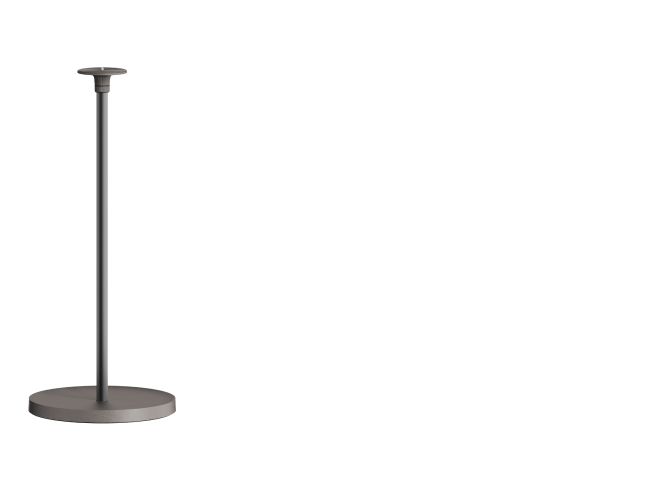
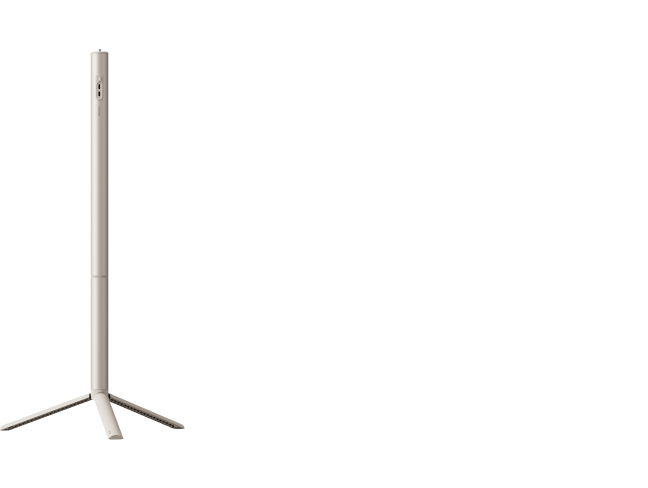
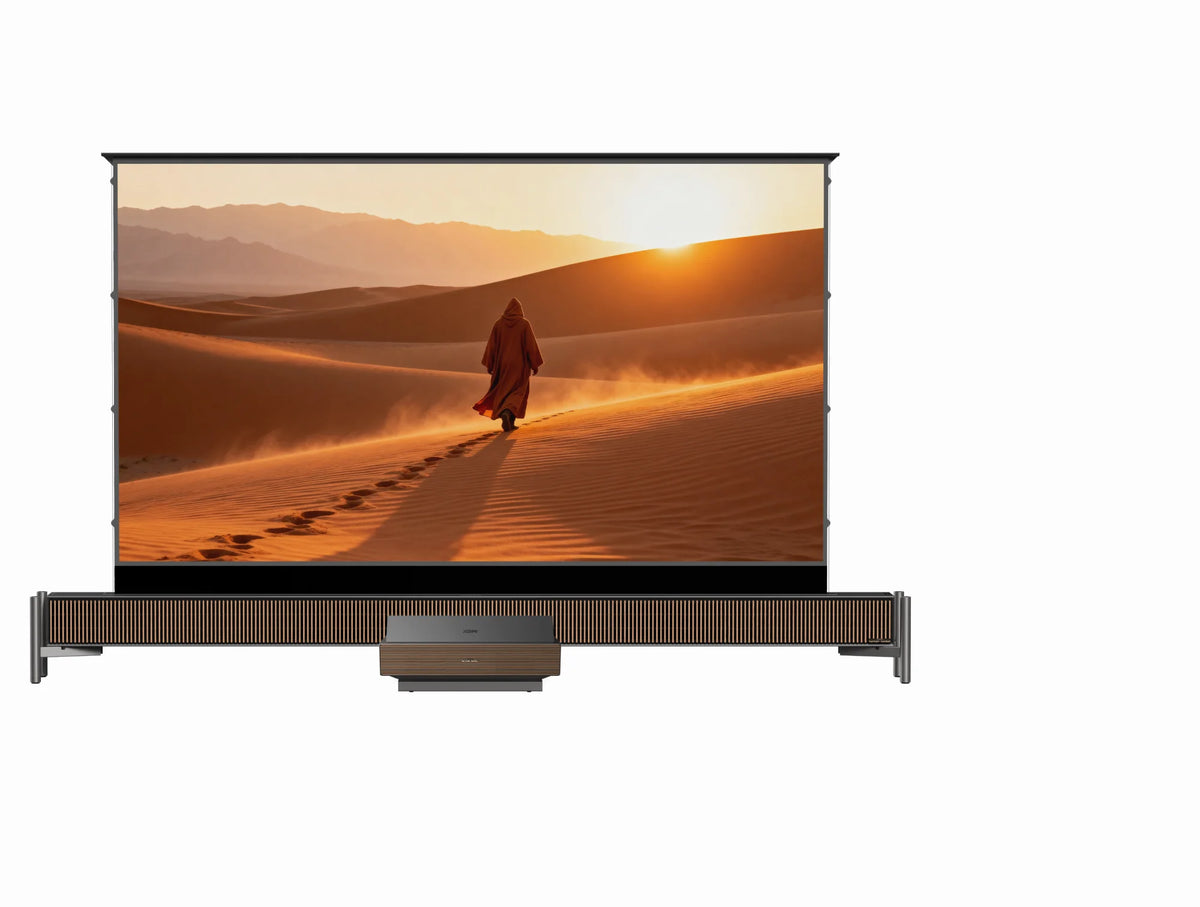
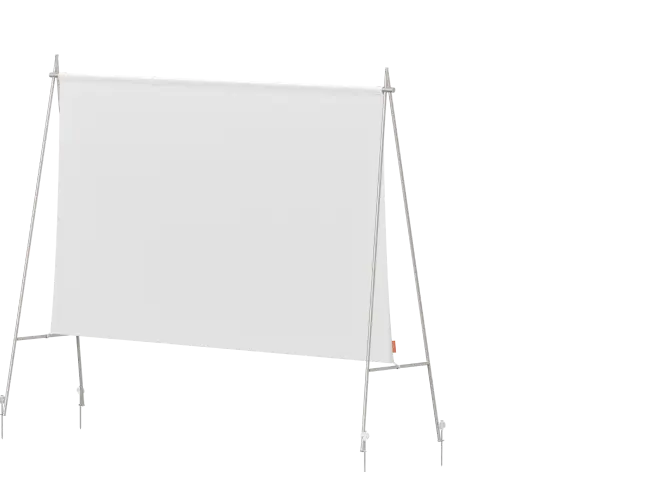
For a neater look, you may pick a floor-rising type, an inflatable outdoor screen, or a screen with a stand. A tightly stretched white cloth or a smooth white wall can produce satisfactory effects for budget installations.
Step 3: Confirm the Power Source
Before you take your projector to the patio and begin to mount it, consider the power issue. If your patio video projector does not have a built-in battery, find a power source for it. Ensure you have sufficient battery life or access to electricity to last for at least the duration of one movie.

Step 4: Connect Power and Devices
Plug in AC power to your patio yard projector if needed, connect HDMI devices such as streaming sticks or laptops, and pair external speakers via Bluetooth or wired connections if required.
Step 5: Align the Projection Image
Turn on the patio outdoor projector and let the automated alignment functions finish. Until the picture is centered and geometrically accurate, adjust the height and angle of the projector for optimum viewing experience.
Step 6: Connect to Wi-Fi
Connect the smart projector to the network (Wi-Fi), and you can access to various movies and online content in the built-in streaming apps like Netflix, HBO Max, etc. If you plan to cast content or mirror your phone, ensure all devices share the same network and verify signal strength before starting playback.
Step 7: Launch Content and Optimize Lighting
You can download the streaming Apps from the app store or accessed via the integrated smart system like Google TV or Android TV. Turn down the lights around you and start watching a movie on your patio!
Budget-Friendly Patio Projector Setup Strategies
Efficiency should take precedence over accessories if cost reduction is your goal. Instead of buying a separate screen, use a plain white wall. Select screens with modest sizes to lower the need for brightness. To avoid adding more outside outlets, choose battery-operated devices.
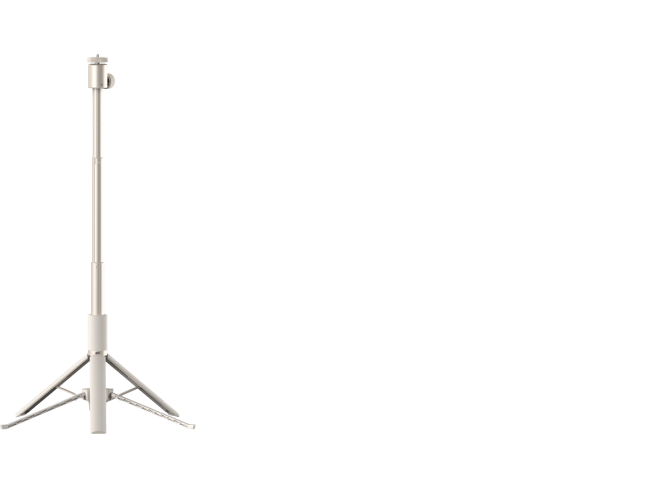
Rather than spending money on permanent outdoor sound systems, upgrade the sound quality of your current Bluetooth speakers. If at all feasible, borrow or repurpose mounting equipment, including tripods. Effective resource management may produce powerful outcomes without going over budget.

Can You Turn Your Patio into a Movie Theater with a Projector?
Yes, a patio is one of the suitable outdoor spaces for projection, provided a few conditions are considered.
1. Atmosphere and Versatility
Compared to watching indoors, a backyard patio provides a more comfortable, communal environment. In addition to movies, it may be utilized for picture slideshows at anniversaries, live sports during events, or backdrop videos for dinner parties, adding movement and versatility to the room.
2. Stable Structure and Easy Installation
Patios often feature concrete or decked flooring, which provides secure positioning for tripods and screens, in contrast to grassy backyards. An outdoor patio projector screen may also be hung or secured more easily using pergolas or canopy structures, which eliminate the need for complicated setup.
3. Light, Power, and Network Factors
Evening usage is advised unless you have a high-brightness patio outdoor projector and shade coverage, as daytime viewing is restricted by intense ambient light. Along with steady Wi-Fi if you're streaming material, you also need easily available electricity or enough battery life.
Is a TV or a Projector Better for a Patio?
Although each choice has advantages, outdoor projectors are typically more useful in patio settings.
A TV provides steady brightness in ambient light and excellent visibility during the day. However, weight, movement, and weather exposure become issues when placed outdoors. Large televisions restrict the range of screen sizes and are challenging to move and store.
On the other hand, an outdoor movie projector offers more mobility, easier placement, and large image size than TV. Seasonal outdoor entertainment and event-style gatherings are especially well-suited for it. A smart video projector is usually the superior option if your main objective is to enjoy nightly movie screenings with immersive large-screen viewing.
Conclusion
A patio outdoor projector setup is both doable and quite satisfying with careful preparation. You can construct a dependable outdoor theater that improves summer get-togethers and social events by choosing the ideal lighting settings, making sure the installation is solid, and efficiently managing electricity and connection.
XGIMI Black Friday Deals 2026
Nov 19 - 30th Black Friday Sale:
Shop now and enjoy exclusive Black Friday deals on XGIMI projectors!


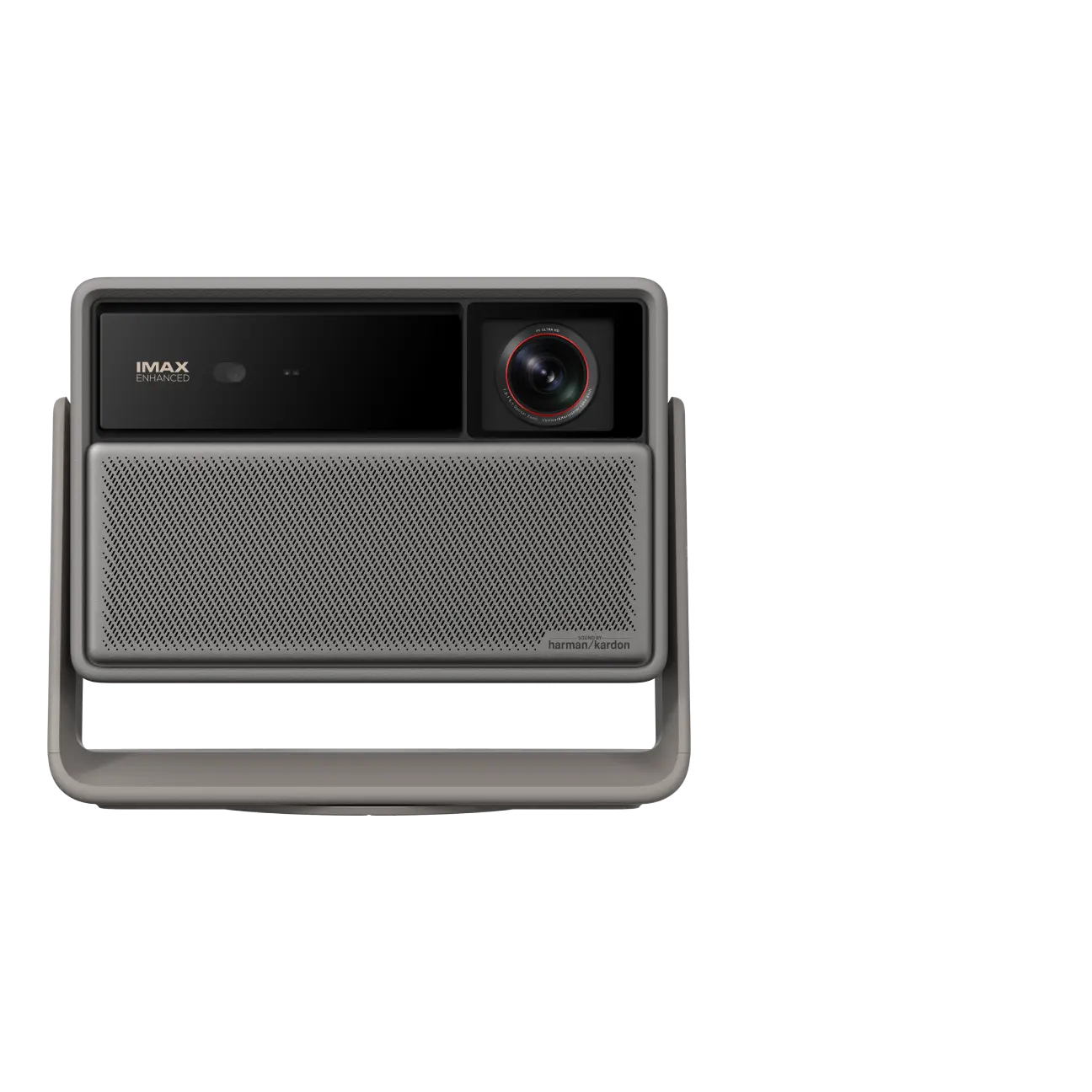
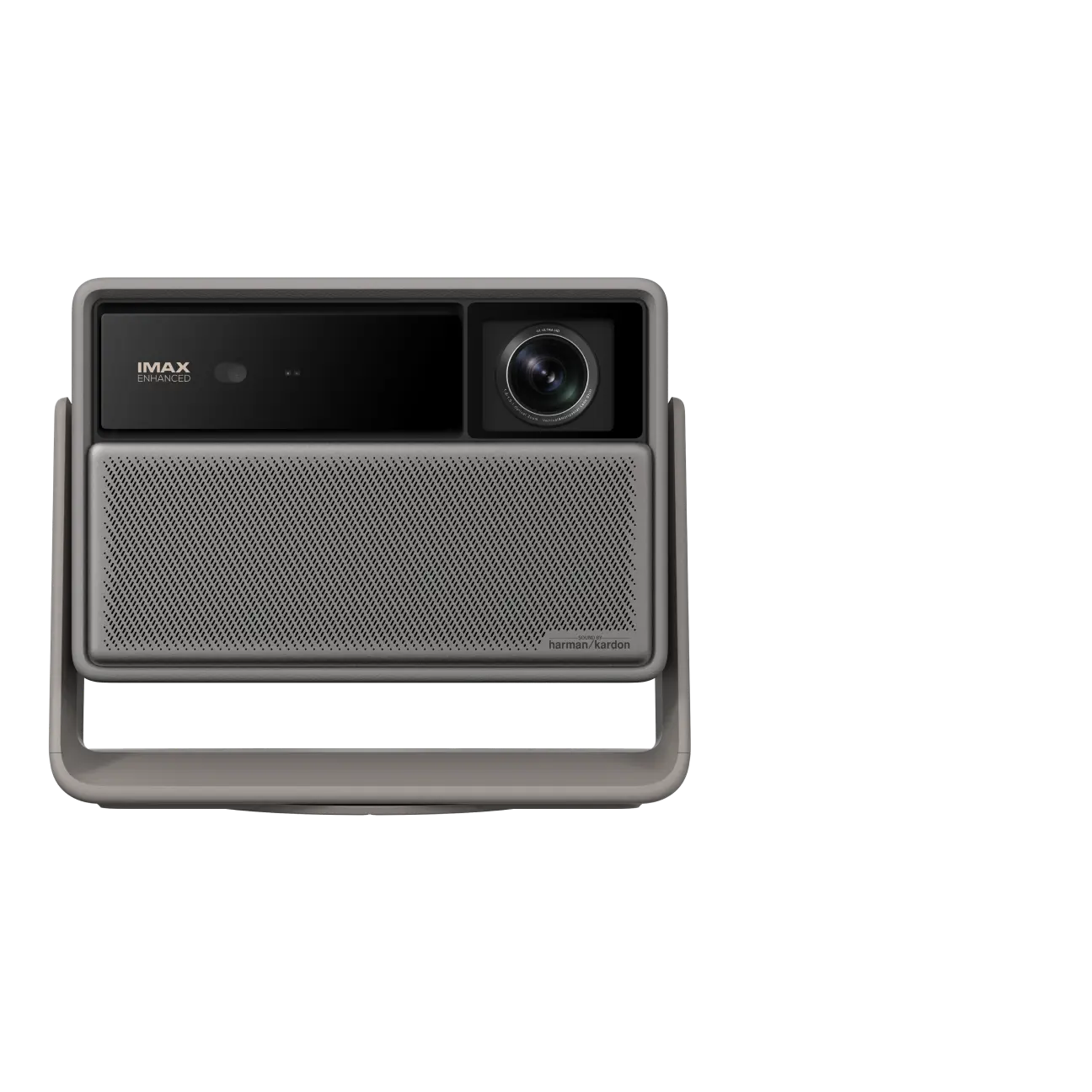
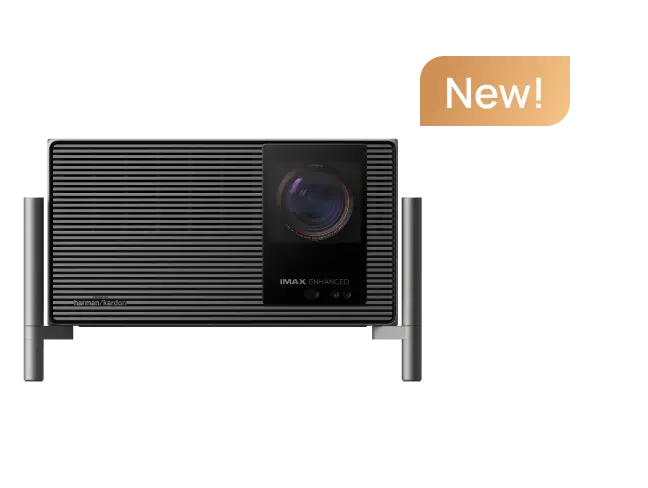
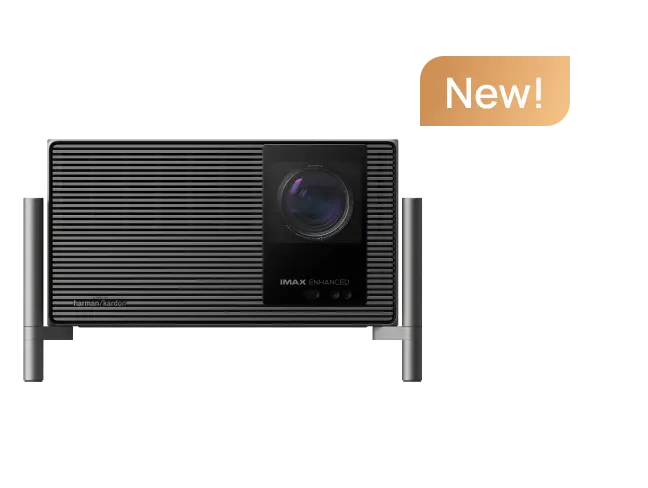
Portable & 4K Projector Recommendations
Big-Screen Cinema, Wherever You Go
All-in-one 4K entertainment in one hand.

Enhanced ISA 5.0
Effortless alignment

150° Flip Stand
Project anywhere


Enjoy 10€ off Your Next Purchase
Be the first to know about any news and sales!
*By subscribing, you agree to receive XGIMI's marketing emails and XGIMI's Privacy Policy.