
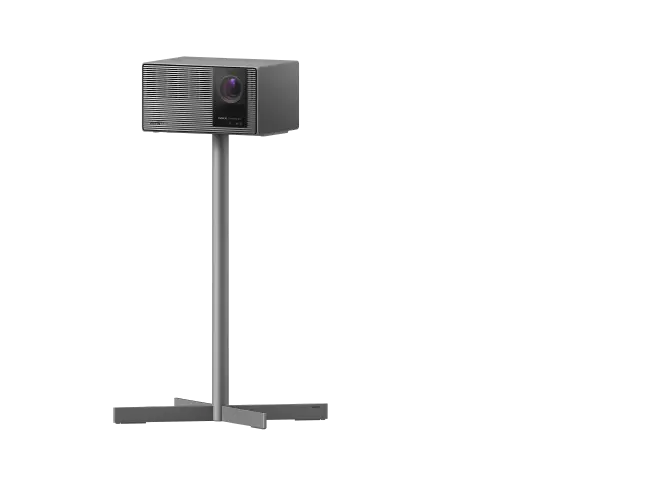
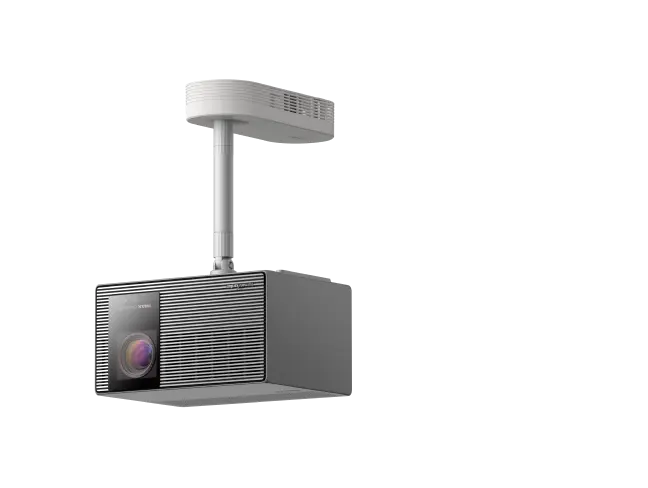


Watching videos on your iPhone is convenient, but a portable projector gives you a much bigger screen wherever you want to watch. From movie nights and travel to sharing content with friends, it's an easy way to bring your favorite iPhone content to the big screen.
Not every projector works the same way with an iPhone, though. Choosing the right one means considering image quality, brightness, portability and connection options. Below, we look at four portable XGIMI projectors and walk you through the different ways to connect your iPhone, from wired adapters to wireless mirroring.
Quick Picks
| Best for | Model | Why it stands out |
|---|---|---|
| Sharpest large image | XGIMI Elfin Flip 4K | 4K UHD, 1,600 ISO lumens, optical zoom and a 150° stand |
| Best value | XGIMI Elfin Flip Laser | 1080p, 1,600 ISO lumens, RGB triple laser and a 150° stand |
| Travel and outdoor movie nights | XGIMI MoGo 4 Laser | 550 ISO lumens, a built-in battery and a 360° stand |
| Brightest 1080p option | XGIMI Halo+ (New) | 700 ISO lumens, a built-in battery and Google TV |

Best Portable Projectors for iPhone
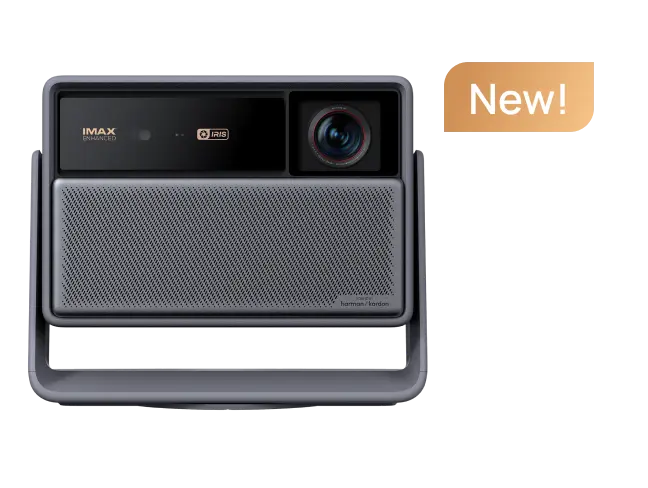
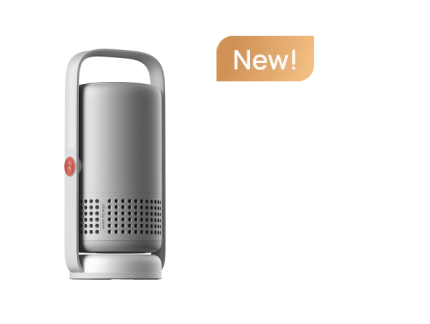
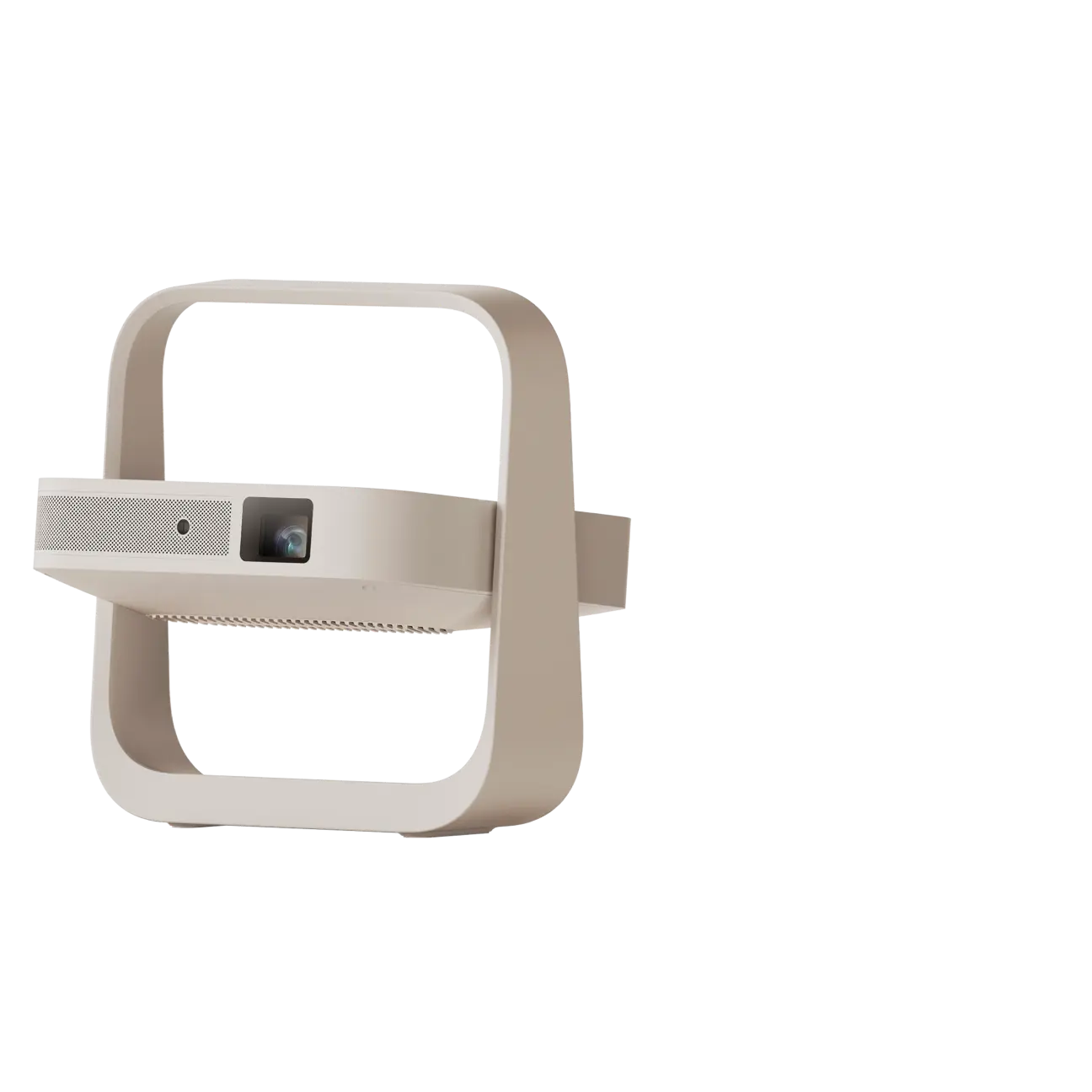
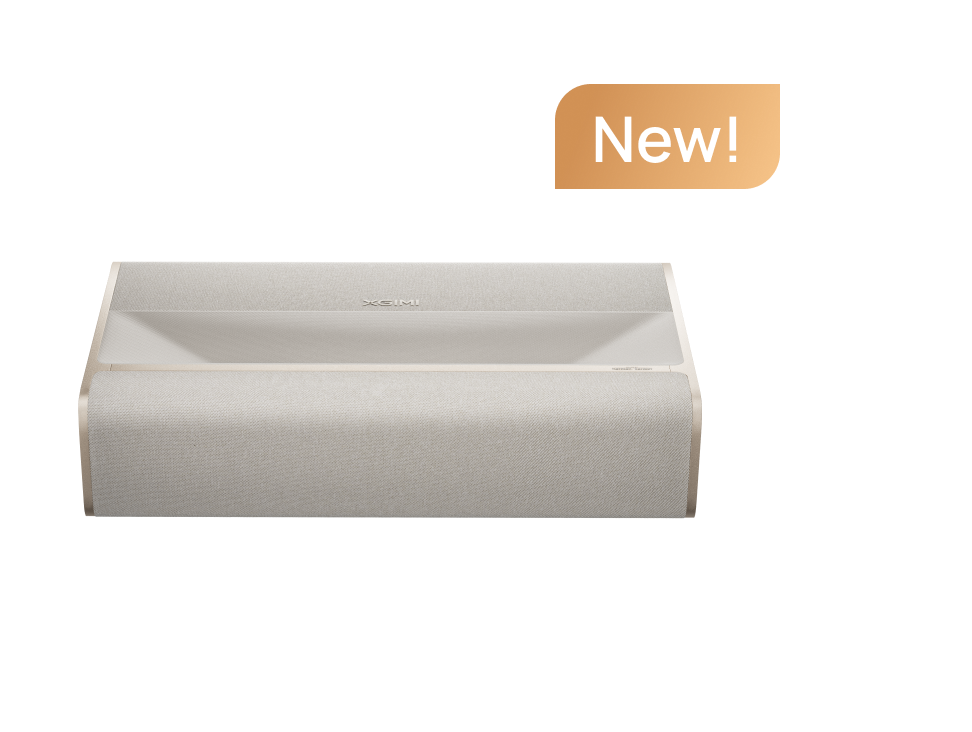
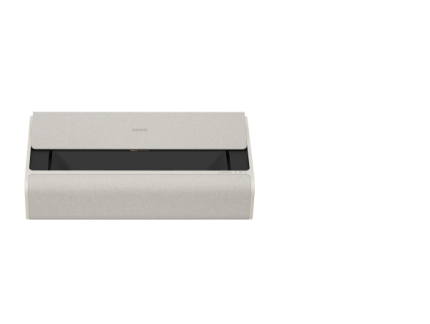
1. XGIMI Elfin Flip 4K: Best Overall Picture
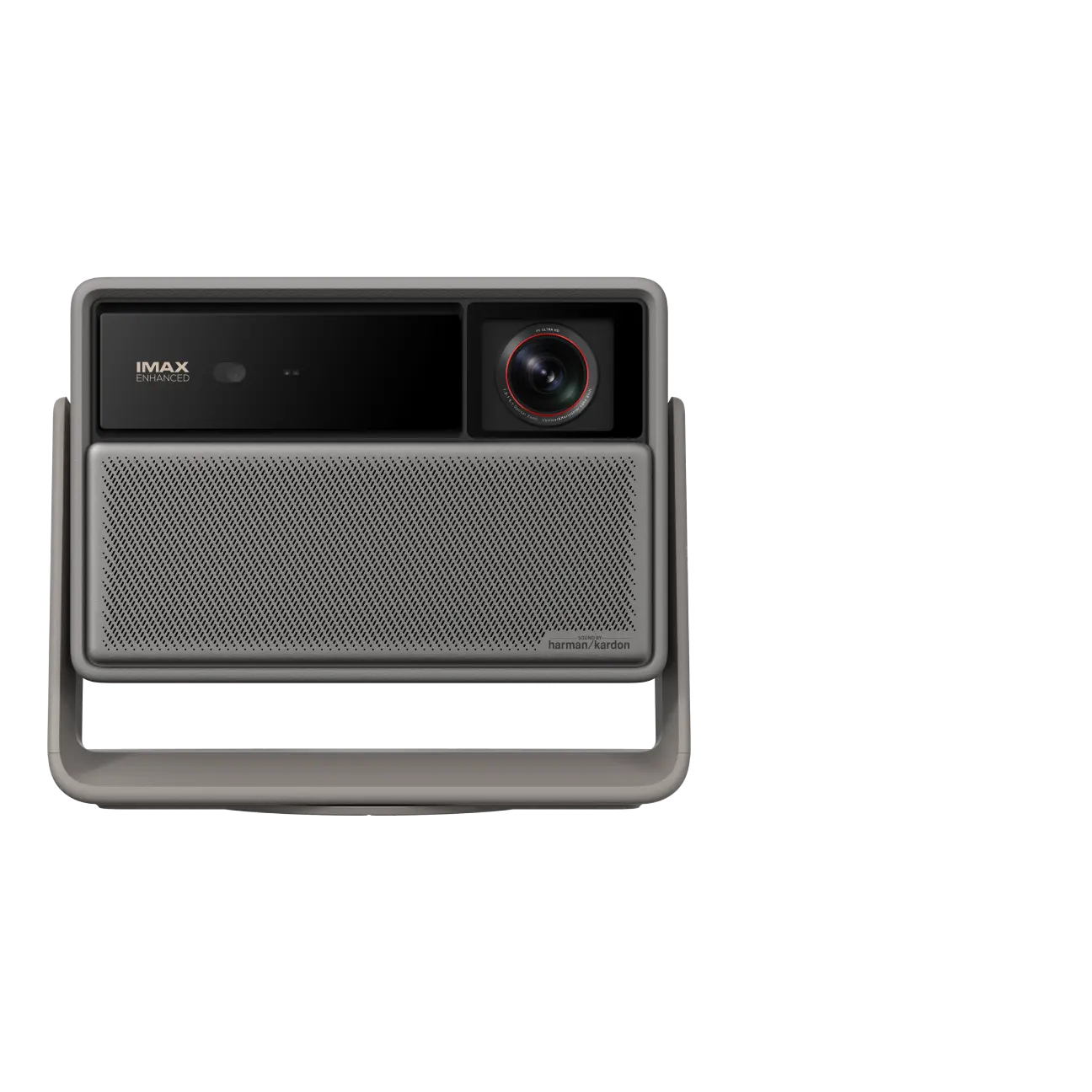
The XGIMI Elfin Flip 4K is the strongest choice in this group when picture quality matters most. It combines 4K UHD resolution with 1,600 ISO lumens, up to 20,000:1 dynamic contrast and a 0.98-1.3:1 optical zoom. The zoom gives you some flexibility when the room does not allow a perfect placement.
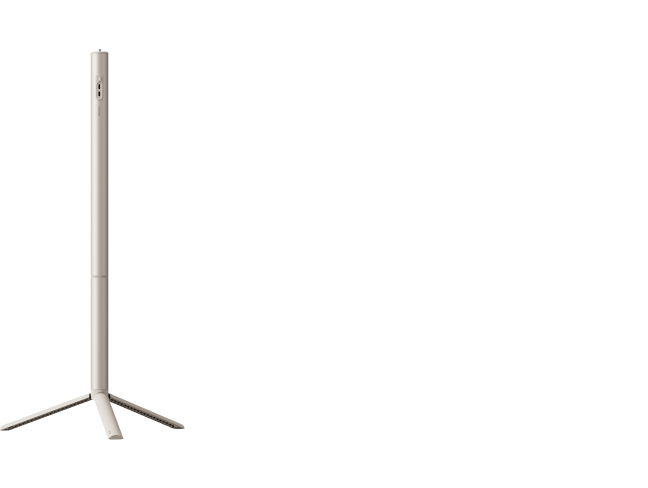
The 150° stand makes it easy to angle the image toward a wall or ceiling, and the maximum image size reaches 200 inches. It is still a compact model, but it needs a suitable wall or screen and a controlled light level to look its best. For gaming, the 1 ms response time, VRR and ALLM are useful if you also connect a console.
- Best for: a bedroom or living room where you want the sharpest image and can control the light.
article_product1
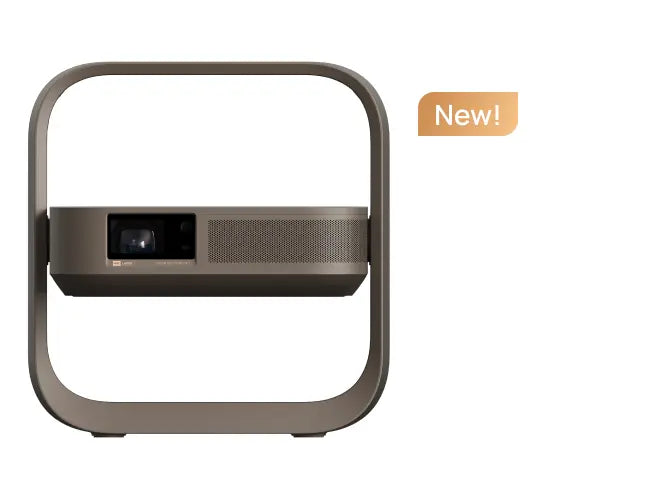
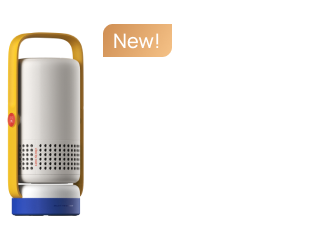
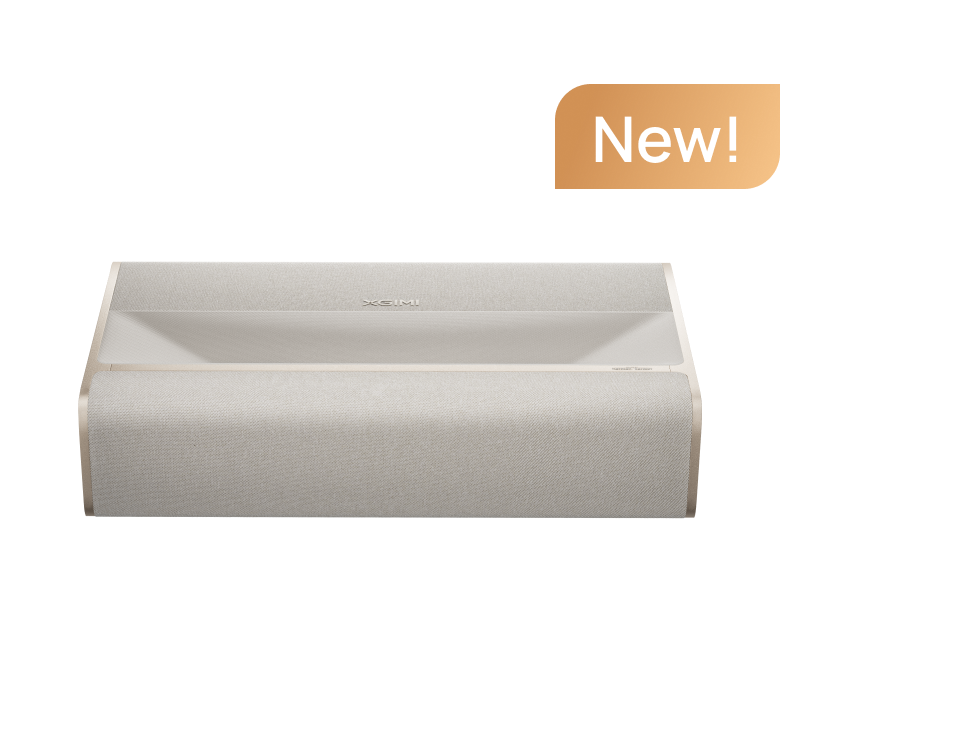
2. XGIMI Elfin Flip Laser: Best Value for Everyday Movie Nights
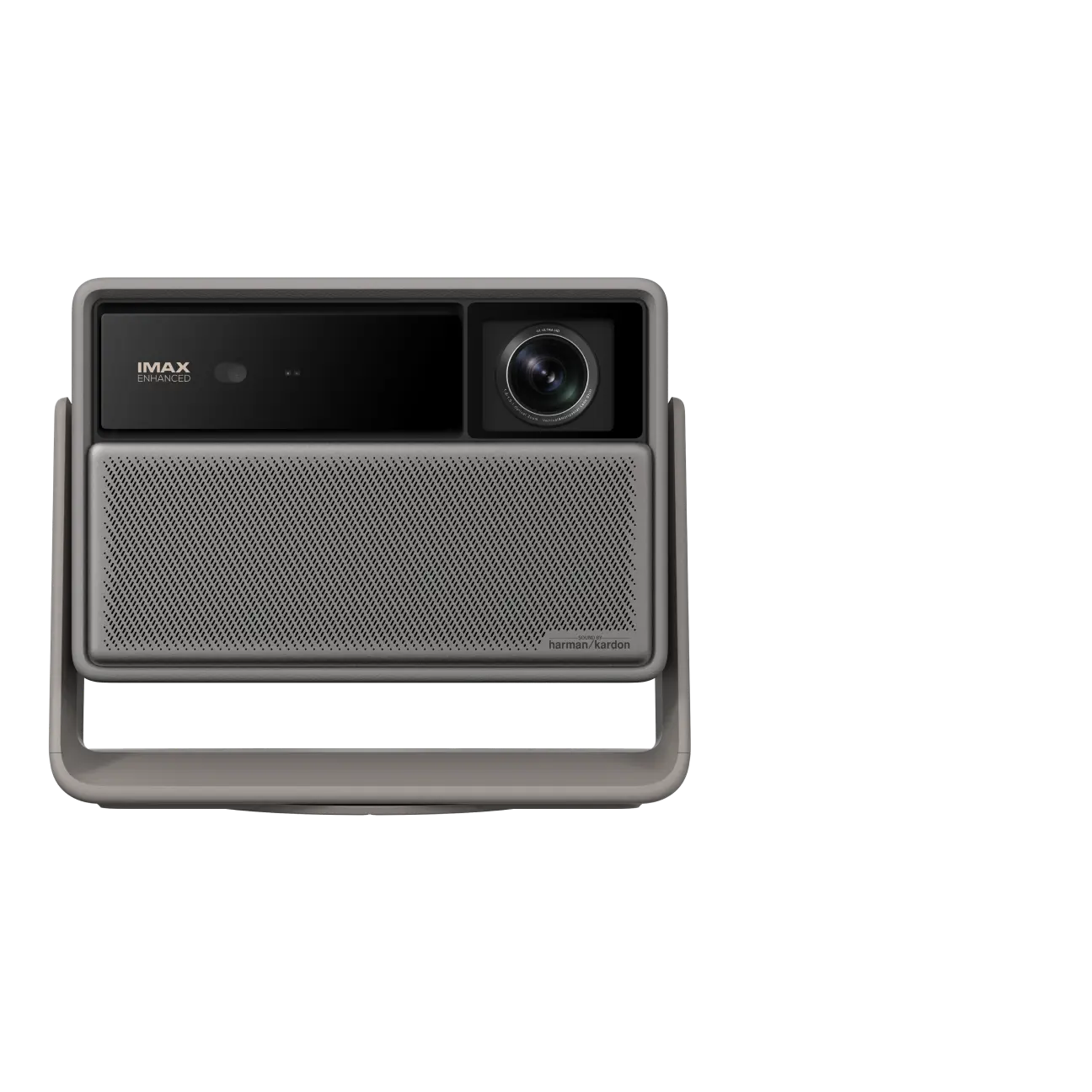
The XGIMI Elfin Flip Laser brings RGB triple-laser colour to a compact, mains-powered body. It produces a 1080p image at 1,600 ISO lumens, with a 10,000:1 dynamic contrast ratio and a 150° stand that makes ceiling projection possible without extra equipment.
Google TV is built in, which is useful because mirroring protected apps from an iPhone can be unreliable. The extra brightness over the 400 to 550 ISO models gives it more room to work in a spare room with some reflected light, although it still looks best after dark or with the curtains closed. The compact body is easy to move between rooms, but this is not the model to choose for camping unless you have a power source.
- Best for: a first projector, a bedroom or a spare room where the projector stays near a socket.
article_product2
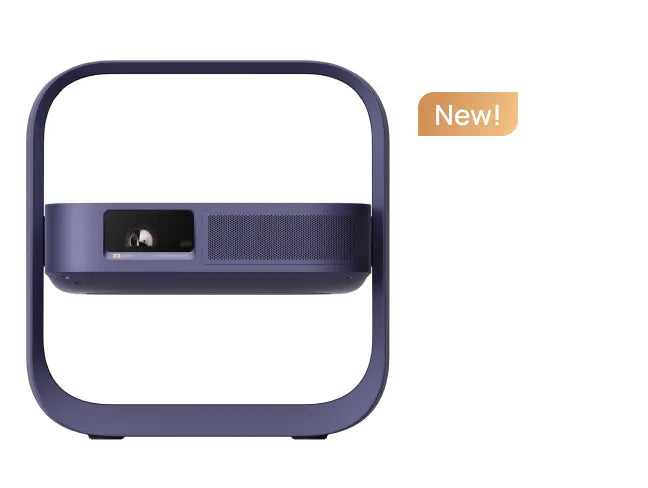
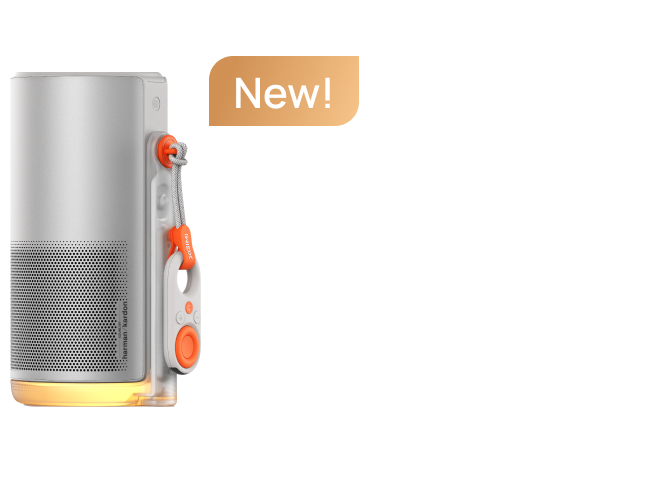
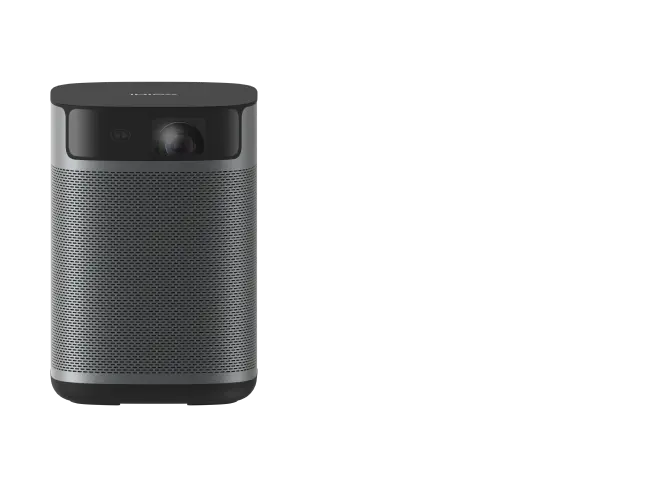
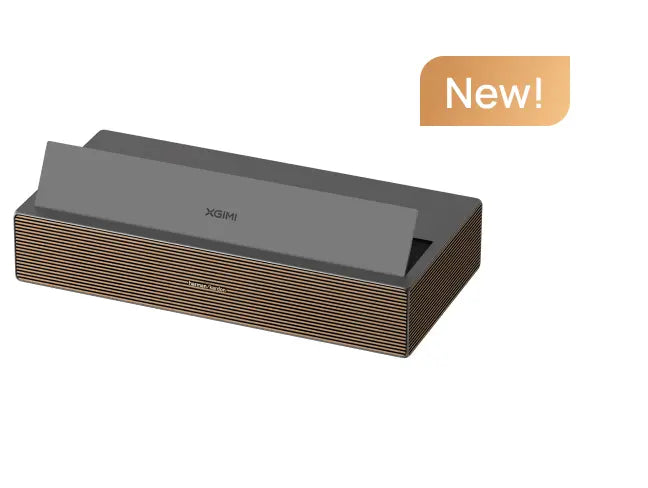
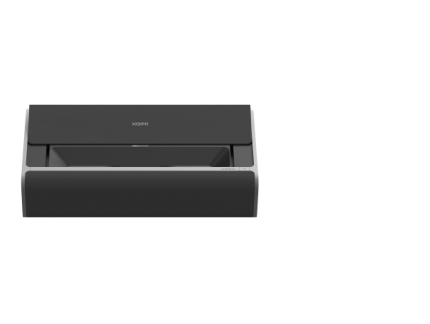
3. XGIMI MoGo 4 Laser: Best Compact Model with a Battery
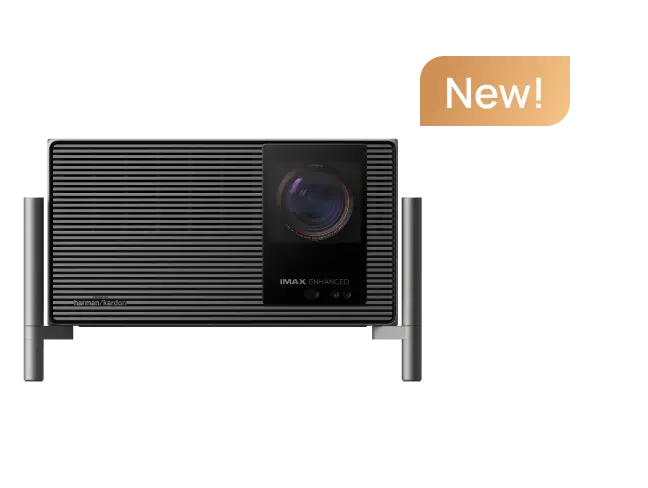
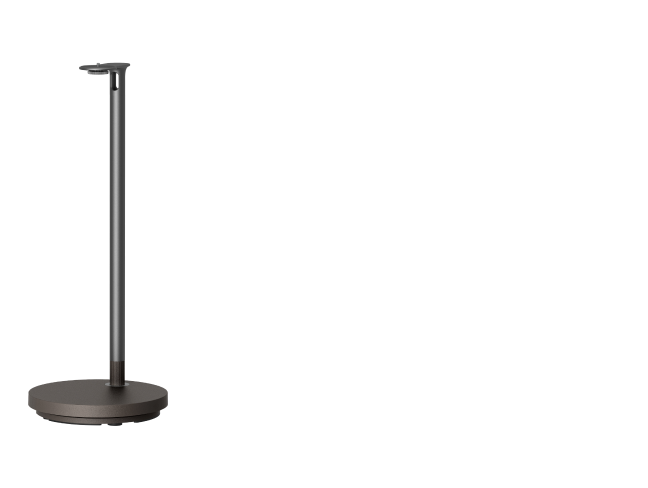
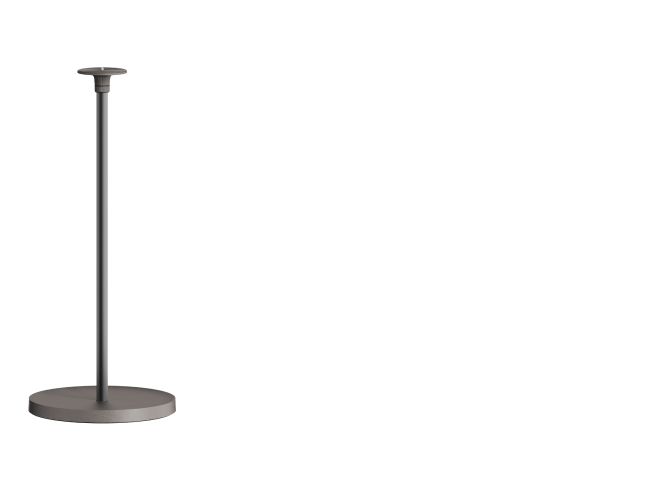
The XGIMI MoGo 4 Laser is the easiest model to take outside. It has a 1080p picture, 550 ISO lumens, a triple laser light source and 110% BT.2020 colour coverage. The built-in battery runs for up to 2.5 hours, and the 360° stand lets you point the image at a wall, ceiling or screen without a tripod.
The 550 ISO brightness is best suited to a dark room or a garden after sunset. Dual 6W Harman Kardon speakers and Google TV with licensed Netflix make it a self-contained option for a film or a match. For a longer session, the optional PowerBase Stand extends viewing time.
- Best for: travel, camping and outdoor movie nights.
article_product3
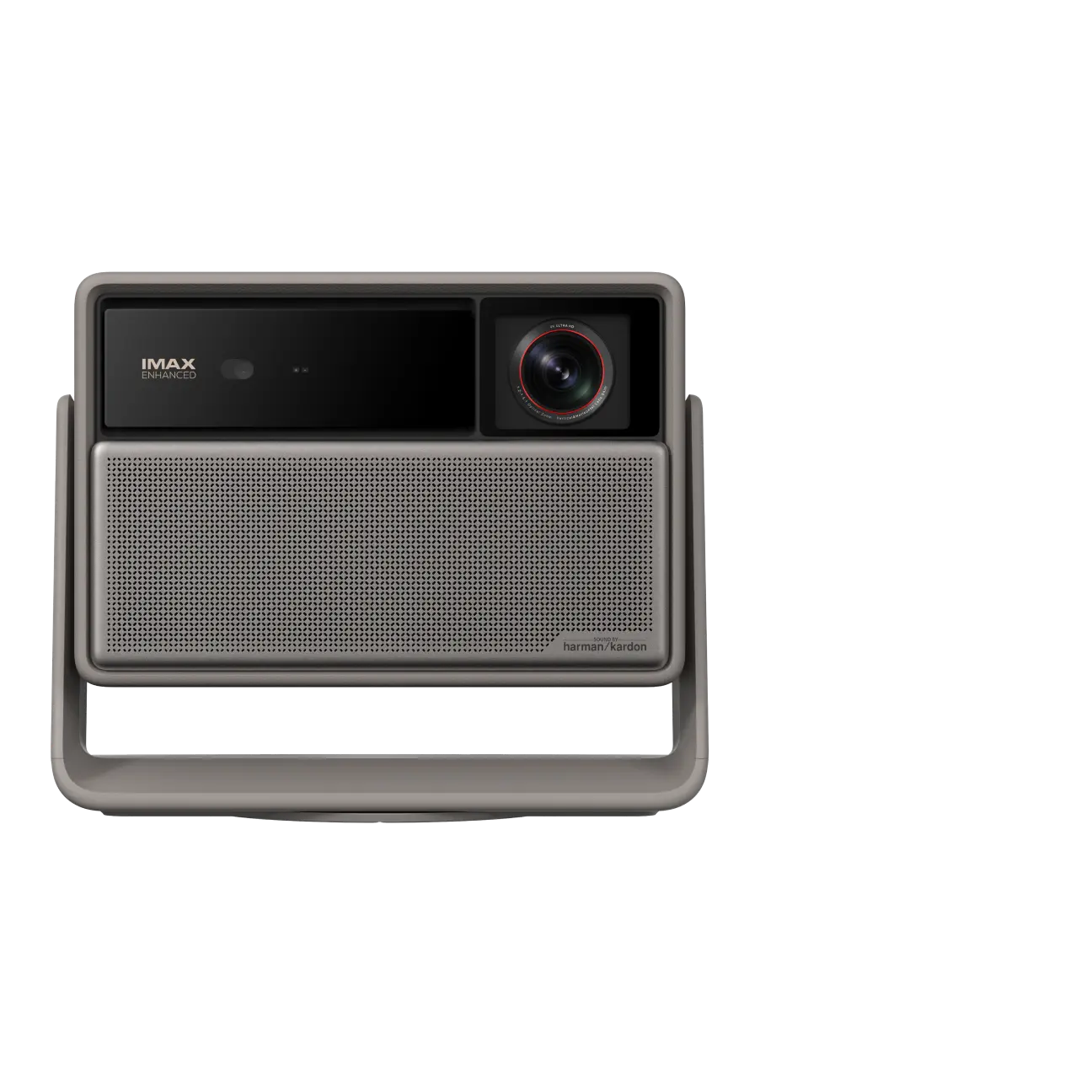
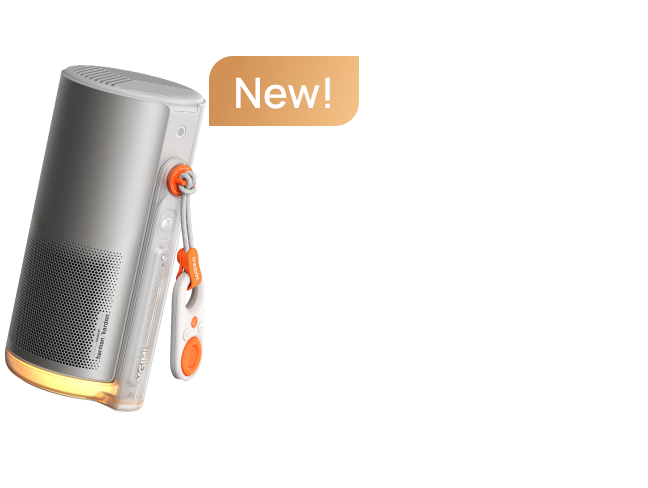
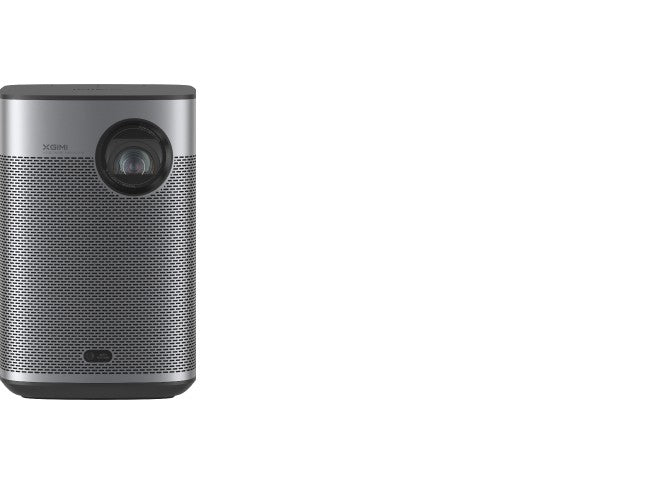
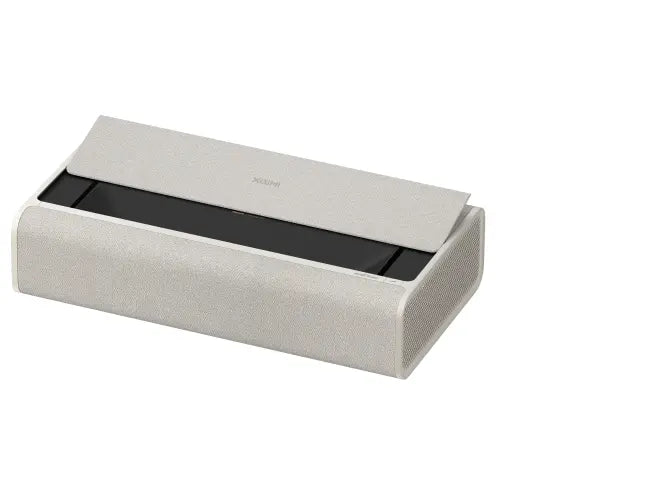
4. XGIMI Halo+ (New): Brightest 1080p Option
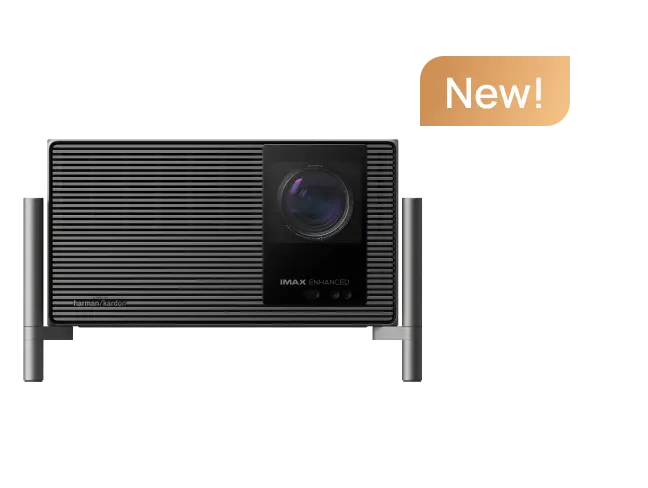
The XGIMI Halo+ (New) is the brightest 1080p model in this group at 700 ISO lumens. It runs for up to 2.5 hours on its built-in battery and includes dual 5W Harman Kardon speakers, Google TV and ISA 2.0 setup. The extra brightness gives it more flexibility in a dim room with some ambient light.
It is less pocketable than the MoGo 4 Laser, so it suits a car trip, a garden or a room-to-room move better than a backpack trip. The Google TV interface also means you can use the projector without mirroring every app from the iPhone.
- Best for: a garden, a large bedroom or a room where you cannot make it completely dark.
article_product4
If You Mostly Watch at Home
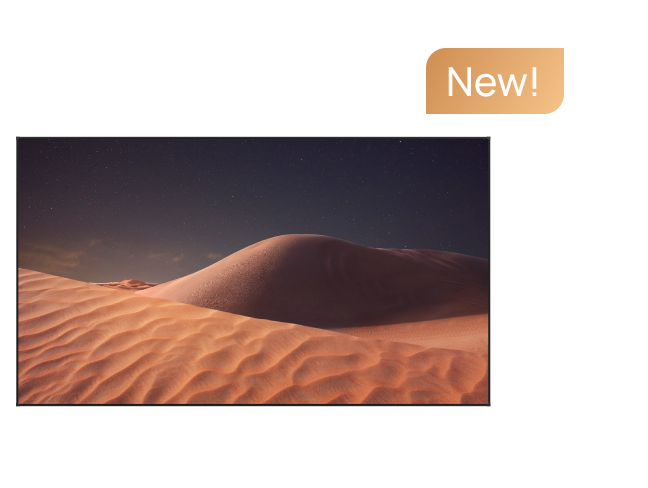
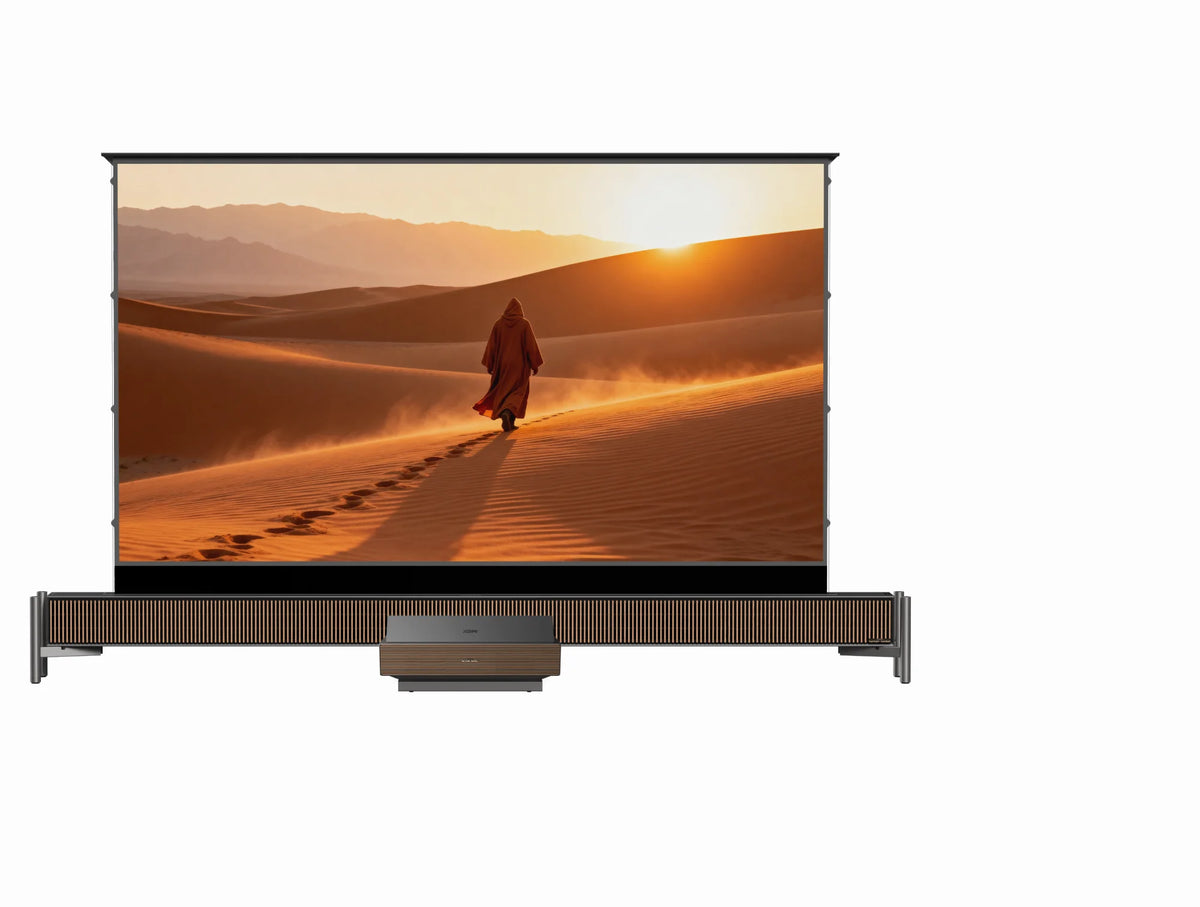
Portable models are built around size and battery life. If the projector will stay in one room, a home model gives you more brightness for the money. The XGIMI HORIZON 20 Pro is a 4K UHD model with 4,100 ISO lumens, an image up to 300 inches and 240 Hz at 1080p for gaming. It is not a travel projector. It makes more sense when you have a fixed wall, a ceiling mount or a cabinet and want a picture that holds up in a living room with some light.
article_product5

What Matters Most for iPhone Use
The iPhone Port
The adapter depends on the iPhone model. iPhone 15 and later use USB-C. iPhone 14 and earlier use Lightning. Check the port before you order a cable or adapter. It is the one part of the setup you cannot solve with a projector setting.
Brightness
Brightness has a larger effect on the picture than most other specifications. A projector rated at 400 to 550 ISO lumens works well in a dark bedroom or a garden after sunset. Around 700 ISO lumens gives more headroom in a dim room with a lamp on. A living room with daylight needs a much brighter home projector.
Resolution
1080p is a sensible choice for a portable projector and a screen up to about 100 to 120 inches. A 4K model makes more sense when the image is larger, the audience sits close, or you want fine detail in photos and design work. Resolution cannot compensate for a washed-out picture, so balance it with brightness and light control.
Battery and Power
Some compact projectors have a built-in battery, while others need a socket. A battery rated for about 2.5 hours covers most films and a short presentation. For a full day away from power, check the runtime and bring a charger or a compatible power base.
Placement and Setup
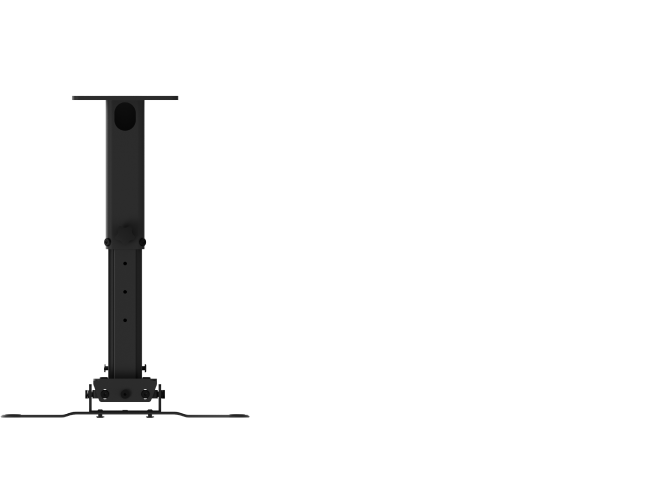
Auto focus and keystone correction save time, especially when the projector sits on a bed or a small table. A stand with 150° or 360° tilt makes ceiling projection easier. Optical zoom is useful when the projector cannot sit exactly where the throw distance expects.
Sound
Built-in speakers are enough for a bedroom or a small group. For a louder outdoor setup, look at speaker power and Bluetooth output. Bluetooth audio can introduce lip-sync delay, so use the projector speaker or a wired speaker for films when possible.

How to Connect an iPhone to a Projector
1. Wired Connection: The Most Reliable Option
| iPhone connection | What you need |
|---|---|
| USB-C, iPhone 15 and later | A certified USB-C to HDMI adapter or a certified USB-C to HDMI cable, plus an HDMI cable if the adapter does not include one |
| Lightning, iPhone 14 and earlier | An Apple Lightning Digital AV Adapter and an HDMI cable |
- Connect the adapter to the iPhone.
- Connect an HDMI cable from the adapter to the projector.
- Select the HDMI input on the projector.
- If the iPhone asks for permission, tap Trust or Allow.
- Open the video or presentation app and play the content.
Use a certified adapter. Low-cost adapters can drop the signal or fail HDCP checks. A wired connection is also the better choice for Netflix, Disney+, Prime Video and other protected apps because it avoids most mirroring restrictions.
2. Wireless Connection: Fewer Cables
Wireless mirroring depends on the projector. If it supports AirPlay, connect the iPhone and projector to the same Wi-Fi network, open Control Centre, tap Screen Mirroring and select the projector. If AirPlay is not available, open the projector's casting app and follow the code on screen.
Some XGIMI models include casting tools that accept an iPhone signal. The exact steps vary by model and firmware, so check the connection menu before you rely on wireless for an important presentation. For photos, YouTube and casual browsing, wireless is usually fine. For protected streaming apps, use the projector's built-in app or a wired connection.
For a more detailed walkthrough, see our guide to connecting a smartphone to a projector.

Set Up Your Projector in Five Steps
- Place the projector on a stable surface and point the lens at the centre of the screen.
- Power on the projector and connect it to Wi-Fi if you plan to use built-in apps.
- Connect the iPhone with the appropriate adapter or start screen mirroring.
- Use auto focus and keystone correction, then adjust the image size with the zoom or by moving the projector.
- Set the volume and choose the projector speaker, a Bluetooth speaker or a wired speaker.
Keep the projector as square to the screen as possible. Keystone correction can make the image look straight, but it reduces the usable pixel area. Careful placement and optical zoom give a cleaner result.
Which Portable Projector for iPhone Should You Buy?
| Use case | Recommended model | Why |
|---|---|---|
| Bedroom ceiling projection | Elfin Flip Laser or Elfin Flip 4K | 150° stand and flexible placement |
| Backyard or camping | MoGo 4 Laser | Built-in battery, 360° stand and 550 ISO lumens |
| Dim room with some light | Halo+ (New) | 700 ISO lumens and a built-in battery |
| Sharpest large image | Elfin Flip 4K | 4K UHD, optical zoom and up to 200 inches |
| Fixed living room | HORIZON 20 Pro | 4,100 ISO lumens and a 300-inch maximum image |
| Presentations on the go | Elfin Flip Laser or MoGo 4 Laser | Compact body, HDMI input and fast setup |
Frequently Asked Questions
1. Can I Connect Any iPhone to a Projector?
Yes. You need the right adapter or a compatible wireless receiver. USB-C iPhones need a USB-C to HDMI solution. Lightning iPhones need a Lightning Digital AV Adapter.
2. Do I Need Wi-Fi for AirPlay?
Usually yes. The iPhone and projector should be on the same network. If Wi-Fi is unavailable or unreliable, use an HDMI connection.
3. Why Does Netflix Show a Black Screen When I Mirror?
DRM protection blocks many mirroring paths. Use the projector's built-in Netflix app or a wired HDCP-compatible adapter.
4. Is 400 ISO Lumens Enough?
In a dark bedroom, yes. For a room with lamps or an evening garden setup, 550 to 700 ISO lumens is more comfortable. For daytime viewing, use a brighter home projector.
5. Can I Charge My iPhone While Projecting?
With a multiport adapter that has a charging port, yes. This is useful for long films and presentations.
6. What Is the Best Portable Projector for iPhone for Travel?
The MoGo 4 Laser is the easiest travel choice in this group because of its battery and 360° stand. Choose the Elfin Flip 4K if you will have mains power and picture quality matters more.

Final Thoughts
The choice comes down to three questions: will the projector stay near a socket, do you need a battery, and how large is the image? The Elfin Flip Laser is the value pick, the MoGo 4 Laser is the travel pick, the Halo+ (New) is the 1080p battery pick for dim rooms, and the Elfin Flip 4K is the best choice for a sharp large image. If you mostly watch in one room, put the budget toward a brighter home projector instead of a smaller body.
For iPad-specific connections, including USB-C and Lightning adapters, see our guide to choosing a portable projector for iPad.


