
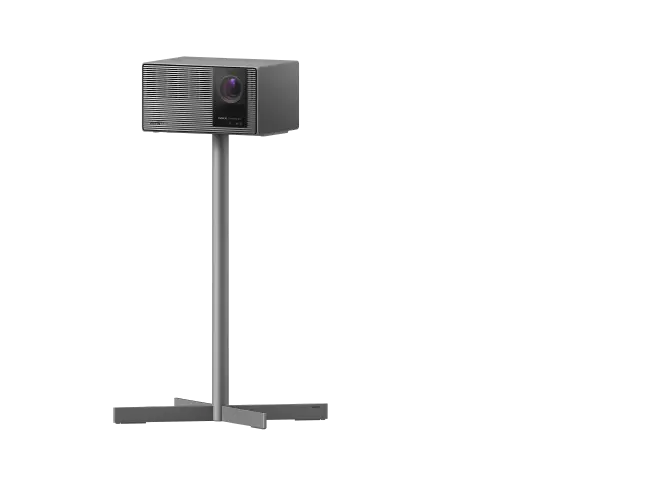
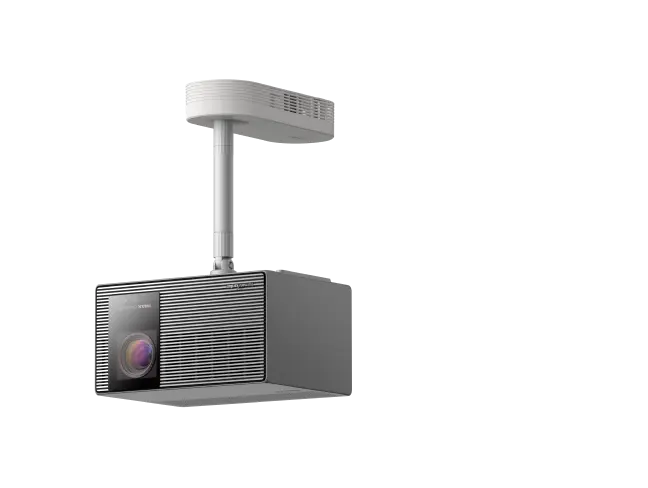


There’s something special about watching a movie on a screen that fills your field of vision. Whether you're revisiting a favorite film, hosting friends for movie night, or watching the big game with family, a home theater projector can make everyday entertainment feel like an event.
But choosing the best projector for home theater isn't simply about buying the model with the highest brightness or resolution. The right choice depends on your room, lighting conditions, preferred screen size, budget, and how you plan to use it.
This guide explains what really matters when comparing home theater projectors, including 4K resolution, laser and LED technology, HDR, brightness, input lag, and installation features. We'll also explore which XGIMI models fit different viewing needs.
Quick answer: The best home theater projector balances image quality, brightness, contrast, resolution, and placement flexibility with your actual room conditions. For dedicated movie watching, prioritize contrast and accurate color. For a multipurpose living room, look for higher brightness and easy setup. For smaller spaces, consider an ultra short throw projector. If gaming matters, compare input lag and supported refresh rates before buying.
What Makes a Great Home Theater Projector?
A great home theater projector should do more than produce a large image. It should make movies feel immersive without turning every viewing session into a technical project.
For most households, five factors matter most:
- Picture quality: Sharp detail, convincing contrast, accurate color, and natural-looking motion.
- Brightness: Enough light output for your screen size and room lighting.
- Installation flexibility: A throw distance and mounting arrangement that work in your space.
- Everyday convenience: Reliable focus, streaming access, sound, and straightforward controls.
- Value: Performance and features that justify the total cost, including a screen and accessories.
The best home theater projectors are not necessarily the most expensive models. A well-matched projector in a properly prepared room can deliver a more satisfying experience than a higher-priced model installed in unsuitable conditions.
If you're exploring your options, start by browsing XGIMI home projectors to understand the different projector categories and features.

How to Choose the Best Projector for Your Room
Before comparing models, think about where you'll watch movies most often.
Will you use a dedicated home theater with blackout curtains? A living room with windows? A bedroom where the projector needs to move around? Or a shared space for streaming, sports, and gaming?
Your answers will influence almost every buying decision.
1. Brightness and Ambient Light: How Many Lumens Do You Need?
Projector brightness is measured in lumens, but the number alone doesn't tell the whole story.
Ambient light, screen size, screen gain, wall color, and the projector's picture mode all affect how bright the image appears.
As a practical starting point:
| Room conditions | Suggested brightness range | Typical use |
| Very dark room | 500–1,500 ANSI/ISO lumens may work | Smaller screens and casual viewing |
| Light-controlled home theater | Around 1,500–2,500 lumens | Movies on 100–120-inch screens |
| Living room with moderate ambient light | Around 2,500–3,500+ lumens | Streaming, sports, family entertainment |
| Bright multipurpose room | 3,000+ lumens, often more | Daytime viewing with some light control |
These are general guidelines, not universal thresholds. ANSI and ISO lumens use different measurement standards and should not be treated as perfectly interchangeable.
For example, a 500 ANSI-lumen projector can produce a watchable 100-inch image in a very dark room, particularly for casual viewing. However, it will not deliver the same brightness or HDR impact as a more powerful home theater projector.
Similarly, aiming for at least 2,000 lumens can be sensible when shopping for a flexible home theater setup, but it is not a requirement for every dark room.
One important distinction: A high-brightness projector does not make a sunlit room behave like a dark theater. Direct sunlight on the screen can wash out even powerful models.
If you regularly watch during the day, consider blackout shades, careful screen placement, and a suitable ambient-light-rejecting screen.
2. Resolution, 4K, and High Dynamic Range
Resolution determines how much fine detail a projector can display.
There are two common choices for home entertainment:
- 1080p Full HD: 1,920 × 1,080 pixels.
- 4K UHD: 3,840 × 2,160 pixels.
4K UHD contains four times as many addressable pixels as 1080p, which can make a noticeable difference on larger screens, especially when you're sitting relatively close.
However, not every projector advertised as 4K uses a native 4K imaging chip.
Some DLP projectors use pixel shifting to display a full 4K UHD image from a lower-resolution imaging device. This is a legitimate display technology, but it's different from native 4K hardware.
For buyers seeking the best image quality, the important question isn't just whether a projector supports 4K. It's how well it reproduces fine detail, motion, color, and contrast in real viewing conditions.
What about HDR?
High dynamic range, or HDR, allows compatible content to carry a wider range of brightness and color information than standard dynamic range (SDR).
Formats such as HDR10, HDR10+, and Dolby Vision can help compatible projectors reproduce more nuanced highlights and shadow details.
But HDR support alone doesn't guarantee better HDR images. Projectors have different brightness capabilities, contrast performance, and tone-mapping systems.
A projector with effective HDR processing and strong contrast may produce a more convincing image than a brighter model with weaker tone mapping.
For movie lovers who frequently watch 4K streaming content or Ultra HD Blu-ray, HDR performance deserves serious attention.
Explore XGIMI 4K projectors to compare available features.
3. Contrast, Black Levels, and Color Accuracy
Brightness helps an image remain visible. Contrast gives it depth.
Contrast describes the difference between the darkest and brightest parts of an image. Better contrast can make nighttime scenes, dark clothing, and shadowy environments look more realistic.
When comparing specifications, pay attention to the difference between native contrast and dynamic contrast.
Native contrast describes the display system's inherent ability to distinguish dark and bright areas under defined conditions. Dynamic contrast may involve adjustments to the light source or image processing.
Because manufacturers use different testing methods, very large advertised dynamic contrast numbers don't necessarily translate into better real-world picture quality.
Color matters just as much.
An excellent projector should reproduce skin tones naturally, preserve subtle differences between colors, and avoid making every scene look artificially saturated.
A wide color gamut is valuable, particularly for HDR content, but color accuracy determines how faithfully those colors are reproduced.
For home theater enthusiasts, independent measurements of color accuracy, native contrast, black levels, and HDR tone mapping are often more useful than marketing specifications alone.
4. Screen Size and Throw Distance
One of the biggest advantages of projection over TVs is the freedom to create a much larger image.
For many homes, a 100- to 120-inch screen is a practical starting point. Larger rooms may comfortably accommodate 130- to 150-inch screens or beyond.
But bigger isn't automatically better.
As image size increases, the available light spreads across a larger area. This can reduce perceived brightness unless the projector has enough output.
Before buying, measure your room and calculate the required throw distance.
- Throw ratio = distance from the projector lens to the screen ÷ image width.
For example, a projector with a 1.2:1 throw ratio requires approximately 8.7 feet of lens-to-screen distance to produce a 100-inch 16:9 image.
A 100-inch 16:9 screen is approximately 87 inches wide.
Remember that throw distance is generally measured from the lens, not the back of the projector. You also need clearance for the projector body, ventilation, cables, and any mounting hardware.
A projector's throw ratio, optical zoom range, and supported image size determine whether it will fit your room.
5. Lens Shift, Optical Zoom, and Keystone Correction
Setup features can make a major difference in everyday usability.
Three commonly confused features are:
- Lens shift: Physically moves the projected image within the projector's optical system without requiring the entire projector to move.
- Optical zoom: Changes the projected image size through the lens while preserving the projector's imaging resolution.
- Keystone correction: Digitally reshapes an image when the projector is positioned at an angle to the screen.
Physical lens shift and optical zoom are particularly useful for permanent home theater installations because they offer greater placement flexibility without relying on digital image correction.
Keystone correction is convenient for quick setup, especially when a projector sits on a side table or temporary stand. However, extensive digital correction can reduce effective image resolution and introduce additional processing.
Digital zoom can also make an image smaller without moving the projector, but unlike optical zoom, it does not preserve the full imaging area.
For the sharpest picture, position the projector as squarely as possible to the screen and use optical adjustments where available.
If you're shopping for a lifestyle projector, also consider autofocus, automatic screen alignment, obstacle avoidance, and an adjustable gimbal mount or integrated stand.
These conveniences are especially useful for users who move their projector between rooms.
6. Gaming, Streaming, and Built-In Audio
Many people want one projector for movies, home entertainment, sports, and gaming.
If that's your plan, look beyond movie performance.
For gaming, input lag is one of the most important specifications.
Input lag measures the delay between a device sending a signal and the corresponding image appearing on the screen.
Lower input lag generally means more responsive controls.
As a general reference:
Under 20 milliseconds is desirable for responsive gaming.
Around 20–40 milliseconds may be acceptable for many casual games.
Higher latency can become noticeable in fast-paced or competitive games.
Always compare latency at the resolution and refresh rate you actually intend to use. A projector advertised with 1 ms input lag at 1080p/240Hz may perform differently at 4K/60Hz.
Check whether the model supports features such as Game Mode, VRR, ALLM, and the required HDMI signal formats.
For streaming, confirm whether your preferred services are officially supported.
A smart projector with Google TV can simplify access to movies and shows, but streaming availability and supported video formats can vary by model, operating system, and app.
For audio, a built-in speaker is convenient for casual viewing. For a dedicated home theater, an external soundbar or surround-sound system may provide a more immersive experience.
Also consider fan noise, especially if the projector will sit near your seating area.

Laser vs. LED vs. Lamp Projectors: Which Is Better?
The light source affects brightness, color performance, maintenance, and long-term ownership cost.
There are three major technologies to understand.
Laser Projectors
Many modern laser projectors have rated light-source lifespans of approximately 20,000 to 30,000 hours, depending on the model and operating conditions.
At four hours of viewing per day, 20,000 hours represents roughly 13.7 years of use.
Laser systems can also deliver impressive brightness and color performance.
Certain RGB triple-laser designs are capable of exceptionally wide color gamuts, making them attractive for premium HDR home theater systems.
However, not all laser projectors perform alike. Laser-phosphor and RGB laser systems have different characteristics, and some viewers may notice laser speckle or color-separation artifacts on particular models.
LED Projectors
An LED projector is often a practical choice for users who prioritize portability, compact size, and low maintenance.
LED light sources commonly offer much longer rated operating lives than traditional lamps, although a universal five-times-longer claim would be misleading.
Many LED projectors are designed for easy setup and occasional use rather than maximum brightness.
They can be excellent for bedroom movie nights, apartment living, or moving between rooms.
Traditional Lamp Projectors
Traditional lamp projectors can still make sense when upfront price is a major factor.
Some models are available at lower prices than comparable laser projectors, particularly in the used or entry-level market.
However, replacement lamps add to long-term cost, and light output generally declines with use.
The amount of brightness loss varies by lamp design, operating mode, temperature, and maintenance. A fixed claim that every lamp projector loses 25% of brightness after 500 hours is not reliable.
When comparing a cheaper projector with a laser or LED alternative, consider the total cost of ownership rather than purchase price alone.
Which should you choose?
For a permanent, frequently used home theater, laser is worth serious consideration. For a portable option or casual viewing, LED can offer excellent convenience. For a strict budget, a traditional lamp projector may still be competitive.
Long Throw vs. Short Throw vs. Ultra Short Throw Projectors
Not every home has the same installation space.
The distance between your projector and screen can determine which type of projector is practical.
Long Throw Projectors: Best for Larger Rooms
A long throw projector is typically installed several feet away from the screen, often on a shelf or ceiling mount.
Standard throw projectors generally require more distance than short throw alternatives.
Their advantages include flexible installation options and compatibility with conventional home theater layouts.
For a dedicated media room with sufficient depth, a long throw projector can be an excellent projector choice.
The main consideration is making sure the projector can create your desired screen size from the available distance.
Short Throw Projectors: Big Screens With Less Distance
A short throw projector creates a large image from a shorter distance.
This can be useful in smaller rooms where a standard projector would need to sit behind the seating area or beyond the available space.
Short throw models can also reduce the chance of people walking through the projected beam.
However, exact distances vary significantly by model. Always check the manufacturer's throw ratio and installation specifications.
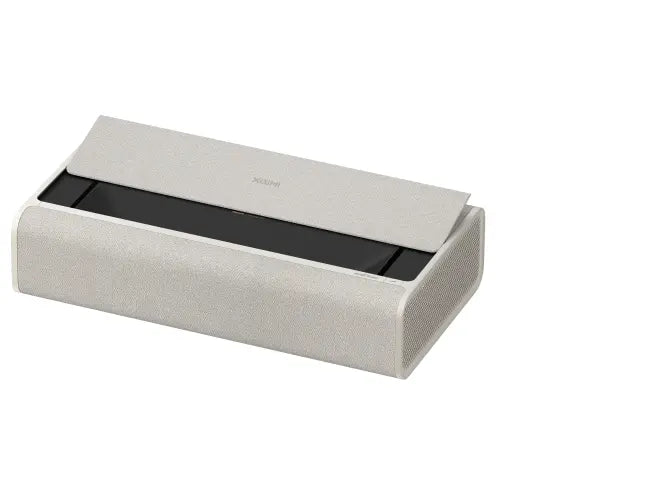
Ultra Short Throw Projectors: A TV-Like Setup
An ultra short throw, or UST projector, can sit just inches from the wall or screen.
Instead of placing the projector across the room, you can position it on a suitable media cabinet near the display surface.
This makes UST projectors especially attractive for living rooms, apartments, and TV replacement setups.
A UST projector can also reduce visible cables and eliminate the need for a traditional ceiling installation.
However, UST projectors require careful alignment and a very flat screen. In rooms with ambient light, a compatible UST ambient-light-rejecting screen can significantly improve perceived contrast.
For small spaces with limited throw distance, explore XGIMI ultra short throw projectors.
Best XGIMI Home Theater Projectors by Use Case
There isn't one universal top pick for every buyer.
A dedicated movie enthusiast, a console gamer, and someone watching Netflix in a small apartment have different priorities.
Here are several XGIMI options worth comparing based on how you plan to use your projector.
These are use-case recommendations, not results of a controlled head-to-head projector test. Product availability and current generations should be checked before purchasing.
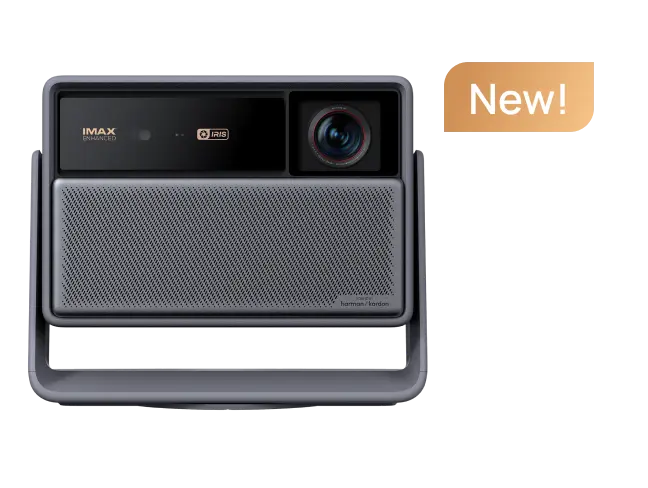
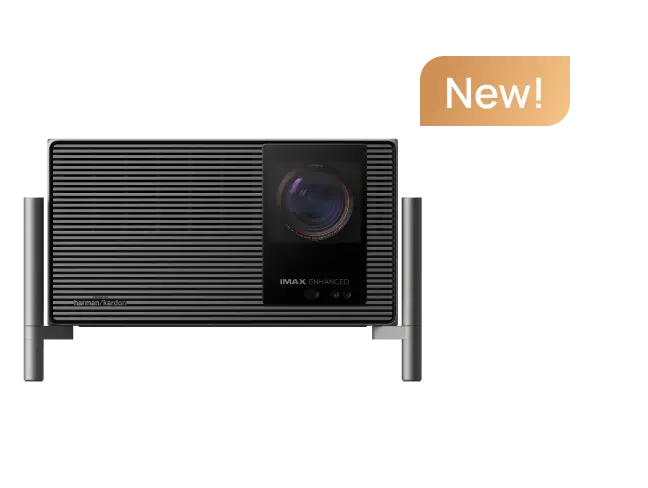
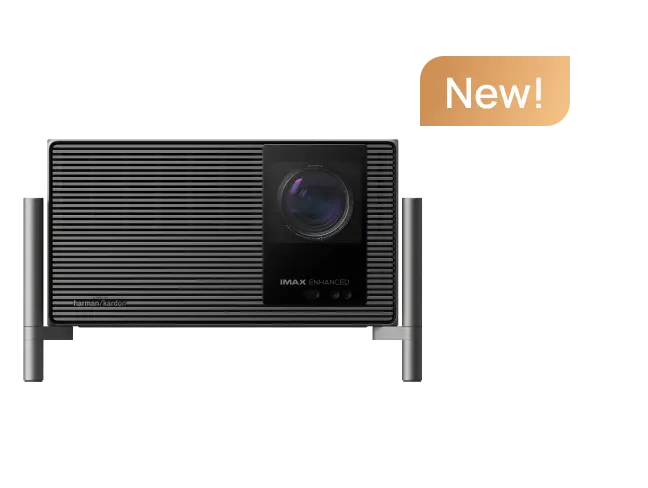
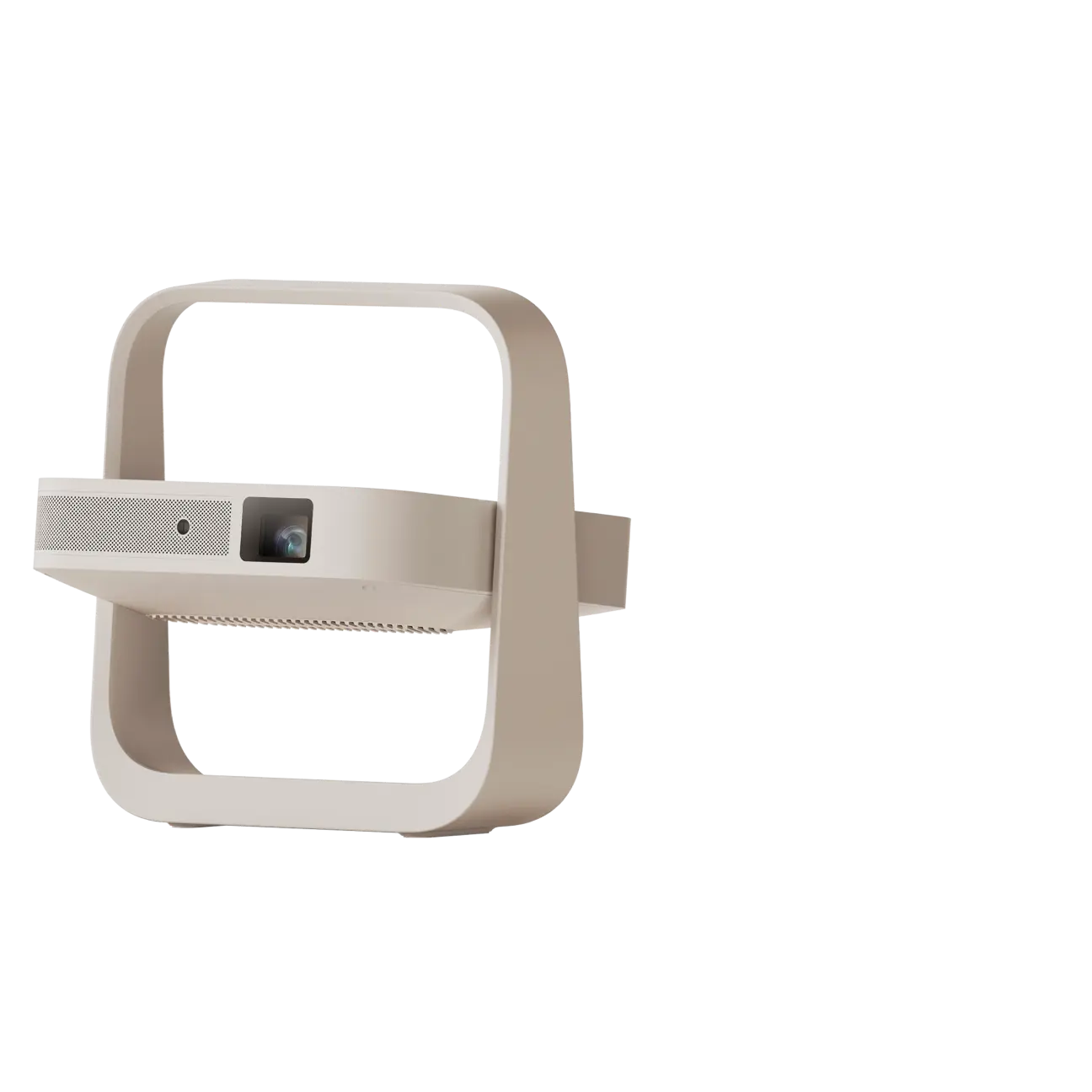
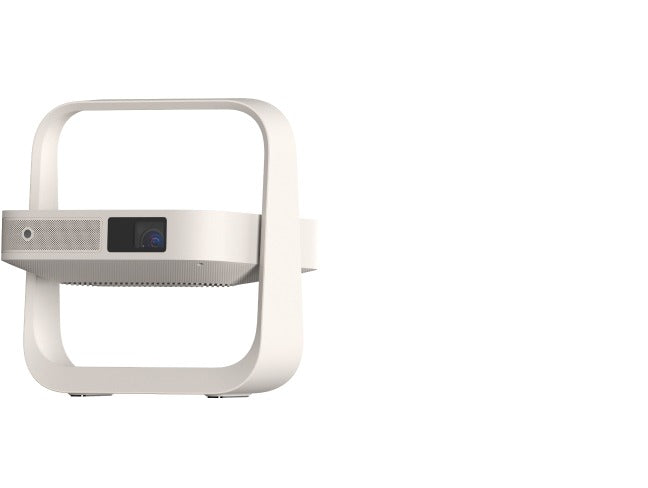
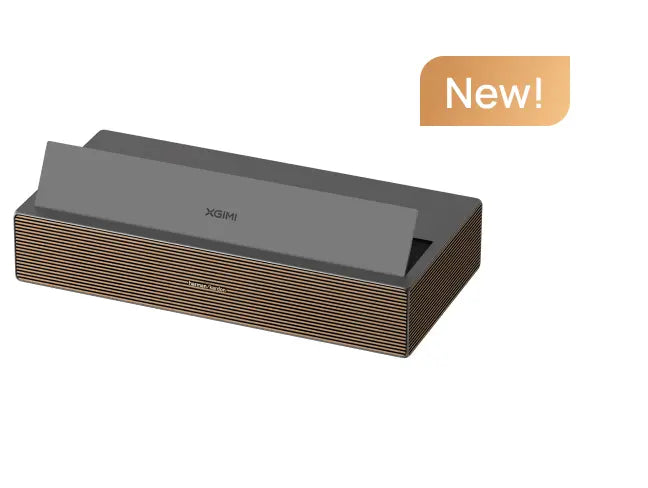
1. For Premium Home Theater: XGIMI HORIZON 20 Max
If you want a large-screen experience in a multipurpose room, the HORIZON 20 Max is a strong model to consider.
Its published specifications include:
- 4K UHD image output.
- RGB triple-laser light source.
- Up to 5,700 ISO lumens of specified peak brightness.
- Optical zoom and physical lens shift.
- Google TV streaming.
- Gaming modes with a specified minimum input lag of 1 ms at 1080p/240Hz.
The optical adjustments are particularly valuable for buyers who want to avoid relying heavily on digital keystone correction.
Its high brightness can also provide more flexibility in rooms with moderate ambient light, although curtains and a quality screen still matter.
The 1 ms gaming figure should not be interpreted as the projector's latency at every resolution and refresh rate.
For buyers balancing movie quality, flexible installation, and gaming performance, this is a model worth examining closely.
article_product4
2. For Everyday Movies and Gaming: XGIMI HORIZON 20
Not everyone needs the brightest projector in a product family.
The HORIZON 20 offers a more accessible route into XGIMI's 4K RGB laser home entertainment lineup.
Its published features include 3,200 ISO lumens, Dolby Vision, HDR10+, Google TV, optical adjustment features, and high-refresh gaming support.
For a room where you can dim the lights, these capabilities may offer a useful balance between performance and price.
If you're choosing between different HORIZON models, compare actual brightness needs, optical features, and gaming requirements rather than assuming the highest-priced model is always necessary.
article_product1
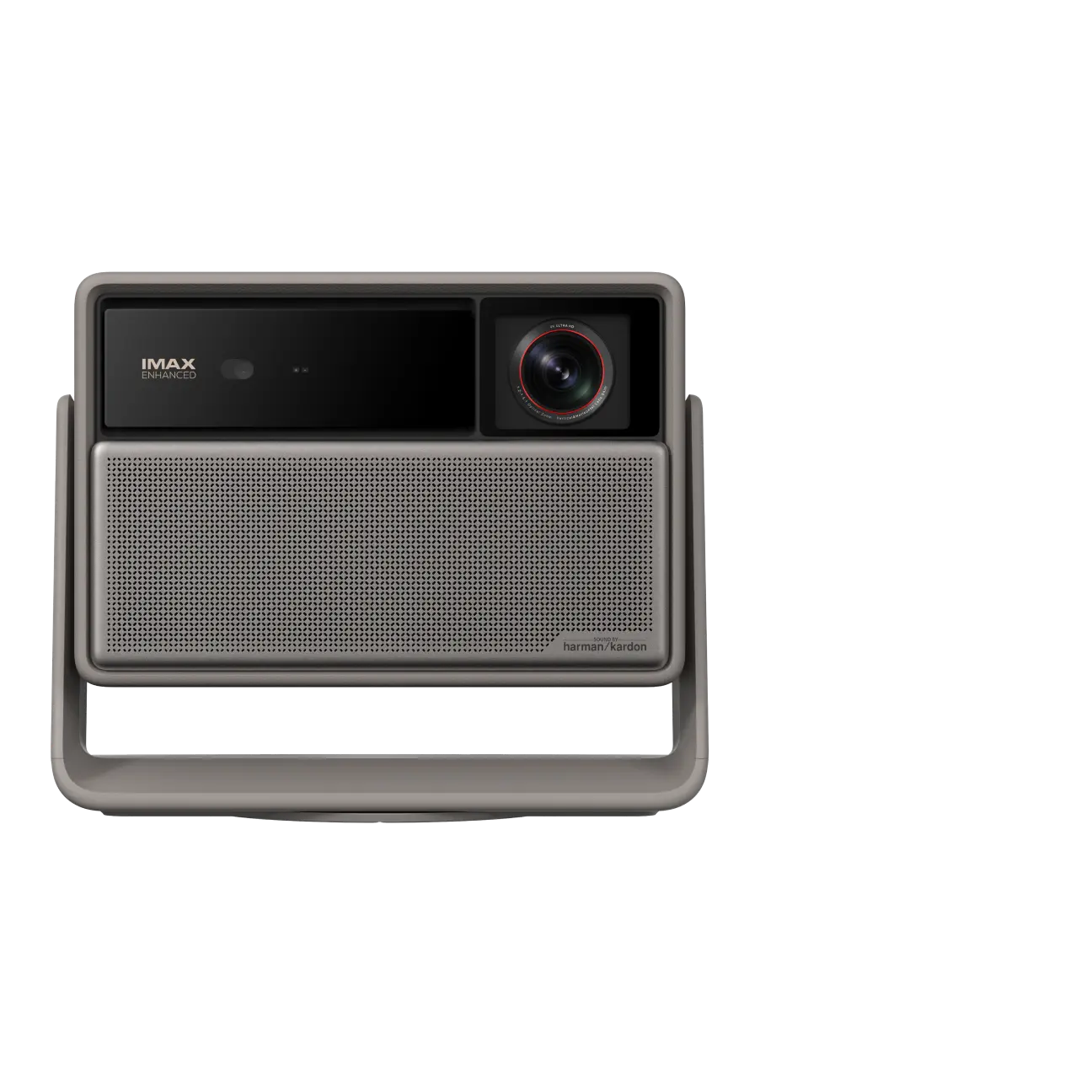
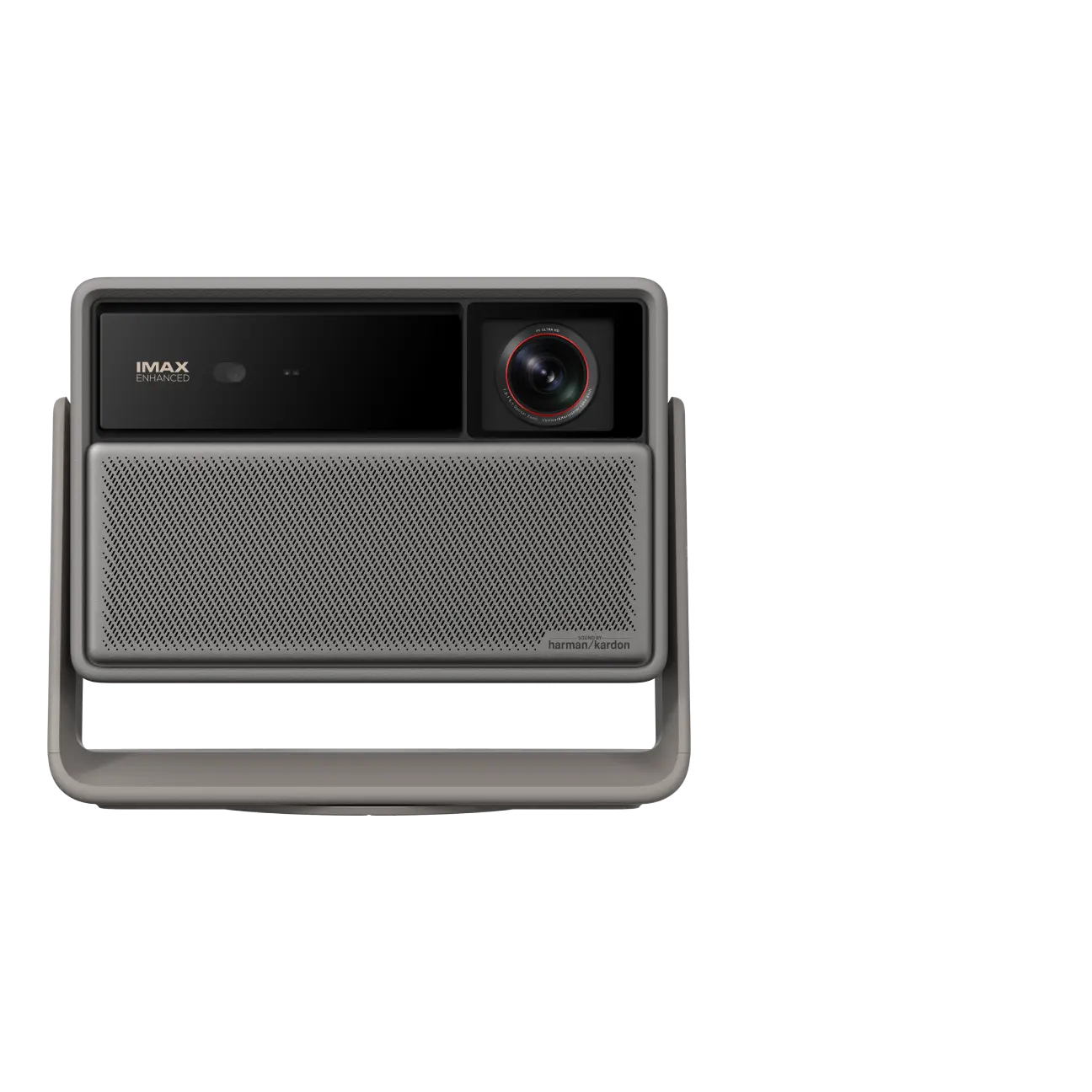
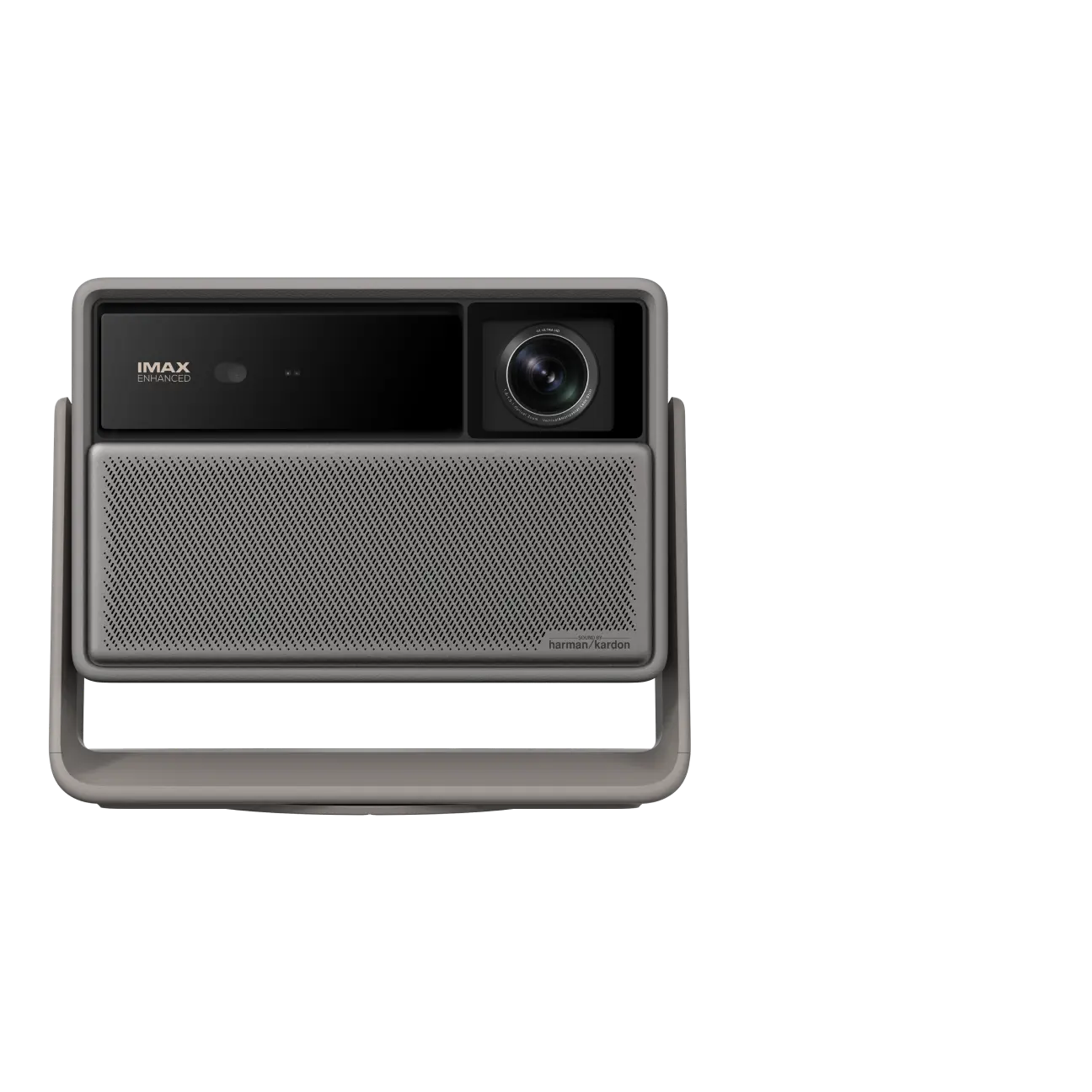
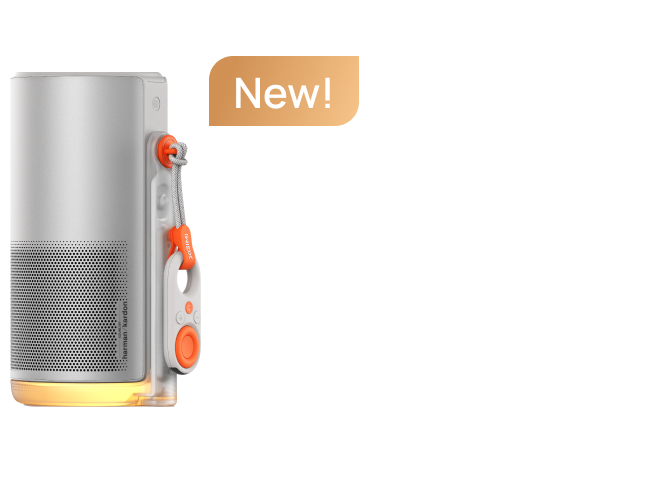
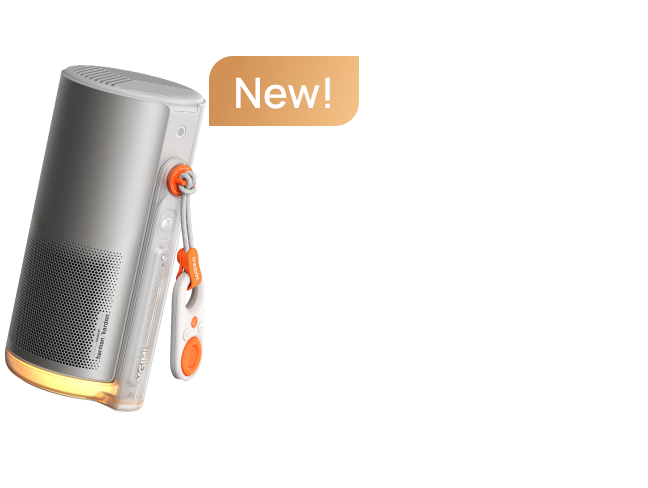
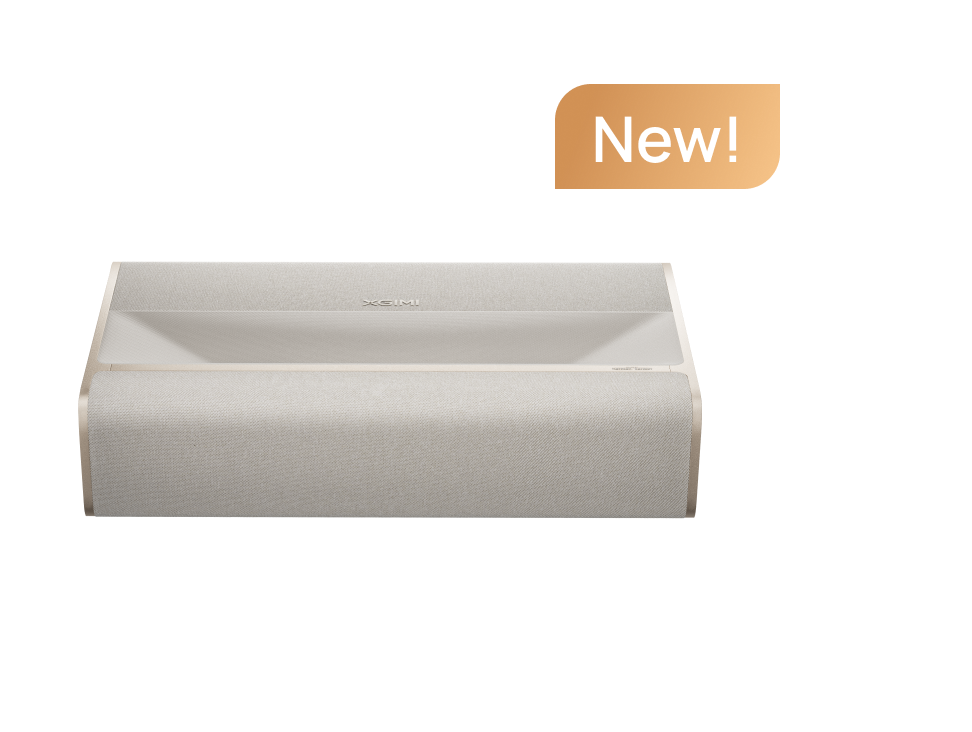
3. For Small Living Rooms: XGIMI AURA 2 Family
If you want a big-screen experience but don't have room for a conventional projector across the room, an ultra short throw design may be the answer.
The AURA 2 design uses a 0.177:1 throw ratio and is specified to create a 100-inch image from approximately 17.8 cm away from the wall.
Its published features include 4K UHD output, Dolby Vision, integrated Harman Kardon audio, and smart image adjustment.
This style of projector is especially appealing for homeowners who want a large screen without placing a large television in the room.
Check the current AURA generation and availability before choosing a specific model.
article_product3
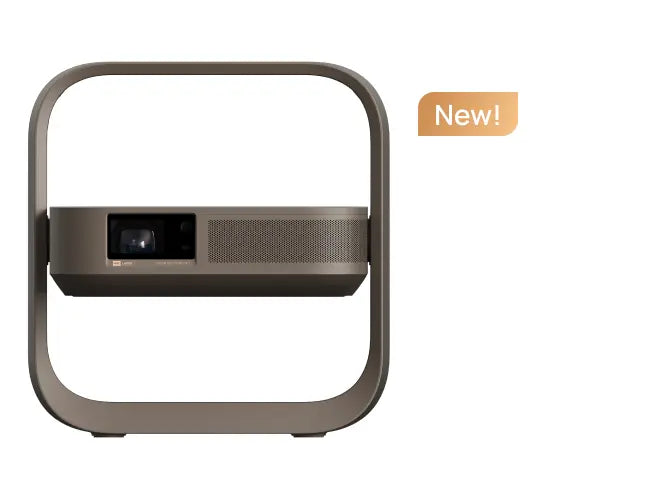
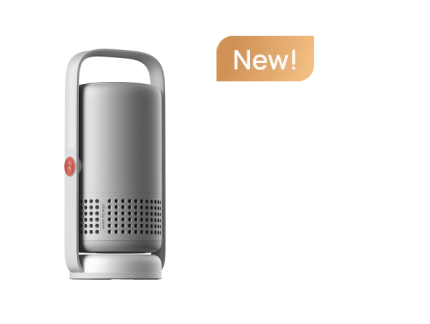
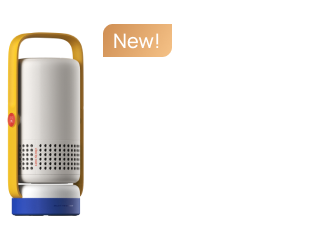
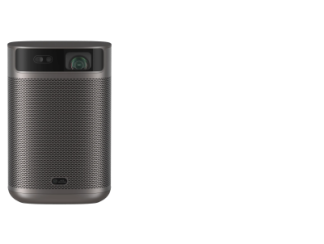
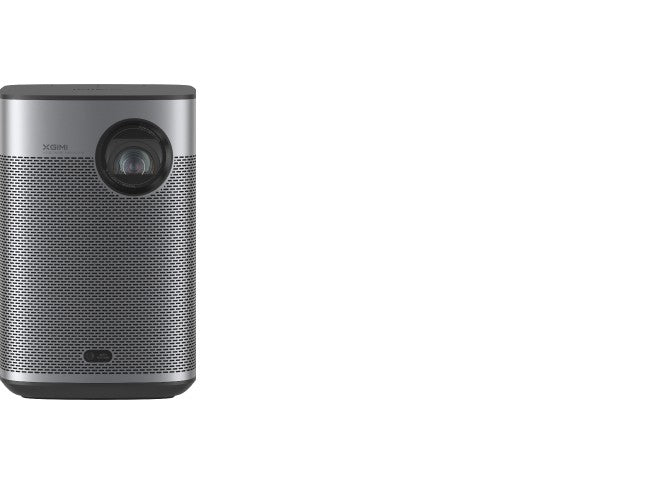
4. For Portable Movie Nights: XGIMI MoGo 4 Laser
A portable projector can make more sense than a full-size home theater model when flexibility matters most.
The MoGo 4 Laser offers:
- Native 1080p resolution.
- 550 ISO lumens.
- Triple-laser light source.
- Google TV with licensed Netflix.
- Built-in battery rated for up to 2.5 hours of video playback under specified Eco Mode conditions.
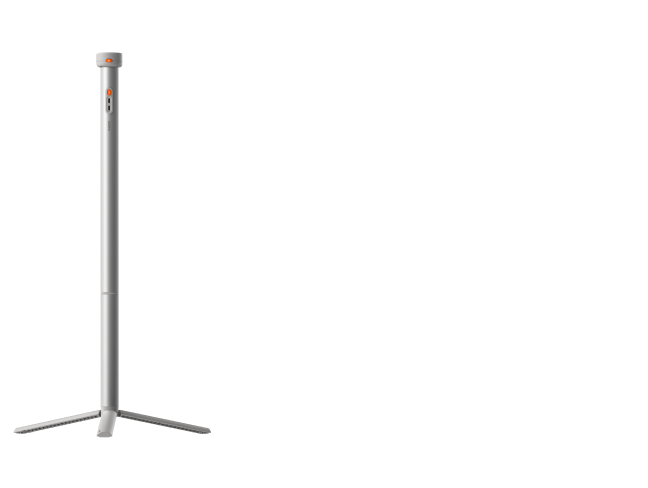
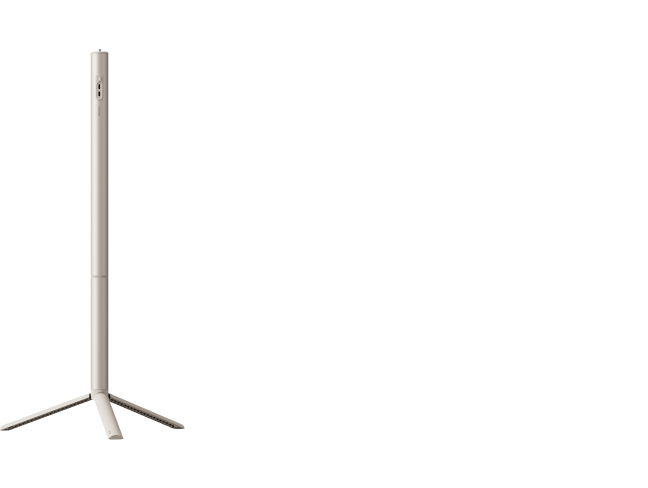
- Integrated 360-degree adjustable stand.
- Built-in Harman Kardon speakers.
Its compact design makes it suitable for bedroom streaming, casual movie nights, and occasional outdoor use after dark.
It isn't intended to replace a high-brightness projector in a sunlit living room.
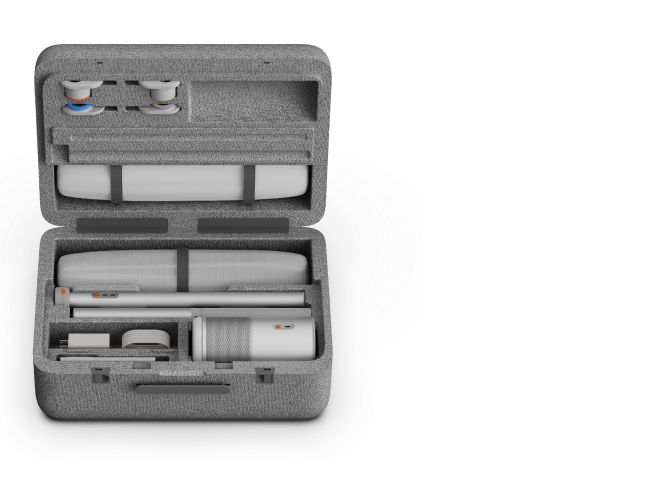
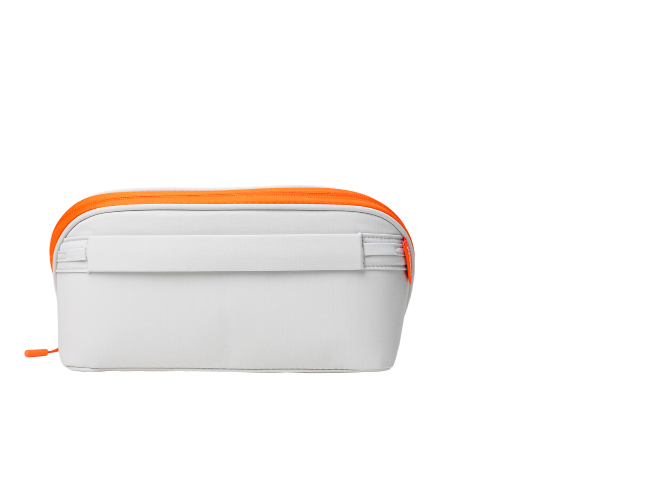
The compatible PowerBase Stand can extend viewing time under specified conditions, but buyers should confirm accessory compatibility and power requirements before purchasing.
Explore XGIMI MoGo 4 Laser, or browse the full portable projector collection.
article_product2
How Much Should You Spend on a Home Theater Projector?
Projector prices vary widely, from inexpensive entry-level models to premium home cinema systems costing several thousand dollars.
The best value depends on what you expect from the experience.
Entry-Level and Budget Projectors
If your priority is occasional movie nights in a dark room, a budget projector may be enough.
At lower prices, prioritize reliable native resolution, honest brightness specifications, focus quality, and connectivity over exaggerated marketing claims.
A cheaper projector with limited brightness can be enjoyable for casual viewing, but it may struggle with larger screens or ambient light.
Midrange Home Theater Projectors
Moving into the midrange often brings meaningful improvements in brightness, image processing, color performance, and setup features.
This is where many buyers will find a good balance between image quality and cost.
A midrange 4K projector can be an appealing choice for regular movie watching, especially when paired with a suitable screen and controlled lighting.
Premium and Enthusiast Projectors
More expensive models may offer advanced optical systems, higher light output, better contrast, wider color gamuts, and greater installation flexibility.
Home theater enthusiasts may also prioritize calibration controls, lens shift, native contrast, and measured HDR performance.
When comparing premium XGIMI models with alternatives from Epson, BenQ, or LG CineBeam, evaluate independent tests and the specific projector models rather than relying on brand reputation alone.
For example, an Epson Home Cinema model may appeal to buyers who prioritize traditional installation and certain LCD-based display characteristics, while a modern lifestyle projector may emphasize integrated streaming and automated setup.
No single technology or brand wins in every room.
Before making a decision, use the XGIMI projector comparison tool to compare features across models.
Remember to budget for the complete setup. A projector screen, stand or ceiling mount, audio equipment, blackout shades, and cables may all affect your final cost.
How to Set Up Your Home Theater Projector for the Best Picture Quality
Even an excellent projector can look disappointing if the room isn't prepared properly.
A few thoughtful setup decisions can make a noticeable difference.
Step 1: Control the Lighting
Start by identifying light sources that reach the screen.
Windows, lamps, overhead lights, and reflections from bright walls can reduce perceived contrast.
For the best movie experience, dim the room and avoid direct light hitting the projection surface.
A darker environment generally helps preserve black levels and color richness.
Step 2: Choose the Right Projector Screen
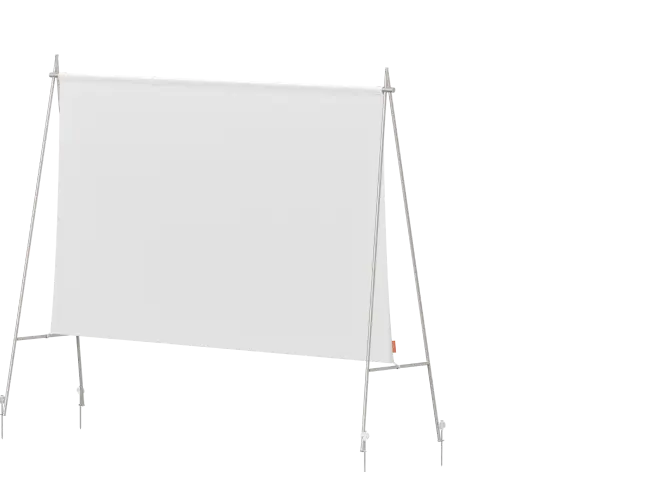
You can project onto a wall, but a dedicated screen often provides a more predictable surface.
Screen material affects brightness, viewing angles, color neutrality, and perceived contrast.
A conventional matte-white screen can work well in a light-controlled room.
For a brighter living room, a properly selected ambient-light-rejecting screen may improve the viewing experience.
UST projectors need screens designed for their steep projection angles.
Before buying, check screen gain, viewing angle, size, material, and compatibility with your projector.
Step 3: Measure Before Mounting
Determine your desired image size, then calculate the throw distance.
Make sure the projector can produce that size within its specified optical range.
Allow space for ventilation and cable connections.
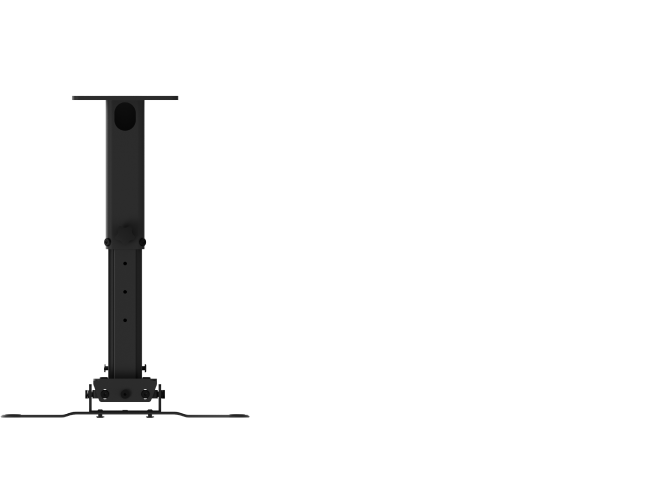
If you plan to ceiling-mount the projector, verify the mounting pattern, weight limit, and accessory compatibility.
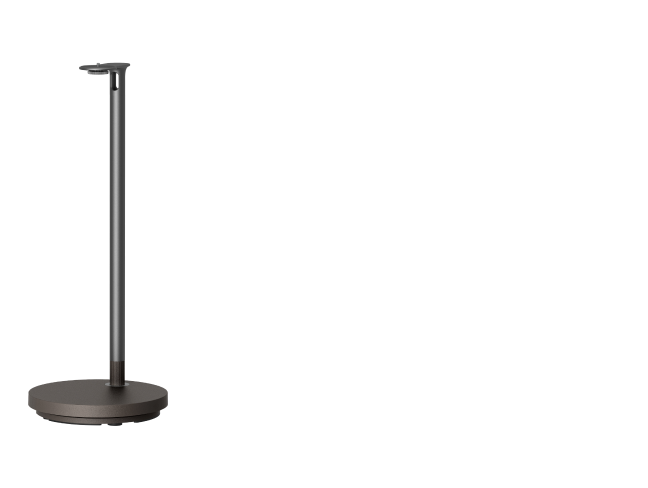
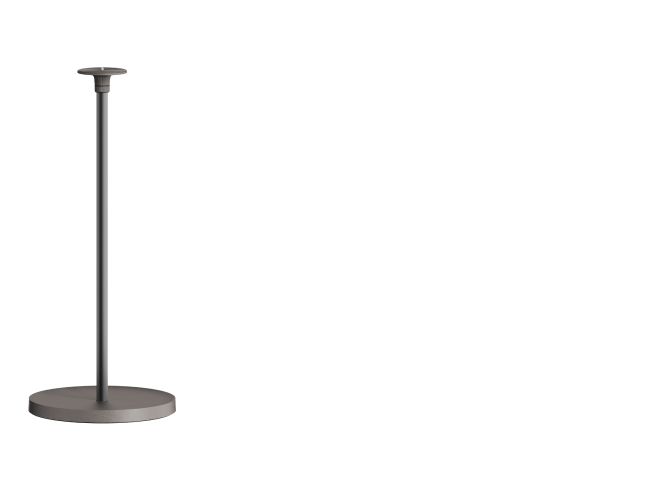
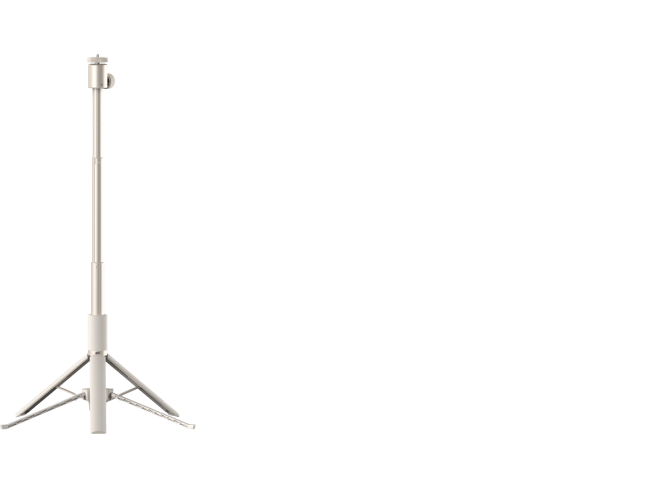
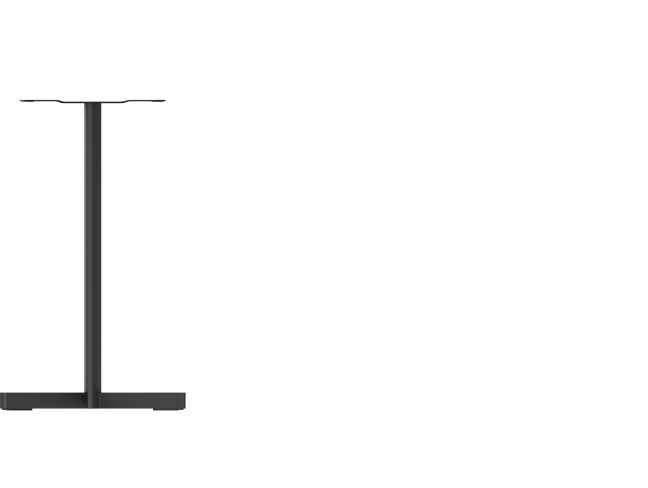
For temporary setups, choose a stable stand that supports the projector's size and weight.
Step 4: Align the Image and Adjust Focus
Position the projector as centrally as practical.
Use physical lens shift and optical zoom when available.
Autofocus and automatic keystone correction can help with quick setup, but inspect the final image for sharpness and geometry.
Avoid unnecessary digital zoom or heavy keystone correction when maximum detail matters.
Step 5: Adjust Picture Settings for Movies
A projector's brightest picture mode isn't always its most accurate.
For movie watching, try Cinema or Filmmaker Mode when available.
These modes may prioritize more natural color and appropriate image processing over maximum light output.
Also check HDR settings, color temperature, motion smoothing, and contrast.
For serious home theater use, professional calibration or reliable independent test recommendations can help you get closer to the director's intended image.
Step 6: Check Audio and Streaming
Before your first movie night, test your streaming apps, HDMI connections, and sound system.
If you're connecting a console, enable the appropriate gaming mode and confirm the supported signal format.
For external audio, check whether the projector and sound system support the connection you plan to use, such as HDMI ARC/eARC or optical audio.
A quick test before guests arrive can prevent a frustrating setup experience.
Final Thoughts: Choose the Projector That Fits Your Space
The best projector isn't necessarily the brightest, most expensive, or most feature-packed model.
It's the one that fits how you actually live.
If you have a dedicated dark room, invest in contrast, accurate color, and a quality screen. If you're creating a family entertainment space, prioritize brightness, convenient streaming, and flexible setup. If you want movie nights in different rooms or outdoors, a portable projector may be the more practical choice.
And if you're deciding between a projector and a large TV, think about the experience you want. For many movie lovers, the appeal of projection is the ability to enjoy a truly expansive 120-inch or larger image without installing an equally massive television.
Start with your room, decide on your screen size, and compare the features that matter most to you.
Explore XGIMI home theater projectors or compare XGIMI models to find the right fit for your next movie night.


