



Yes, you can use a projector during the day — but getting a good image in a bright room requires more than simply buying the brightest projector you can find.
The key is to balance three things: projector brightness, screen surface, and ambient light. Get the combination right, and you can enjoy movies, sports, and streaming without completely closing the curtains. Get one of them wrong, and even a high-brightness projector can produce a washed-out image.
Quick Answer: How to Set Up a Projector for Daytime Viewing
The right setup depends on how much natural light reaches your room and, most importantly, whether that light falls directly on the screen.
| Room condition | Recommended setup |
|---|---|
| Indirect or diffused daylight | 2,000+ ISO lumens + suitable projection screen |
| Multiple windows with diffused light | 3,000+ ISO lumens + ALR screen recommended |
| Direct sunlight on the screen | Reduce incoming sunlight + high-brightness projector + ALR screen |
| Dark or light-controlled room | 1,500+ ISO lumens + standard matte white screen can work well |
These are practical guidelines rather than universal requirements. Screen size, screen gain, projector settings, room geometry, and the direction of ambient light can all change the result.
For most living rooms with indirect daylight, a projector around 2,000–3,000 ISO lumens is a useful starting point. If your room is significantly brighter, a higher-output projector gives you more headroom.
An ALR (Ambient Light Rejecting) screen can make an especially noticeable difference in a bright room because it is designed to control how projected and ambient light are reflected.
Can You Use a Projector During the Day?
Absolutely. The challenge isn't that projectors cannot produce enough light during the day, but that the screen reflects both the projector's light and unwanted ambient light.
A projector cannot create black. It can only add light to the projection surface, so ambient light can make dark scenes appear gray. This is why simply buying a brighter projector isn't always the complete solution.
In rooms with indirect daylight, a brighter projector can help maintain a watchable image. However, when direct sunlight or strong artificial light hits the screen, controlling ambient light becomes just as important as projector brightness.

How Many Lumens Do You Need for Daytime Viewing?
Brightness is one of the most important factors when choosing a projector for daytime use, but there is no single lumen number that guarantees a good image in every room.
As a practical guideline, around 2,000 ISO lumens is a useful starting point for indirect daylight, while 3,000+ ISO lumens provides more headroom for rooms with significant diffused light from multiple windows.
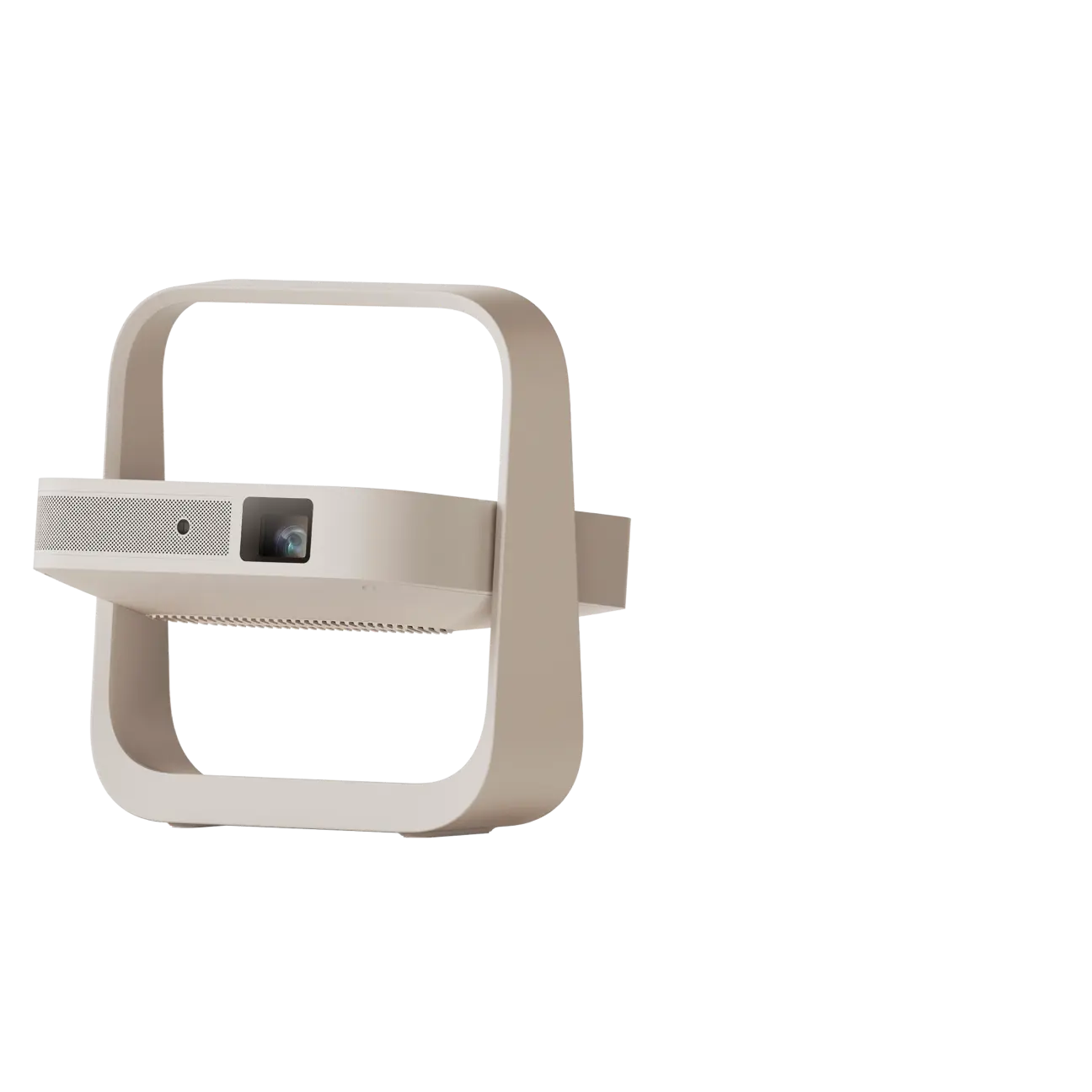
With that context, here's how the XGIMI lineup maps to daytime viability:
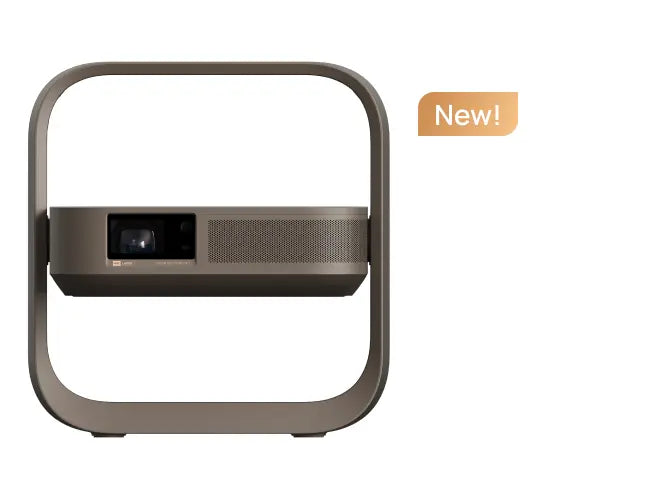
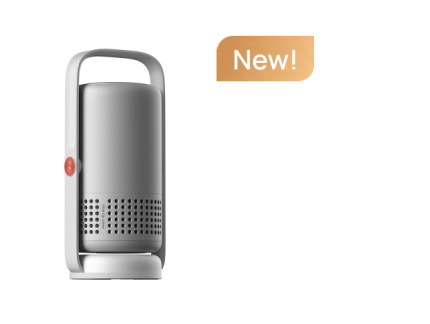
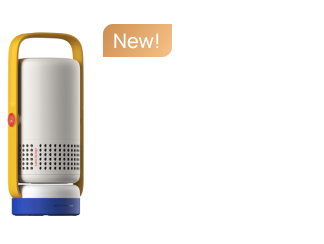
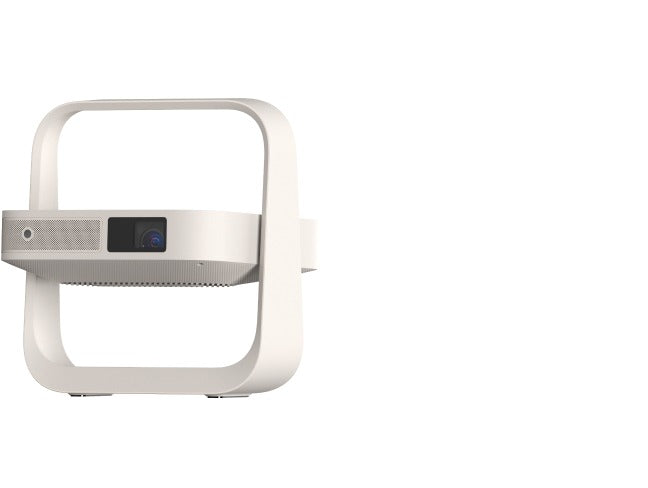
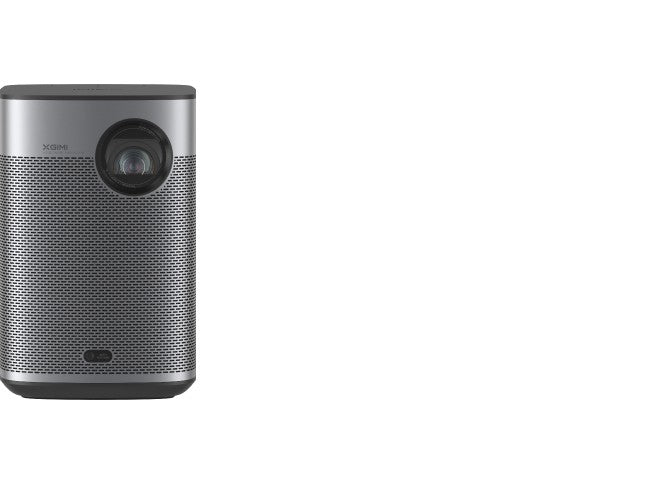
- XGIMI Elfin Flip 4K — 1,600 ISO lumens (RGB Triple Laser): Struggles more noticeably in ambient light. Indirect daylight from a partially shaded window can wash out darker scenes. Best used in rooms where you can at least reduce incoming daylight with sheer curtains or blinds.
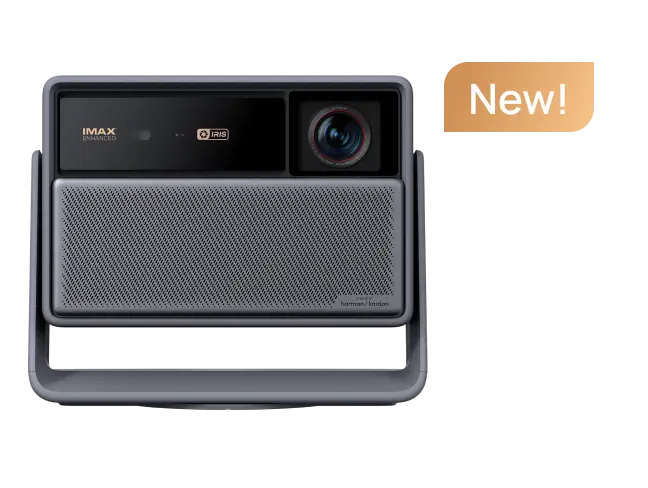
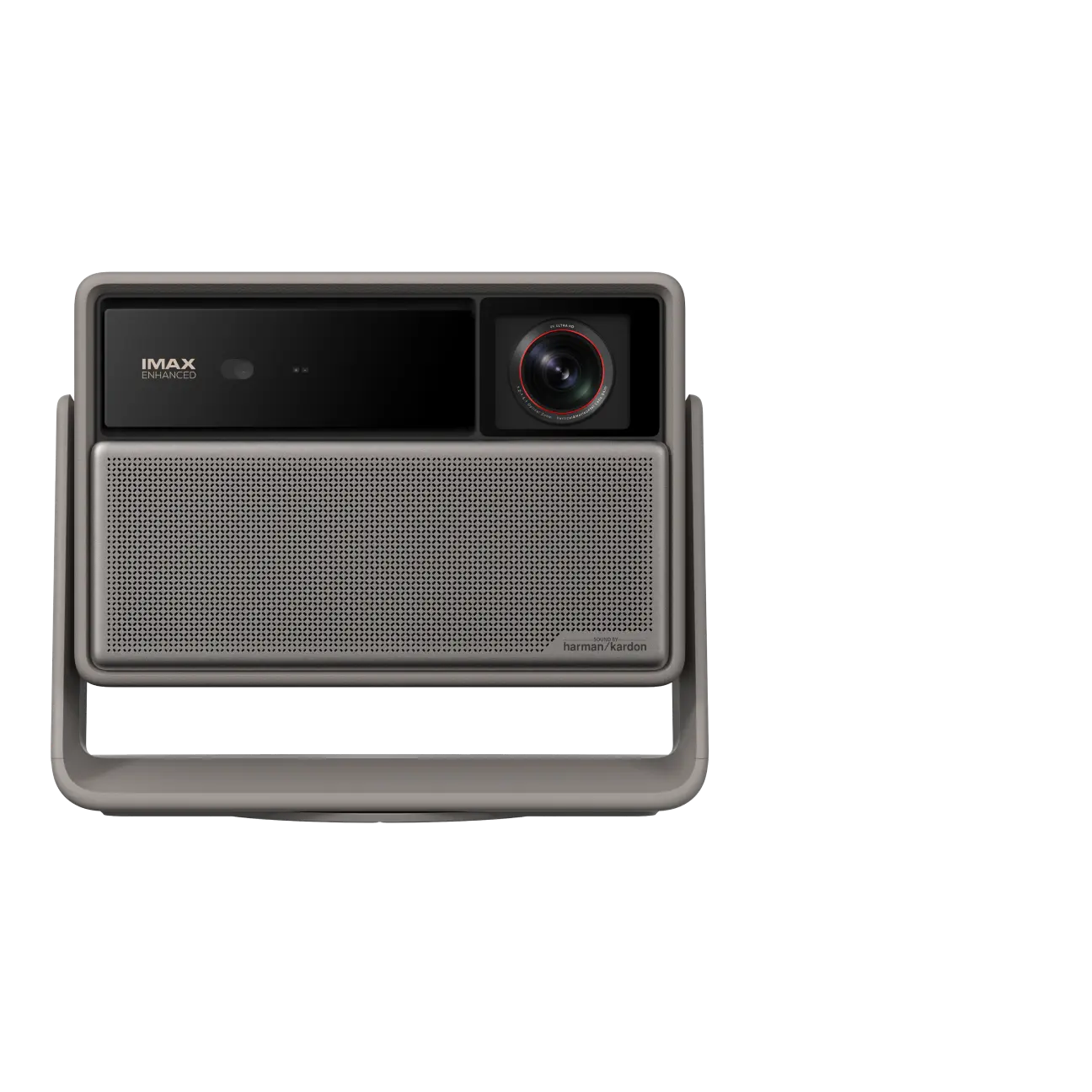
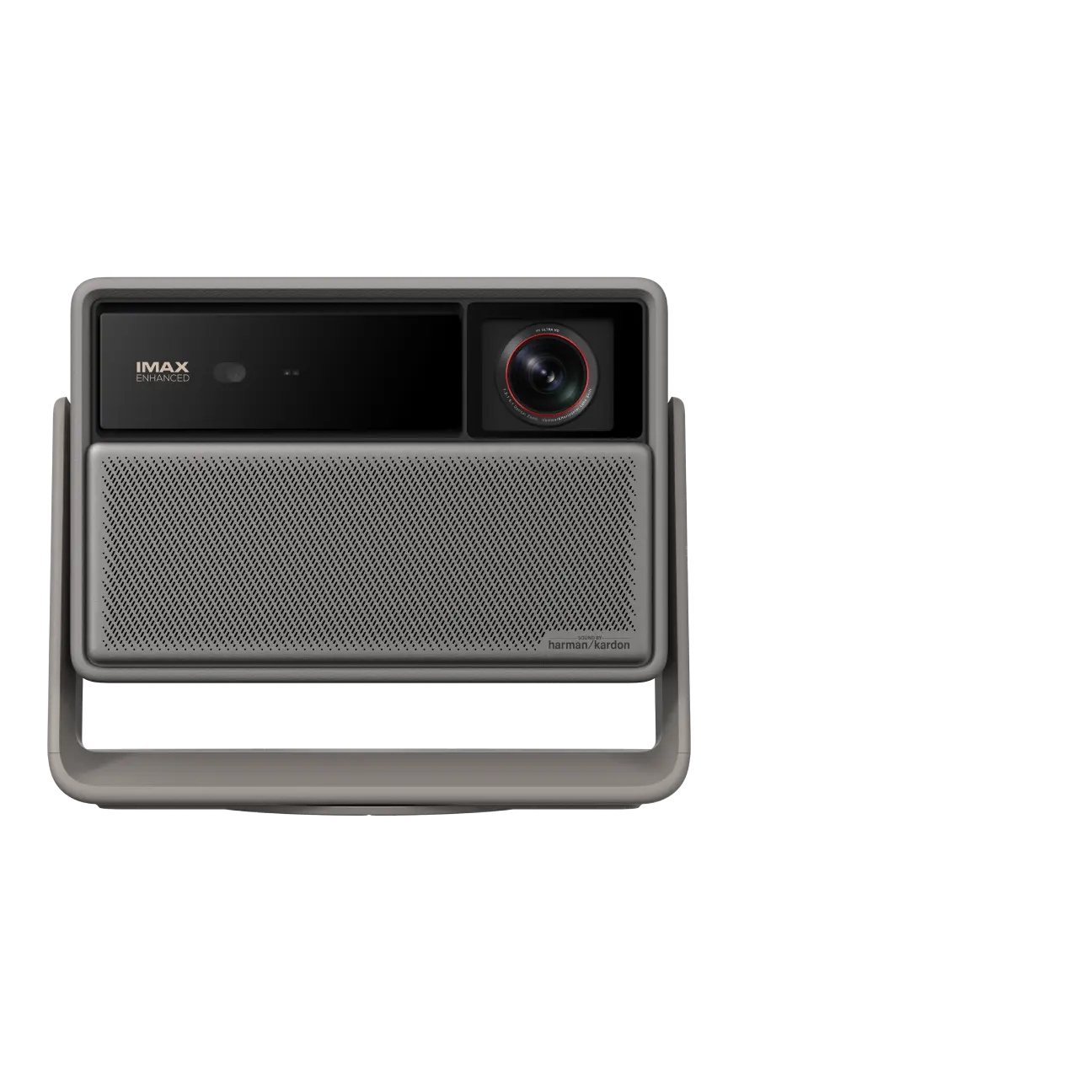
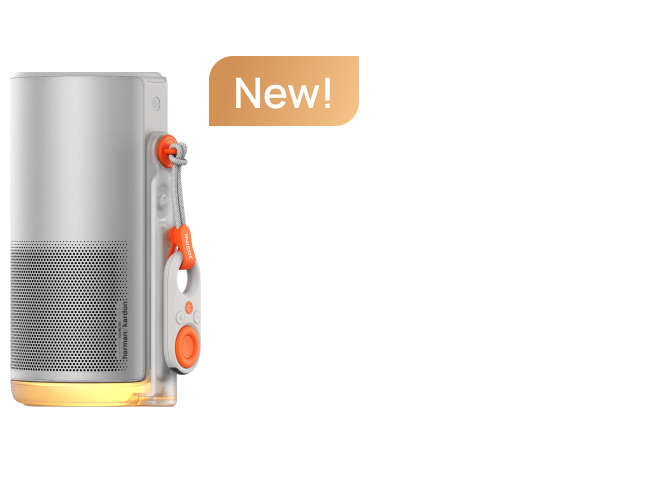
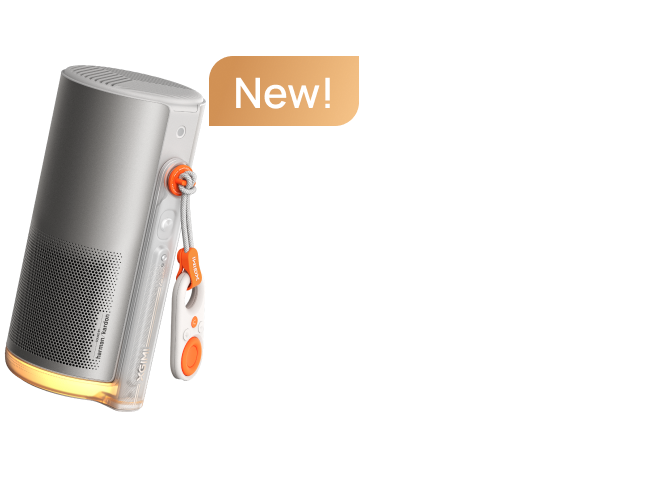
- XGIMI HORIZON Ultra — 2,300 ISO lumens (Laser/LED Hybrid): A practical starting point for daytime use in rooms with indirect or diffused natural light. Its higher brightness provides more headroom than lower-output models when some ambient light remains in the room.
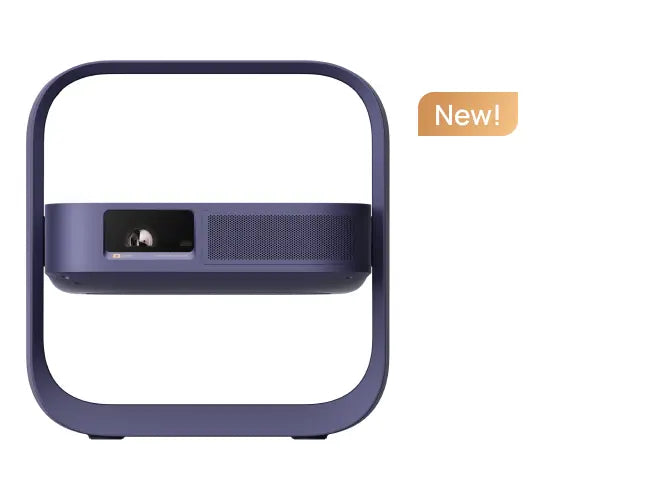
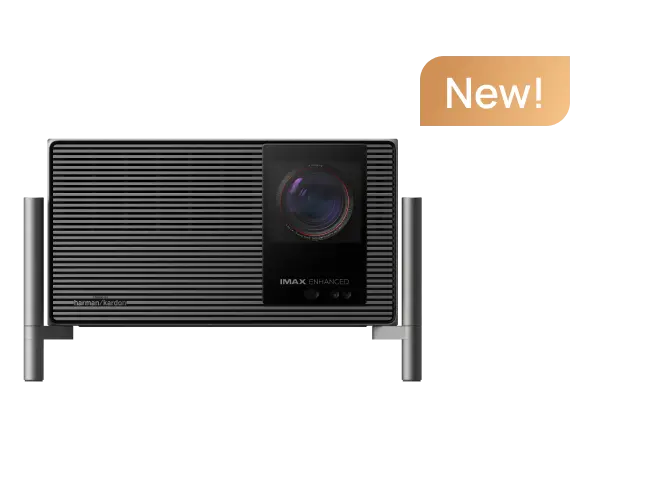
- XGIMI HORIZON 20 series — 3,200–5,700 ISO lumens (RGB Triple Laser): Provides substantially more brightness headroom for brighter rooms. At 3,200+ ISO lumens, the projector can tolerate more ambient light before the image becomes visibly compromised, although the final result still depends on screen size, screen surface, and room lighting.
article_product2
Conclusion: Treat around 2,000 ISO lumens as a practical starting point for indirect daylight, and 3,000+ ISO lumens as a useful target for rooms with more significant diffused light from multiple windows.
Note: These are practical guidelines, not universal standards. Screen size, screen gain, projector settings, and light geometry can all shift the threshold.
What About ISO Lumens vs. ANSI Lumens?
Brightness specifications carry a hidden complexity worth understanding before you shop. ISO/IEC 21118 covers measurement and specification requirements for data projectors, including light output.
ISO and ANSI measurements use different standards, so they should not simply be treated as interchangeable numbers. There is no universal mathematical conversion that applies to every projector. For practical comparisons, the safest approach is to compare projectors using the same standardized brightness measurement and check the manufacturer's stated measurement standard.

Step-by-Step: How to Set Up Your Room for Daytime Projection
Before buying anything, walk through your room with these questions. Your answers will determine which combination of projector, screen, and light management you actually need.
Step 1 — Identify Your Dominant Light Source
Stand at the screen position and look toward the projector. Is the main light source behind you, such as ceiling lights or rear windows? Or is it coming from the sides, such as lateral windows?
Where the light comes from matters as much as how much light is in the room. For ALR screens, the direction of the ambient light relative to the projector is especially important.
Ceiling lights directly above the screen can be particularly problematic because they may illuminate the screen surface from an angle that interferes with the projected image.
Step 2 — Check for Direct Sunlight
Does sunlight fall directly on the screen surface at any point during your typical viewing hours?
If yes, no standard projector setup can completely eliminate the effect of that ambient light.
Even ALR screens have limits. Their performance depends on the direction and intensity of incoming light, so direct sunlight can still significantly reduce image quality. Partial shading of the window is therefore strongly recommended when direct sunlight reaches the screen.
This is the scenario where some curtain or blind use remains necessary, even if you have a high-brightness projector and an ALR screen.
Step 3 — Assess Your Wall or Screen Surface
Is your wall smooth, flat, and painted matte white or light gray?
Surface characteristics matter because the projection surface affects how evenly light is reflected.
A surface that is too smooth can produce excessive gloss and hot spotting, while a surface that is too rough can interfere with image resolution. Draper's technical guidance identifies surface color, smoothness, gloss, and gain as important factors in screen performance.
If your wall has significant texture, a dedicated screen — even a basic matte white one — can provide a more consistent projection surface. In rooms with substantial ambient light, an appropriately selected ALR screen can provide additional control over unwanted light.
Step 4 — Determine Your Throw Distance
Standard-throw projectors, such as the HORIZON Ultra at 1.2:1–1.5:1, need sufficient throw distance for the desired screen size.
UST projectors, such as the AURA 2 at 0.177:1, sit inches from the screen — useful when your room layout doesn't allow a projector across the room.
Note that UST projectors require a flat, rigid screen surface for optimal geometry. Projecting onto an uneven wall can produce geometric distortion and surface irregularities that software correction cannot fully eliminate.
Step 5 — Match Projector Brightness to Your Room
Use the brightness guidance above as a starting point rather than a strict formula.
If your room has indirect daylight only, such as shaded windows, around 2,300 ISO lumens can be workable with an appropriate screen. If you have multiple windows with diffused light, 3,000+ ISO lumens provides more useful headroom.
If you have direct sunlight, reducing the incoming light remains important regardless of projector brightness.
Best Daytime Projector Setup for Different Rooms
There is no single "best" daytime projector setup for every room. The right combination depends on how much ambient light you have and how much control you want over the room.
1. For Rooms With Indirect Daylight
A projector around 2,000–2,500 ISO lumens can be a practical starting point. If the windows are shaded and direct sunlight does not reach the screen, you may not need an ALR screen, although one can still improve daytime performance.
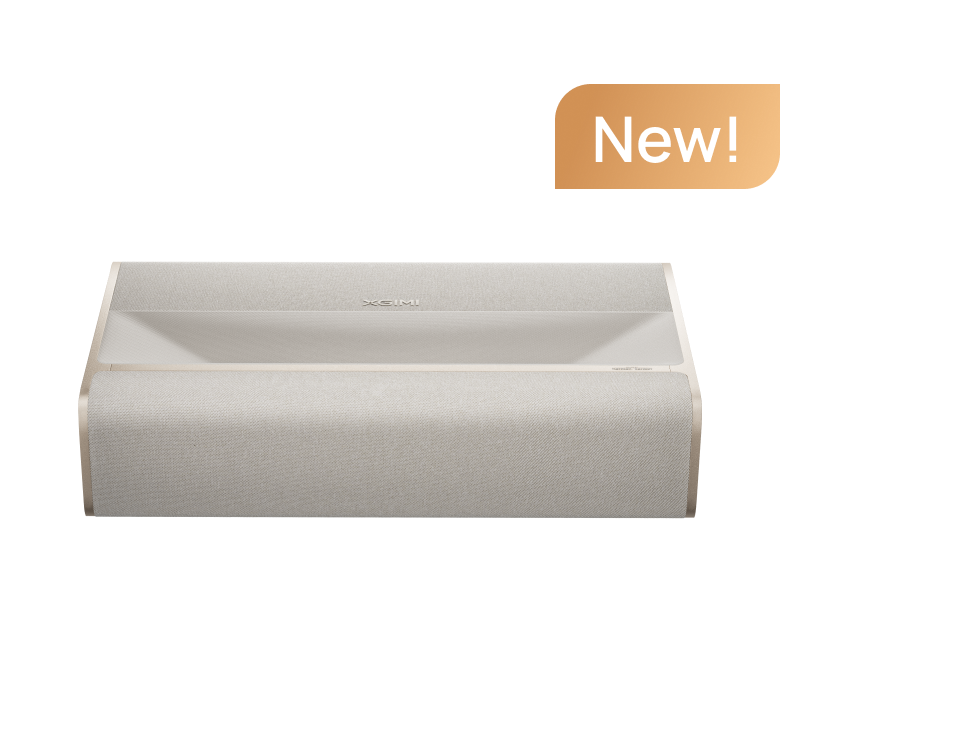
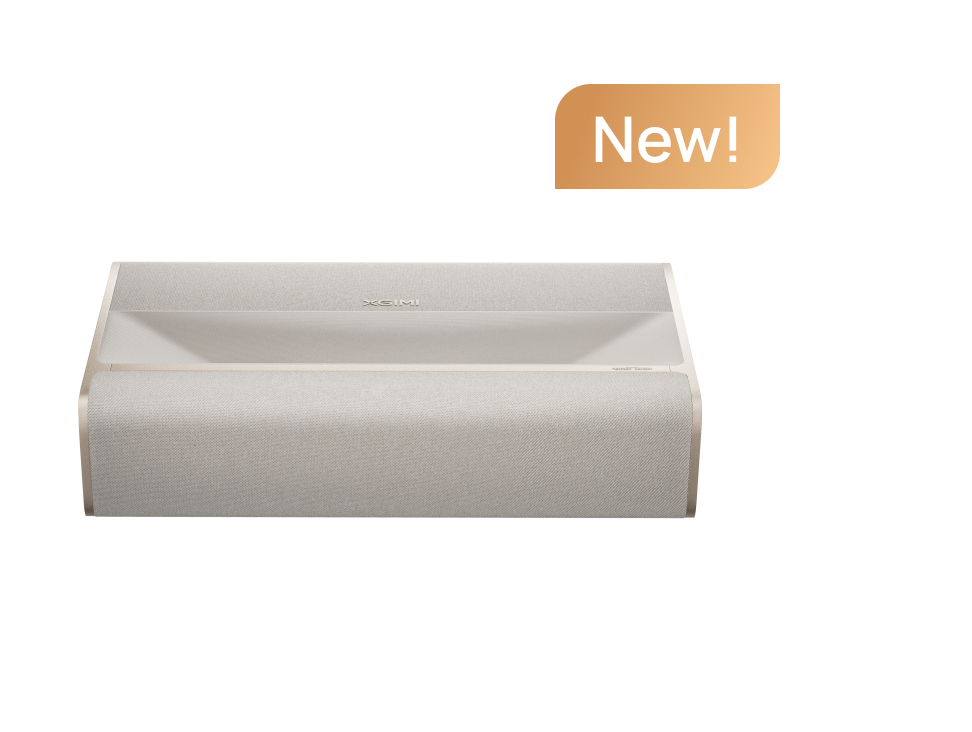
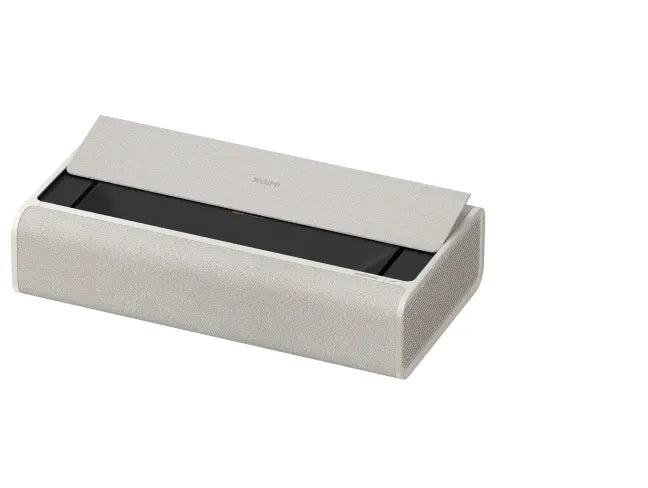
XGIMI MIRA 4K UST laser projector with 2000 ISO lumen brightness is a practical starting point for daytime home cinema.
article_product3
2. For Bright Living Rooms
If your room has multiple windows and significant diffused daylight, a projector with 3,000+ ISO lumens provides more brightness headroom.
An ALR screen becomes more valuable here because it can help control the ambient light reaching the viewing area.
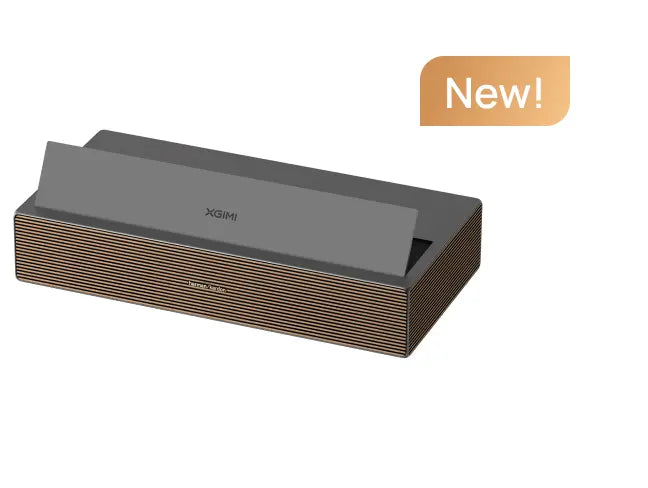
The XGIMI HORIZON 20 series, with 3,200–5,700 ISO lumens depending on the model, is designed to provide substantially more brightness headroom for brighter environments.
article_product1
3. For UST Daytime Projection
UST projectors are particularly convenient in living rooms because they can sit close to the screen rather than requiring a long throw distance.
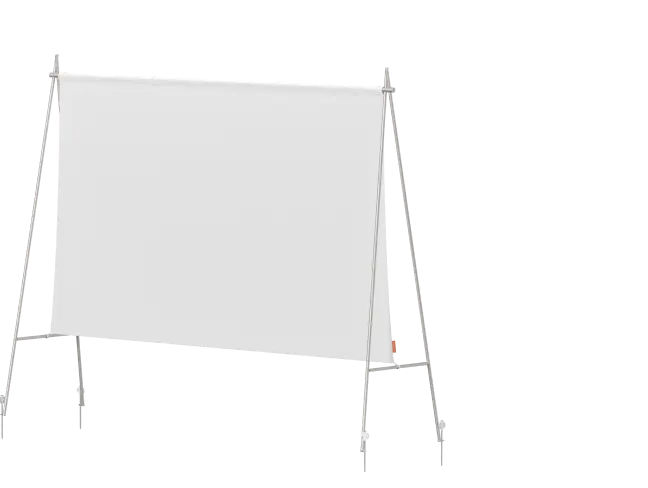
For daytime use, however, the screen becomes especially important. A dedicated UST ALR screen provides a more controlled projection surface and is designed around the optical characteristics of UST projection.
The XGIMI 100" UST ALR Screen is rated at 80% ambient light rejection and 1.4× gain.
4. For Light-Controlled Home Theaters
If you already have a dedicated room with blackout curtains and controlled lighting, you have much more flexibility.
In this environment, a standard matte white screen can perform very well, and ALR may provide little additional benefit. You also do not need to prioritize extremely high projector brightness simply to overcome daylight.

Who Is a Daytime Projector Setup Best For?
Living Rooms With Natural Light
This setup is ideal for homeowners and apartment renters who use their living room or open plan space for daytime streaming, sports, or casual movie watching, especially when closing all the curtains is impractical.
If you're in the target group, who wants to watch movies in the living room, natural light, no desire to redecorate around a projector, the XGIMI HORIZON 20 at 3,200 ISO lumens (Laser Light Source) is a practical starting point for daytime home cinema.
When a Daytime Projector Setup Is Not Necessary
Dedicated home theater enthusiasts with a light controlled room and blackout curtains may not need this approach. A standard matte white screen and a suitably bright projector can perform very well in that environment, while ALR may provide little additional benefit.
This setup is also not intended for outdoor or battery powered portable use, where different constraints apply.
Do You Need an ALR Screen for Daytime Projection?
You don't always need an ALR screen for daytime viewing, but it can be one of the highest-leverage upgrades in a lit room.
A standard white wall or matte white screen reflects both projected light and ambient light, so it provides little directional control over unwanted room light. An ALR screen is designed to use directional optical properties to preserve more of the projector's light while reducing the impact of ambient light arriving from certain directions.
According to Draper's technical white paper, ALR surfaces use reflective properties to direct projector light toward the audience while reflecting off-axis ambient light away from viewers. Stewart Filmscreen similarly explains that angular-reflective screens control where incoming light is reflected, allowing projector light to be directed toward the viewing area while unwanted ambient light can be redirected away.
When Is an ALR Screen Most Useful?
An ALR screen is particularly useful when:
- Your room receives significant natural light during the day.
- Multiple windows create diffused ambient light.
- You want to watch with the curtains partially open.
- You are using a high-brightness projector in a living room rather than a dedicated home theater.
- You are using a UST projector and want to maximize daytime image quality.
However, ALR is not magic. It does not make ambient light disappear, and its performance depends on the direction of the projector light, ambient light, and viewers.
What Are the Limitations of an ALR Screen?
- Viewing angle can narrow. More directional ALR surfaces typically have a narrower optimal viewing cone. Draper notes that increasing specular reflection generally creates trade-offs in viewing angle, while Stewart explains that ALR techniques can involve a defined viewing "sweet spot" to varying degrees.
- Light direction matters. An ALR screen is not equally effective against every type of ambient light. If ambient light reaches the screen from a direction similar to the projector's intended reflection path, the screen may have less ability to reject it.
- Not every ALR screen works with every projector. Throw ratio, projector position, screen geometry, viewing angle, gain, and ambient-light direction all affect performance. Different ALR surfaces can have different recommended throw ratios and viewing characteristics.
- Projector position matters. For ALR screens designed around a specific projection angle, changing the projector's position can disrupt the intended optical geometry. This is especially important when considering ceiling mounting or UST installation.
Why Does Ambient Light Make a Projector Look Washed Out?
This is where the physics behind daytime projection becomes important.
A projector with high peak brightness can produce a bright white image, but ambient light also raises the luminance of areas that should appear dark. As a result, the difference between bright and dark areas, or perceived contrast, decreases.
The ANSI/INFOCOMM 3M-2011 standard addresses the measurement of projected image system contrast ratio in spaces with ambient light, providing methods for evaluating projector performance under real-world conditions rather than only in a fully dark room.
Stewart Filmscreen's technical analysis illustrates the same principle: ambient light falling on a projection surface can reduce contrast, while a properly designed angular-reflective screen can direct projector light toward viewers and unwanted ambient light away from the viewing area.
This is why brightness and light control need to be considered together. A brighter projector can add more projected light, but it cannot remove ambient light already reflected from the screen.
What Does Daytime Projector Performance Look Like in Practice?
The benchmark data for different setup combinations illustrates how projector and screen choices interact under ambient-light conditions. These figures are examples rather than universal performance guarantees, as actual results vary with projector output, screen size, screen gain, ambient-light intensity, viewing angle, room geometry, and projector settings.
A lower-brightness projector on a white wall with direct sunlight can become difficult to watch because ambient light significantly reduces perceived contrast and color saturation. This isn't necessarily a projector failure; it is a consequence of adding uncontrolled ambient light to the same projection surface.
A high-brightness projector on a white wall with indirect daylight is generally more watchable, but the image can still be compromised. As ambient light increases, the screen surface becomes increasingly important. Glossy surfaces can create hot spots, while textured walls can introduce visible surface patterns.
The key takeaway is simple: the right screen can significantly improve projector performance in a bright room, but an ALR screen cannot eliminate ambient light altogether.
For a UST setup, pairing a UST projector with a purpose-built UST ALR screen can provide a substantial improvement over a plain white wall. XGIMI's 100" UST ALR Screen, for example, is rated at 80% ambient light rejection and 1.4× gain. Actual image performance will depend on the complete projector-screen-room setup.
One scenario that can surprise buyers is using an ALR screen with a projector outside the screen's intended optical geometry. Because ALR surfaces are directional, changing the projector's position can reduce their effectiveness or create uneven brightness. This is why the screen's recommended throw ratio, viewing angle, and installation orientation should be checked before installation.
Important Note on Performance Data
The brightness thresholds, contrast figures, screen performance values, and other numerical examples in this guide are provided for general reference and illustration. Actual results may vary depending on the projector model, screen material, screen size, ambient-light conditions, installation geometry, measurement method, and other environmental factors. Specifications and measurement standards may also be updated or reported differently across sources and over time. Please refer to the latest manufacturer specifications and applicable measurement standards when making purchasing or installation decisions.


